How to Create a New eBay Listing Using Frooitions Quick List
Open this page in Frooition /ebay/listingLearn how to streamline your selling process by using the Frooition quick create tool to draft eBay listings. This guide covers everything from entering item titles and selecting categories to uploading photos and setting your price.
1. Navigate to https://freedom.frooition.com/ebay/
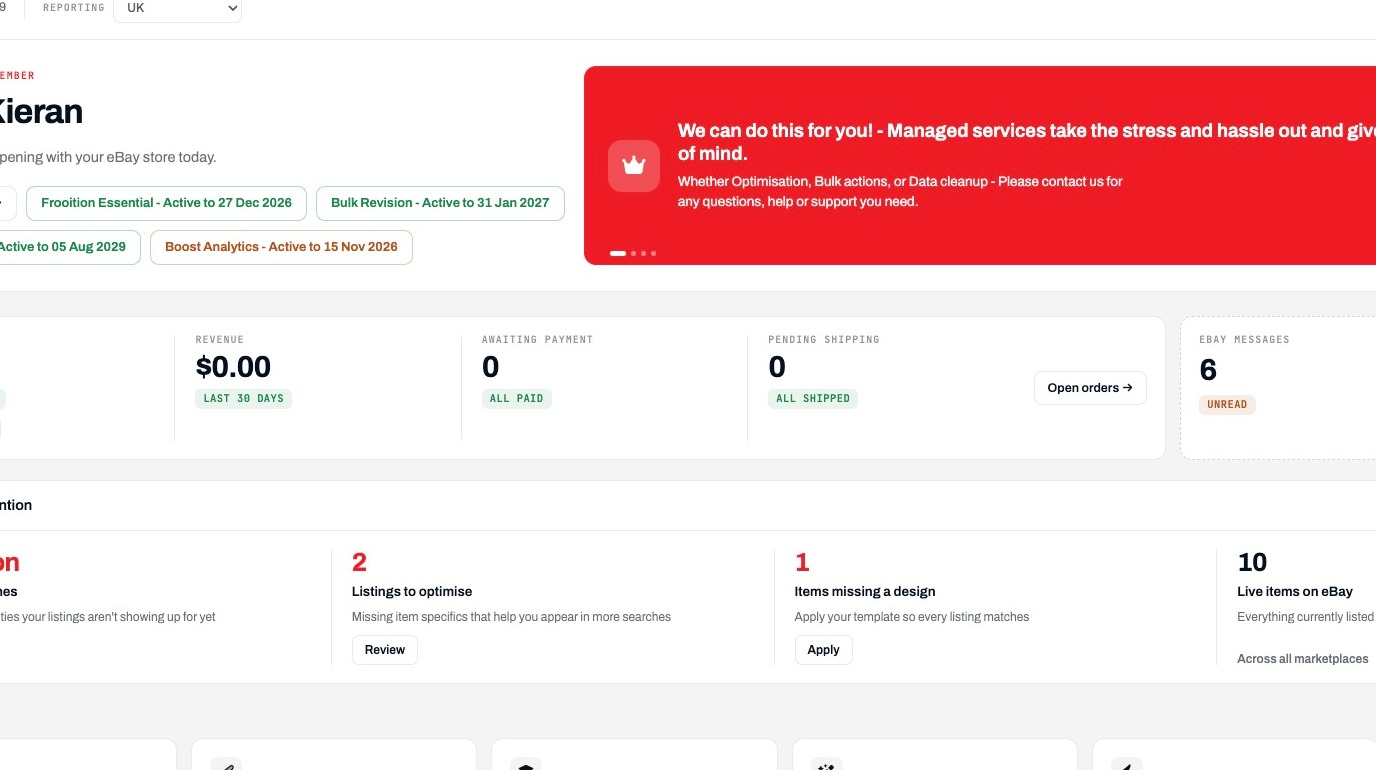
Listing Navigation
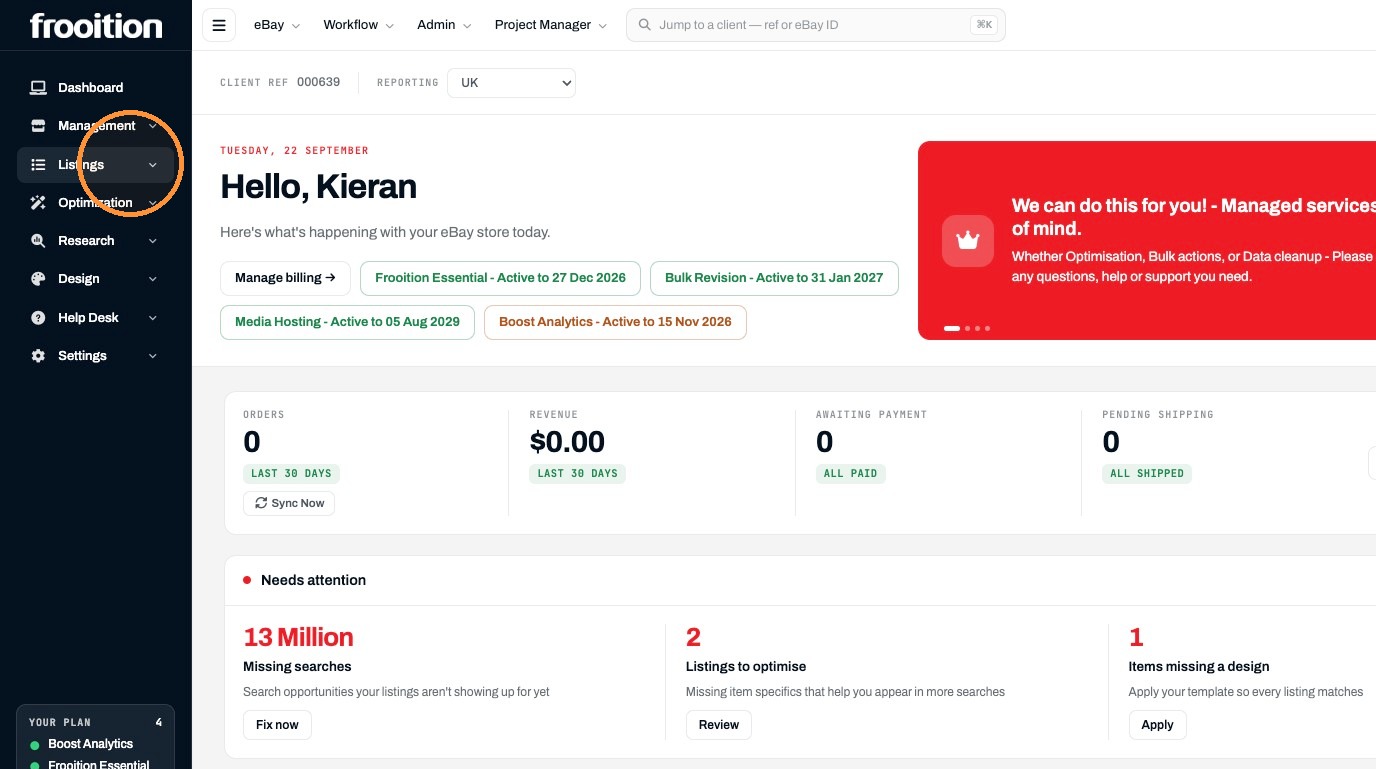
2. Click "Listings"
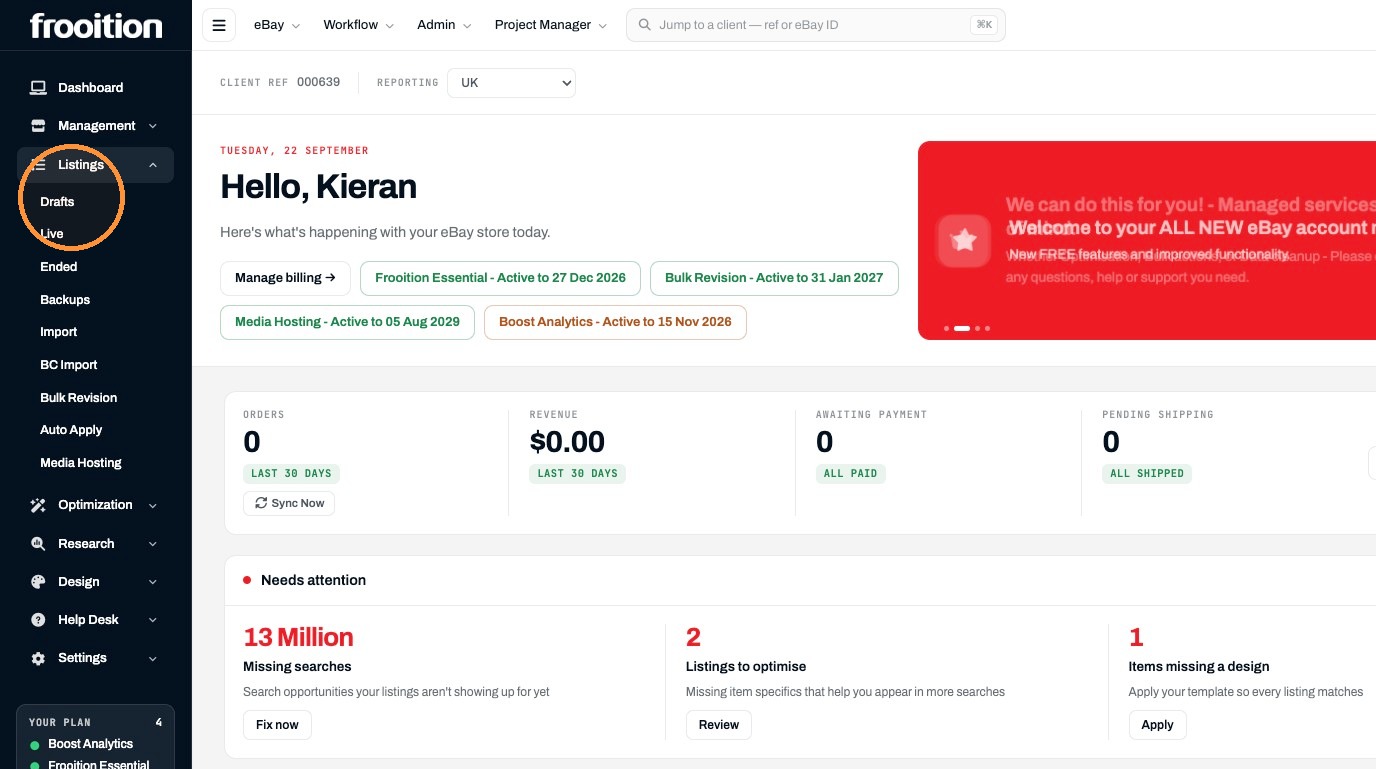
3. Click "Drafts"
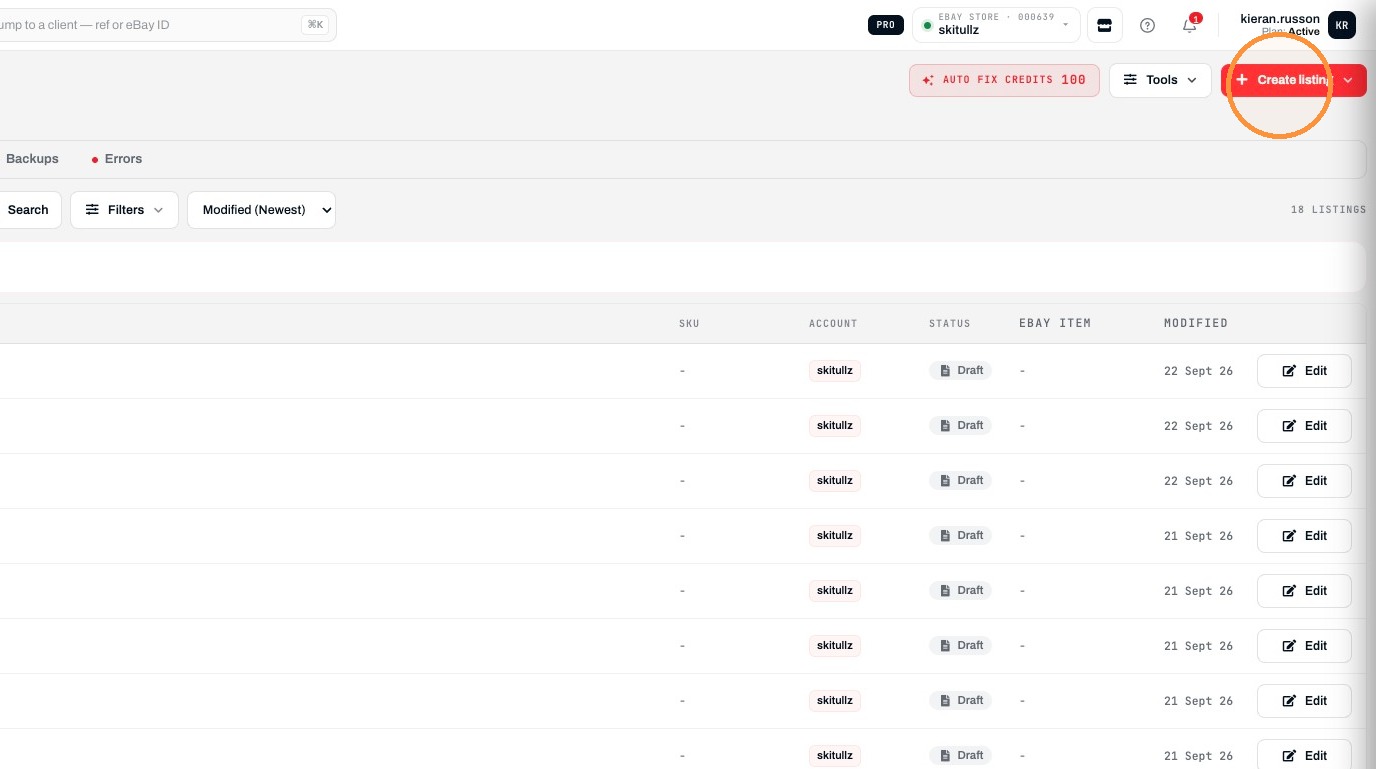
4. Click "Create listing"
5. Click "Quick create"
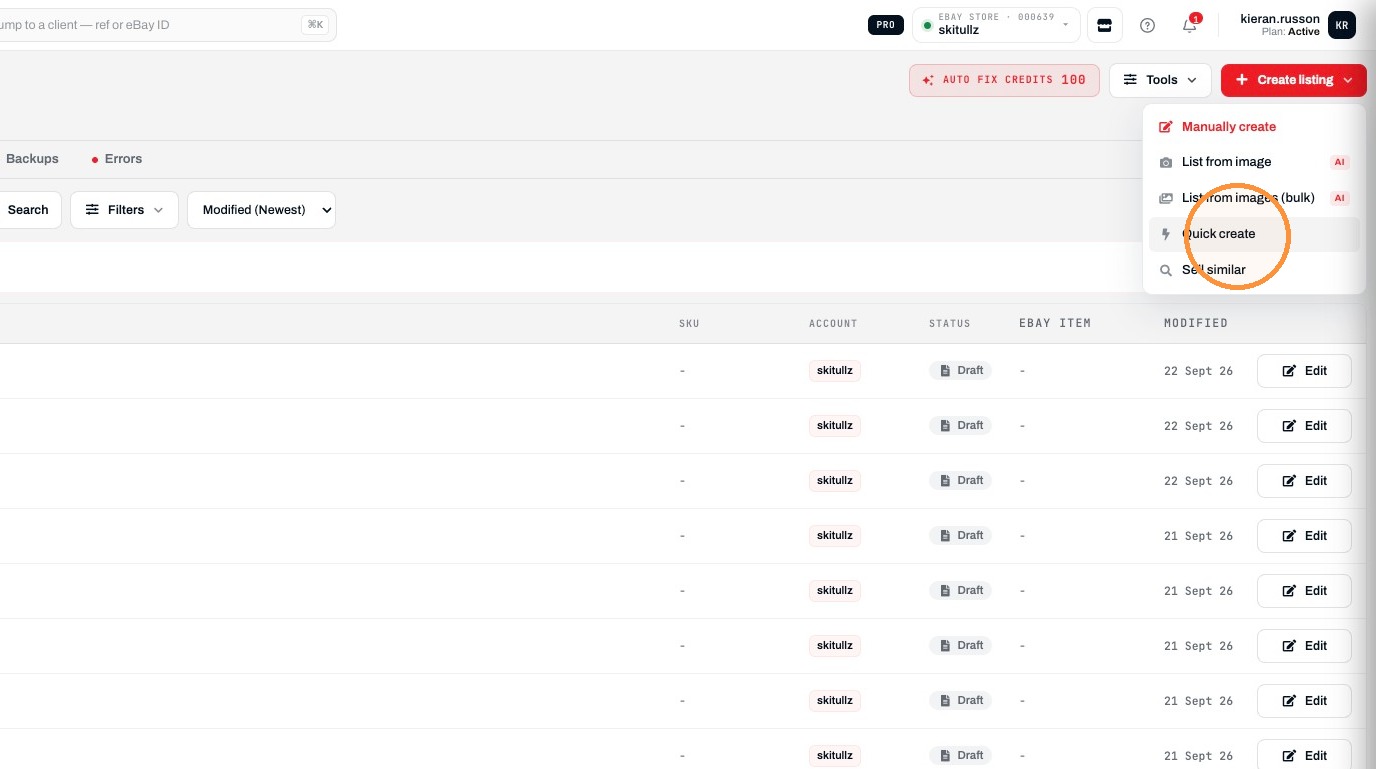
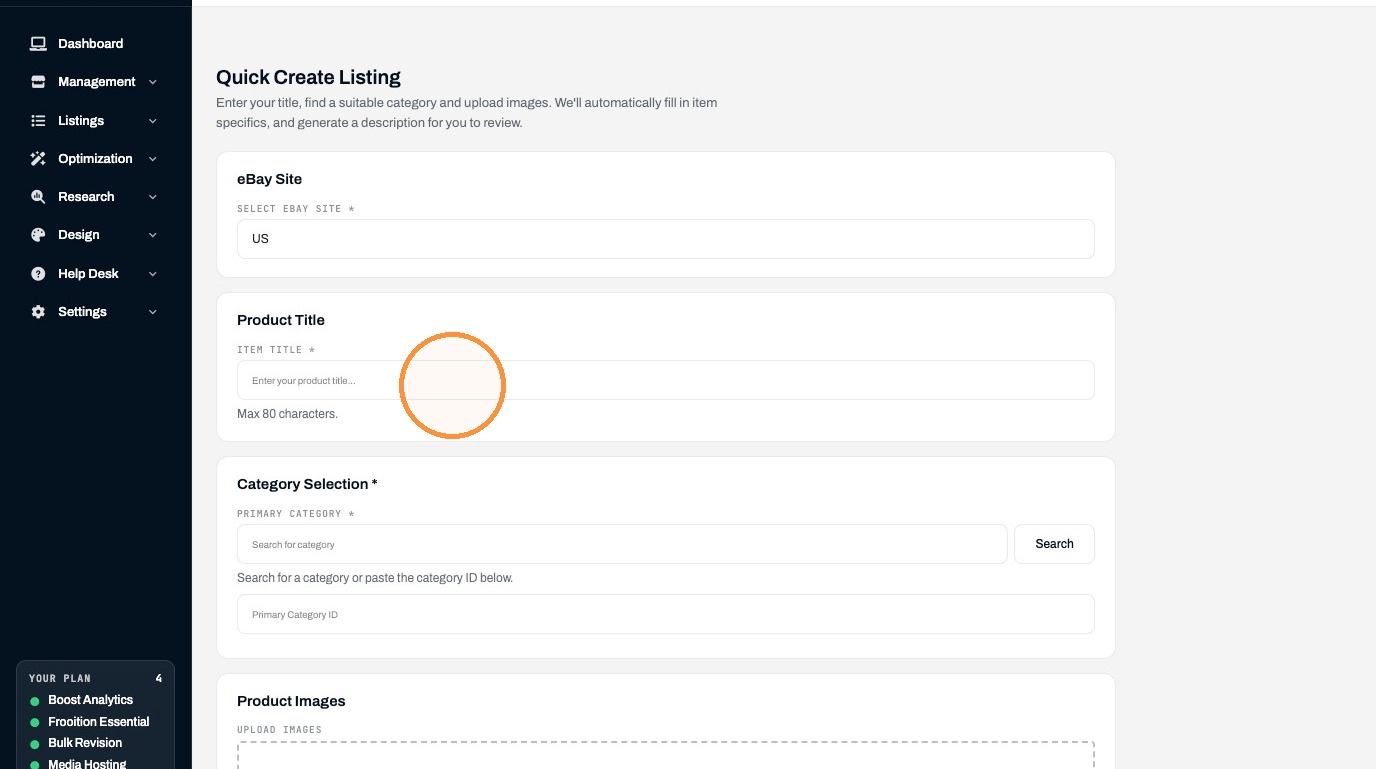
Listing Details
6. Type "Nike Air Force 1" in the Item Title field
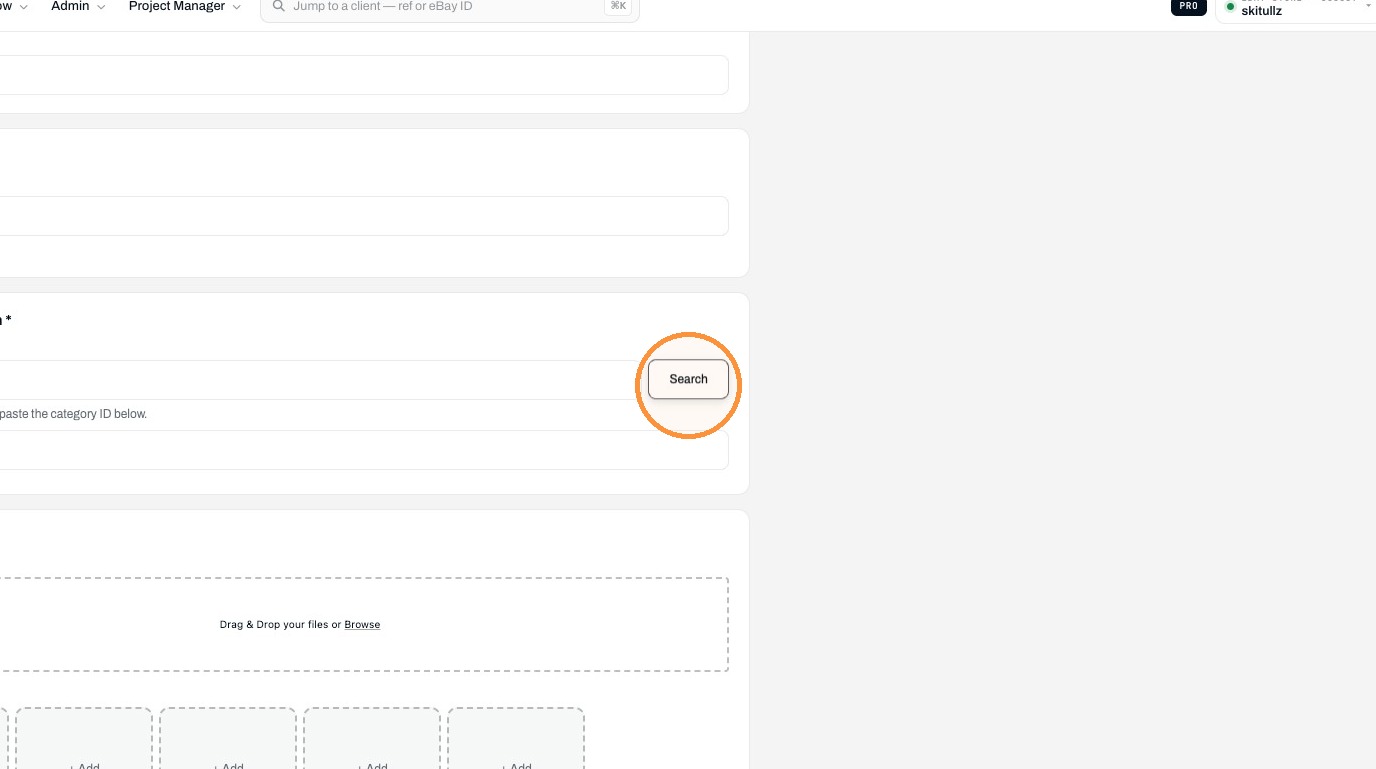
7. Click "Search"
8. Click "Men's Shoes > Men > Clothing, Shoes & Accessories > Athletic Shoes (15709)"
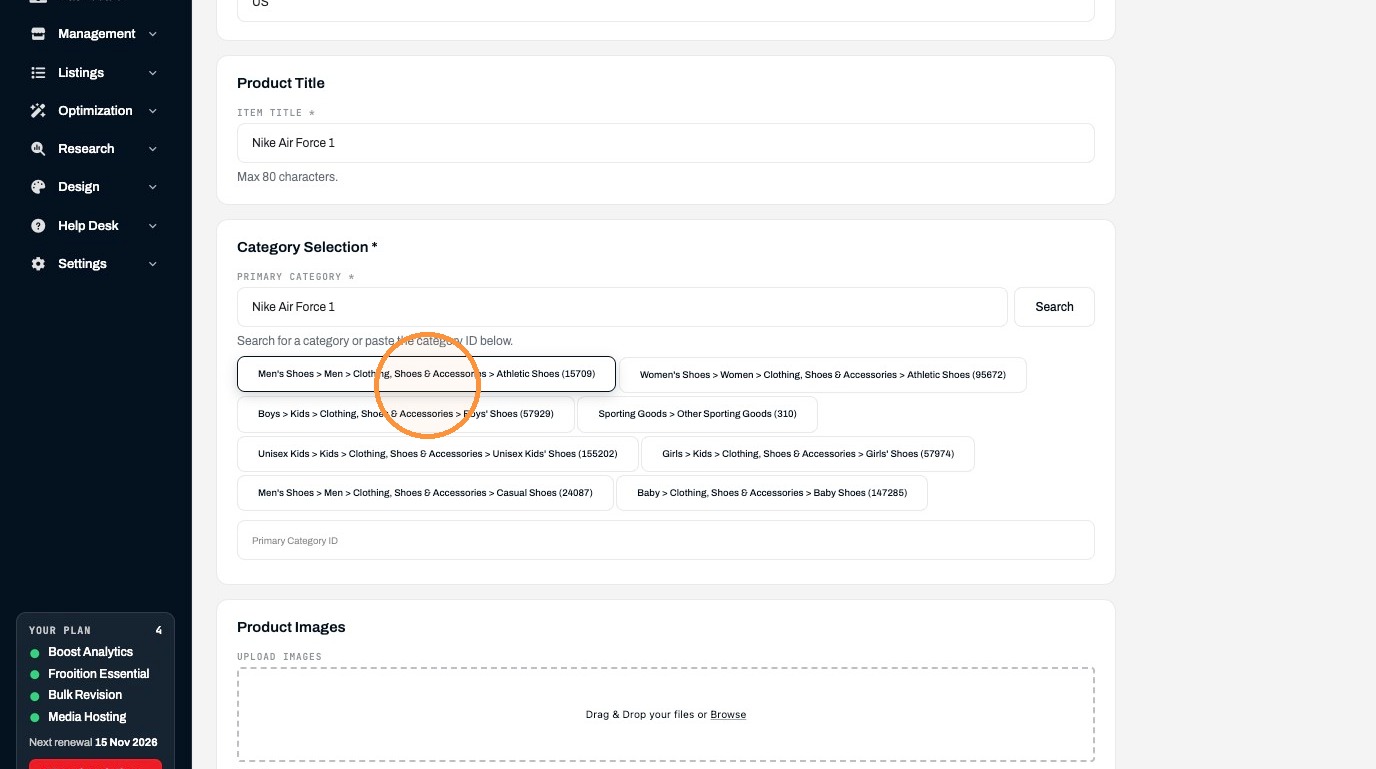
9. Click "Drag & Drop your files or Browse"
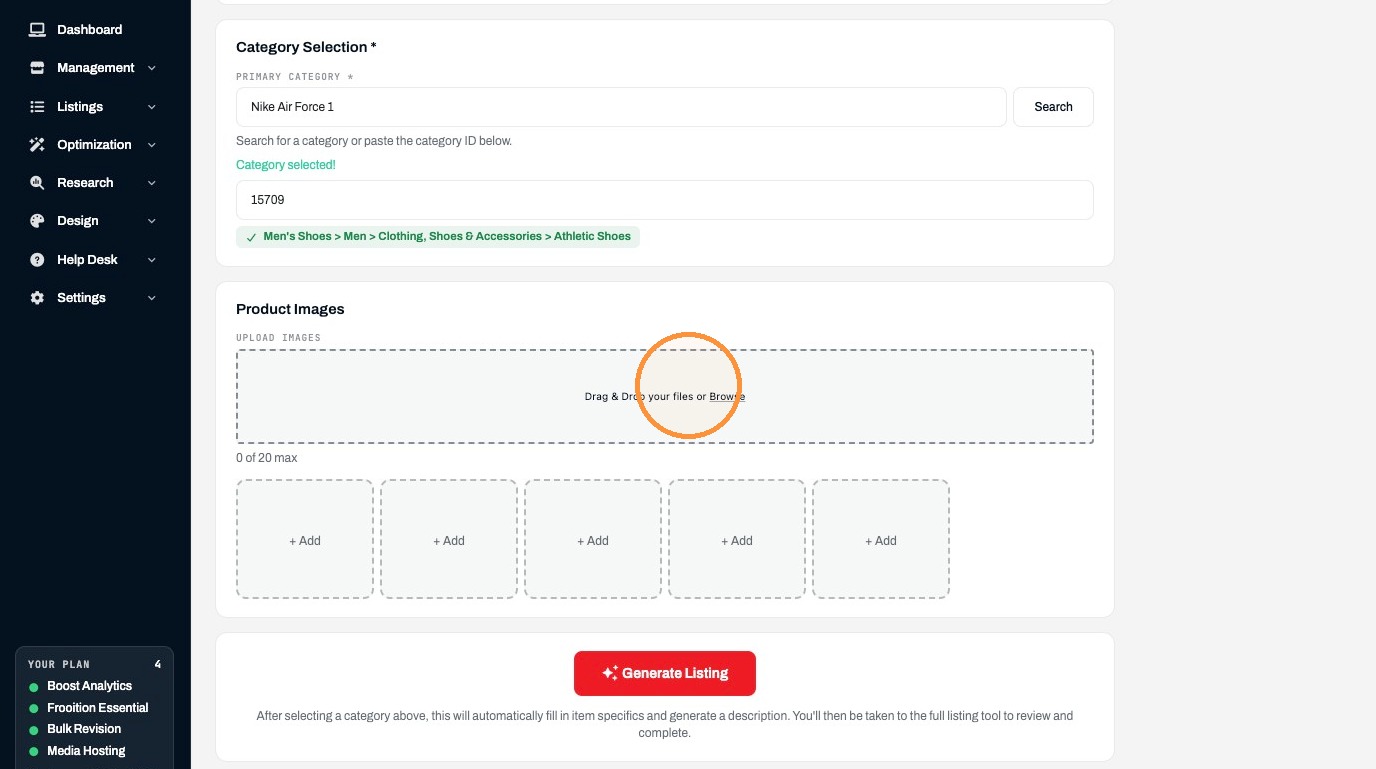
10. Click "Generate Listing"
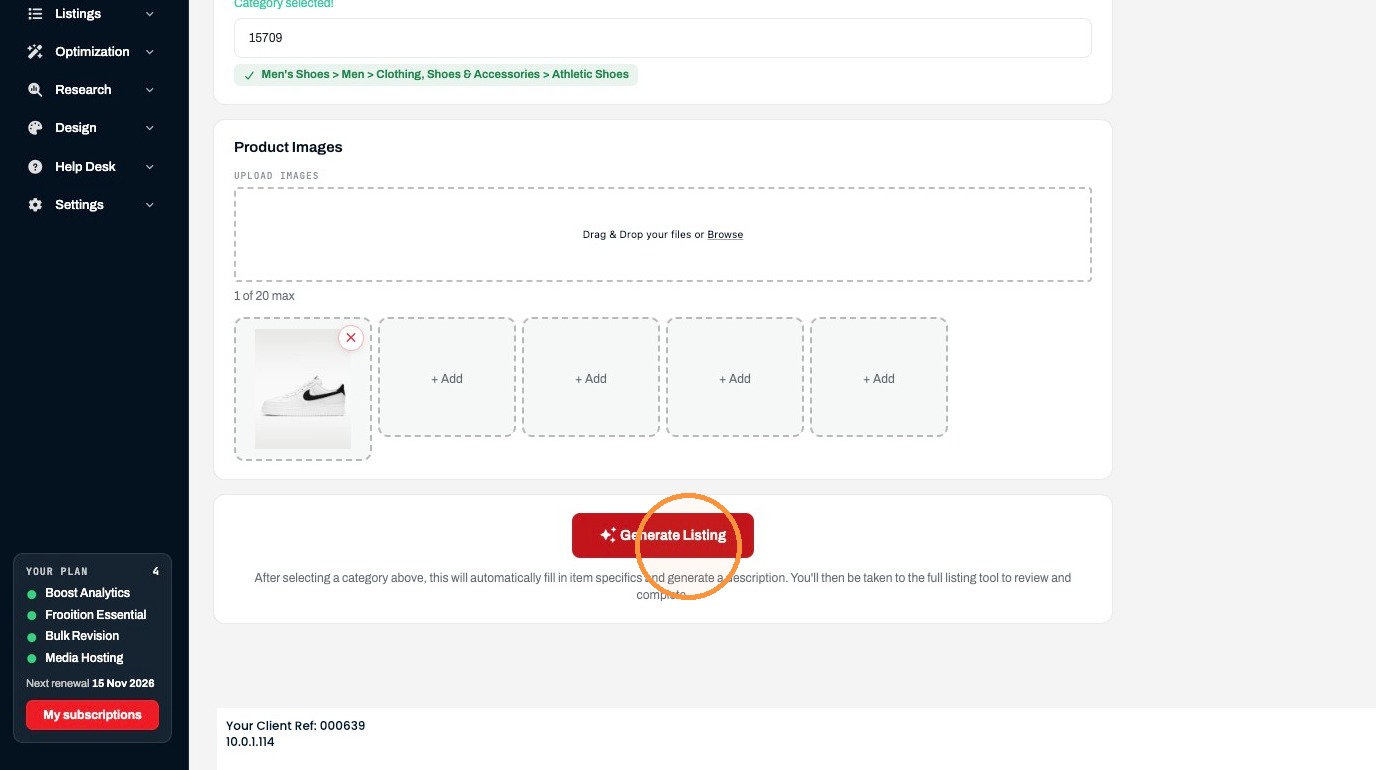
Review and Publication
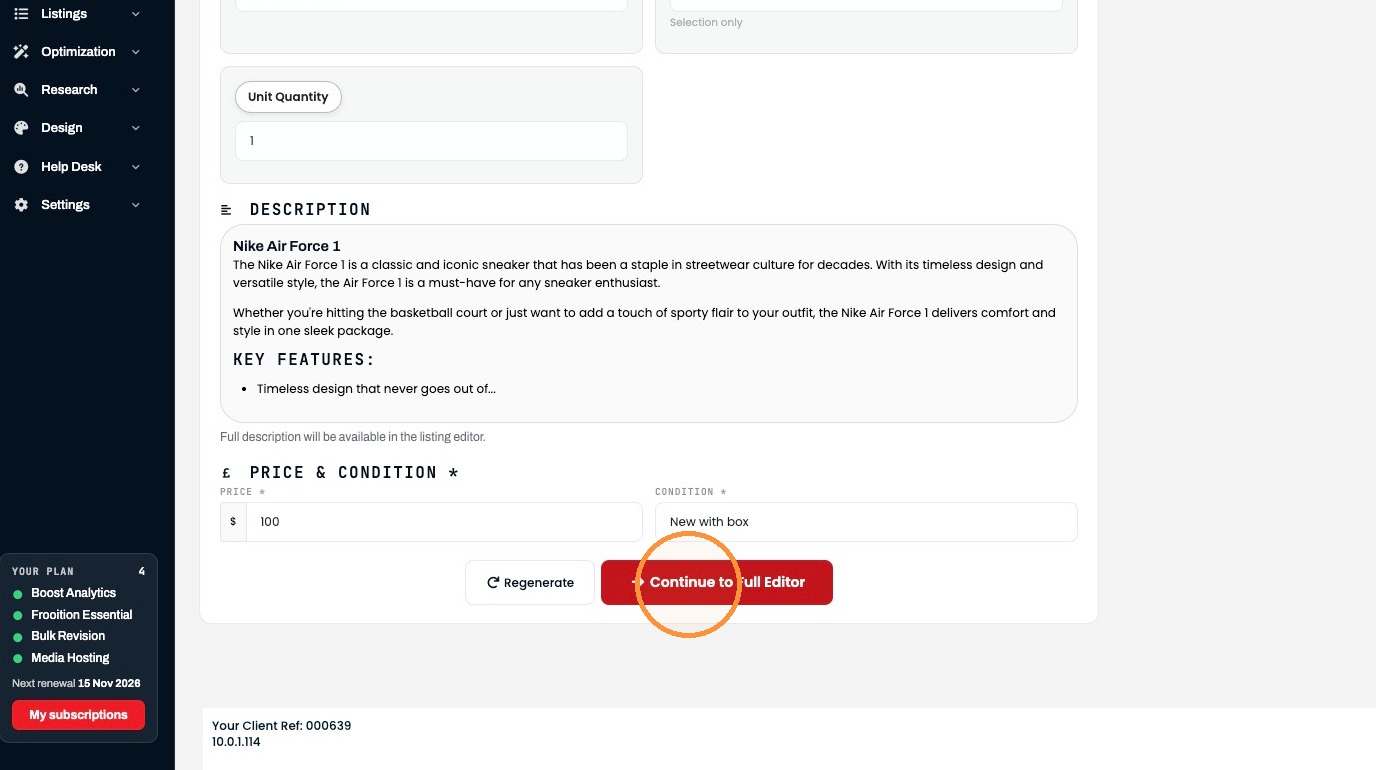
11. Enter 100 in the price field
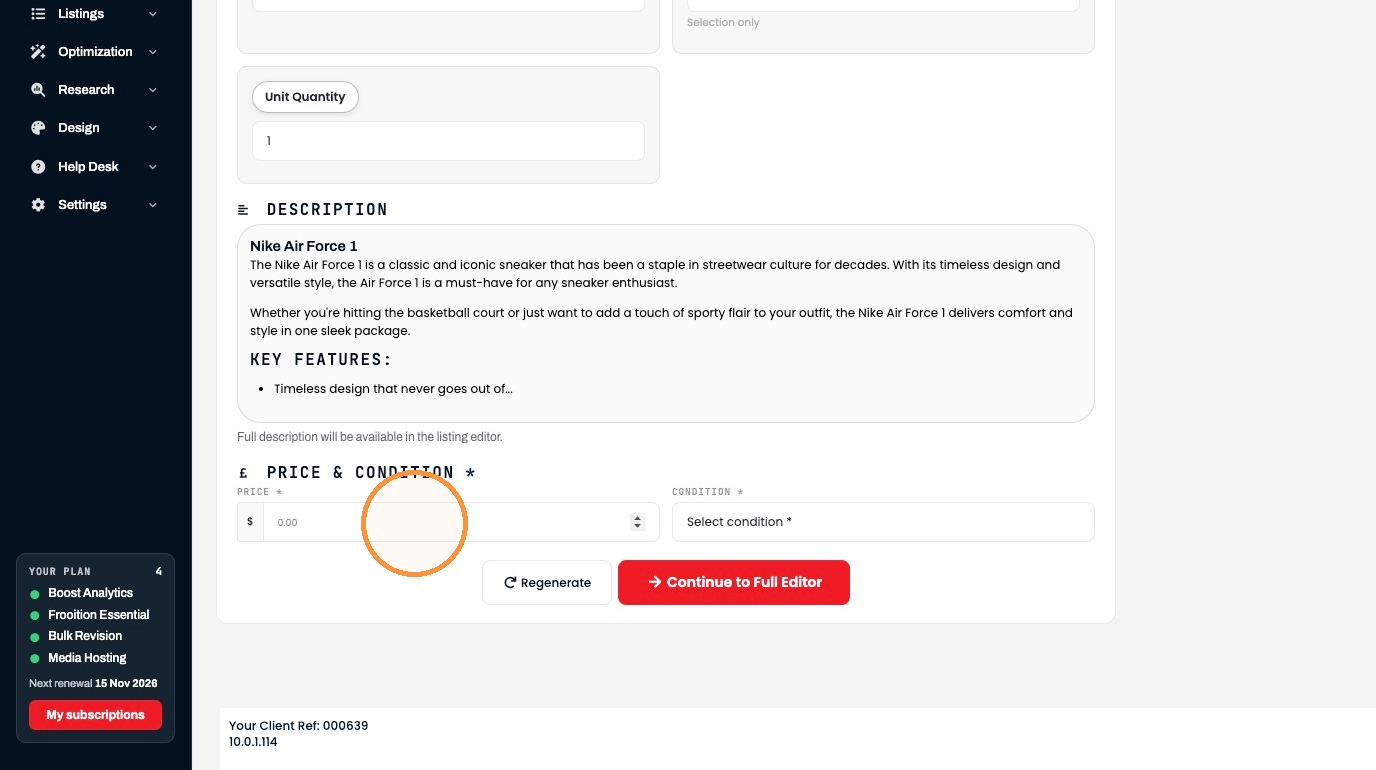
12. Select the "New with box" option.
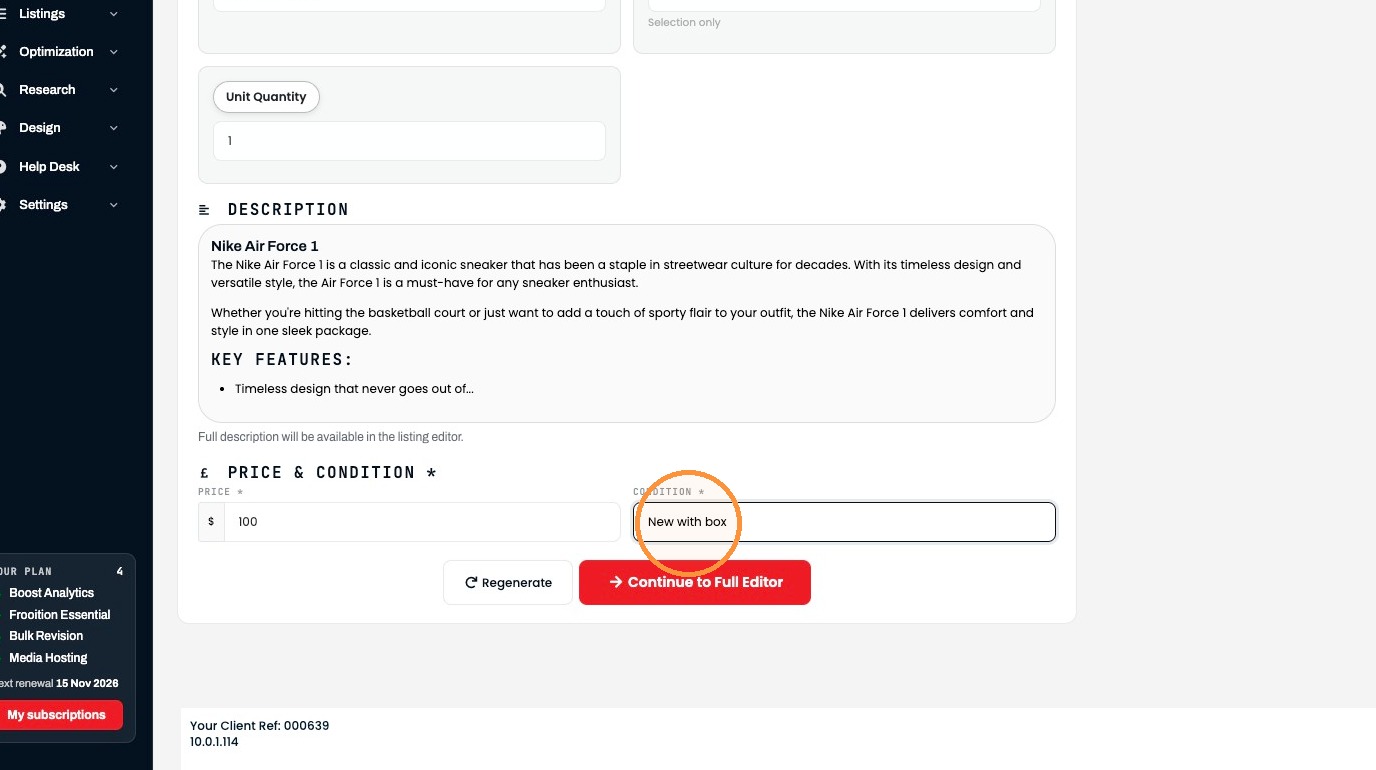
13. Click "Continue to Full Editor"
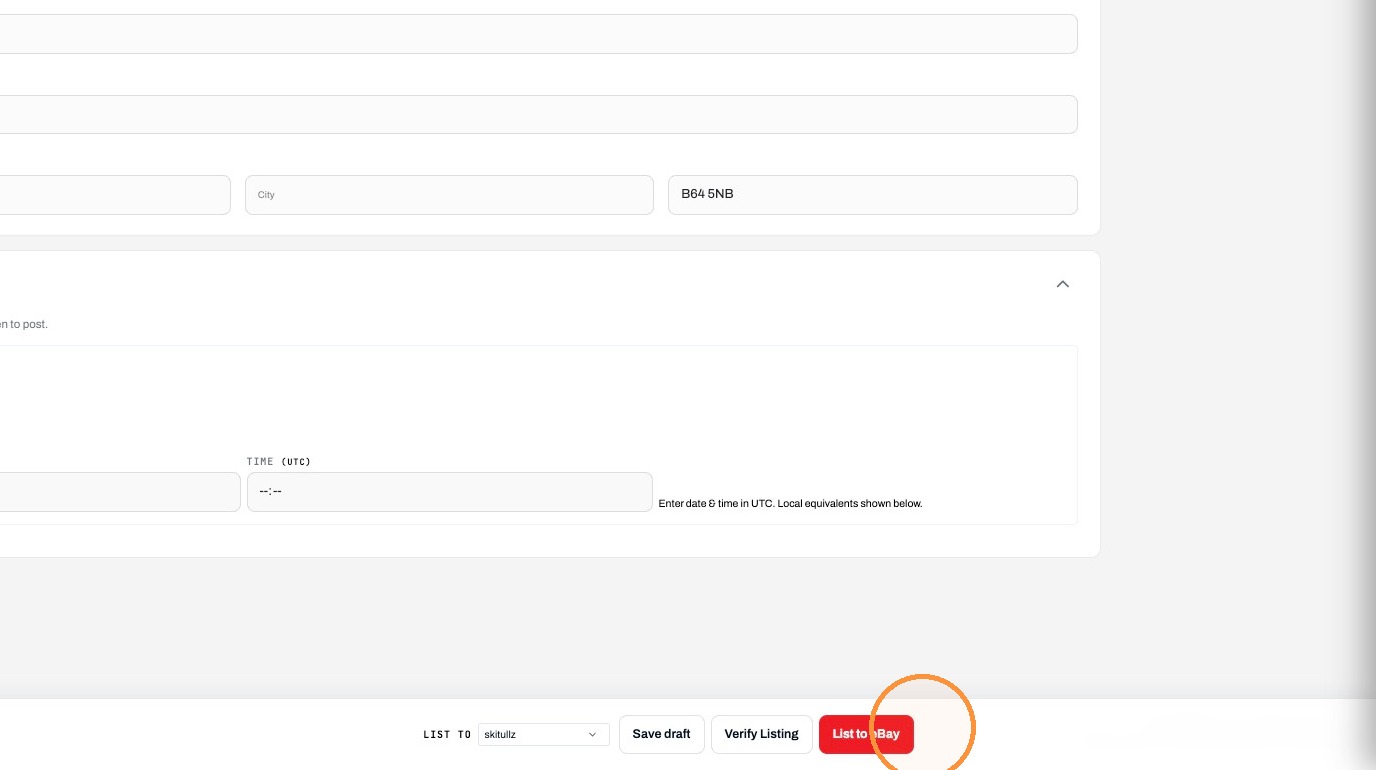
14. Click "List to eBay"
Was this helpful?
RELATED ARTICLES
How to create and List Items on eBay via Frooitions manual listing method
Create listings via Frooitions manual listing tool
1 MIN
How to Bulk Revise eBay Listings Using Frooition
How to use Bulk revision within Frooition
1 MIN
How to create an eBay Listing Using AI Image Recognition
Quickly create a new listing using our AI Image recognition tool
1 MIN