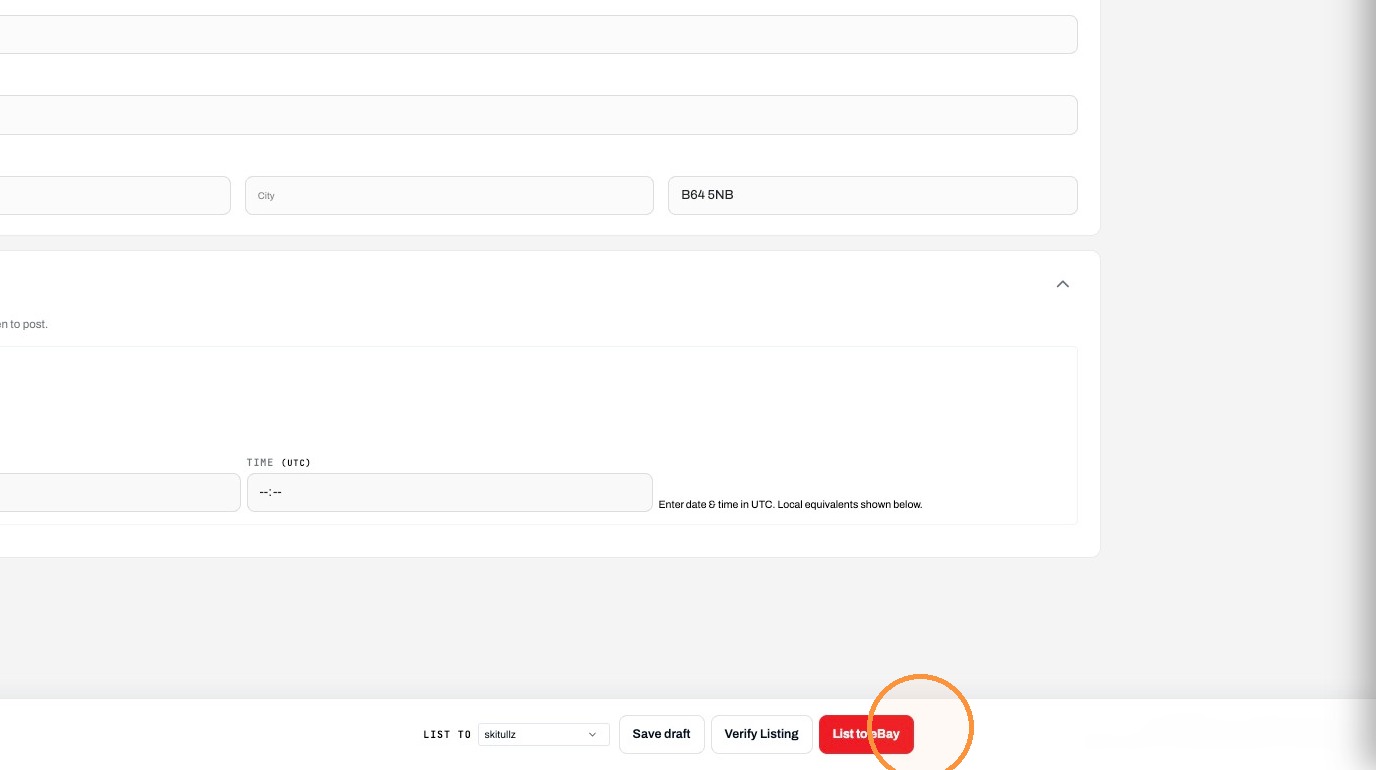
How to create and List Items on eBay via Frooitions manual listing method
Open this page in Frooition /ebay/listingLearn how to efficiently manage your eBay inventory using the Frooition platform. This guide walks you through the process of creating manual drafts, utilizing AI generation tools, and verifying your listing details before going live.
1. Navigate to https://freedom.frooition.com/ebay/
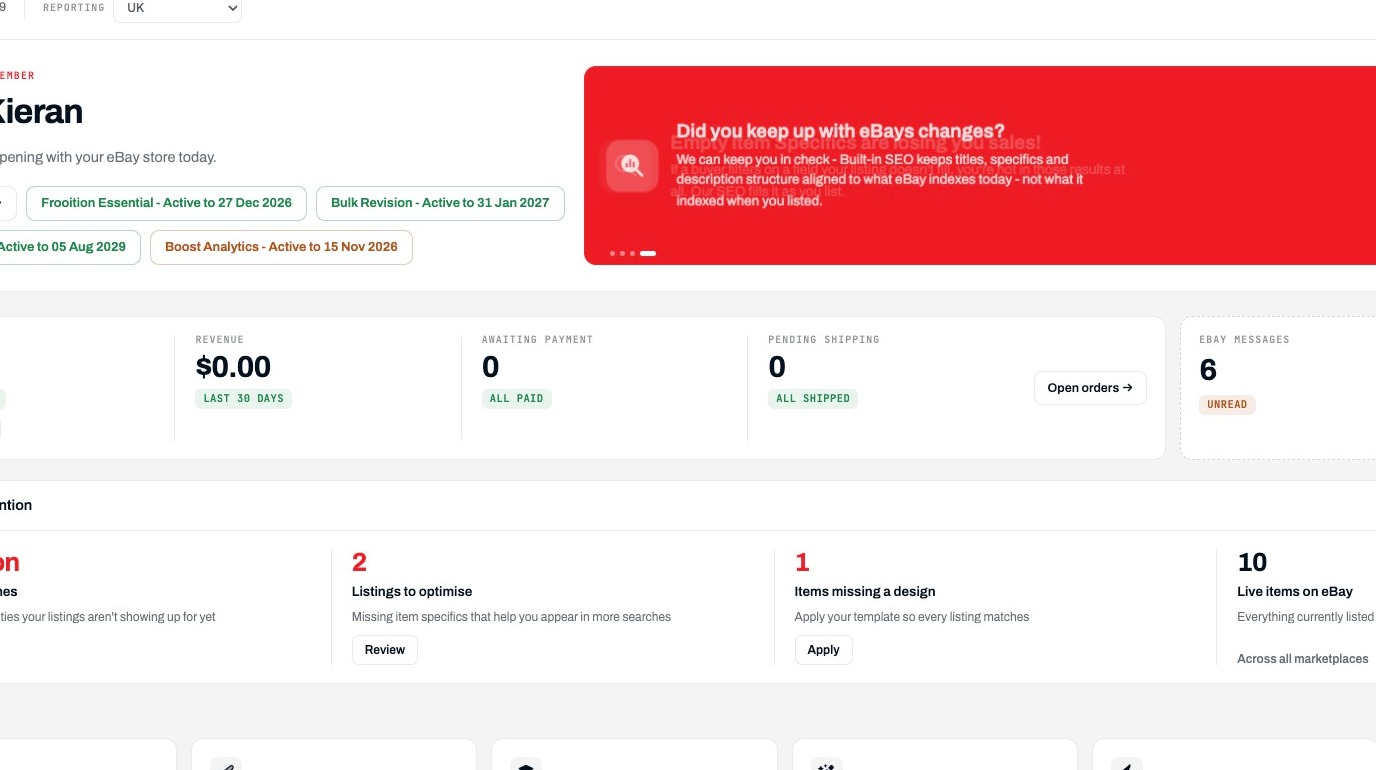
Open Listings
2. Click "Listings"
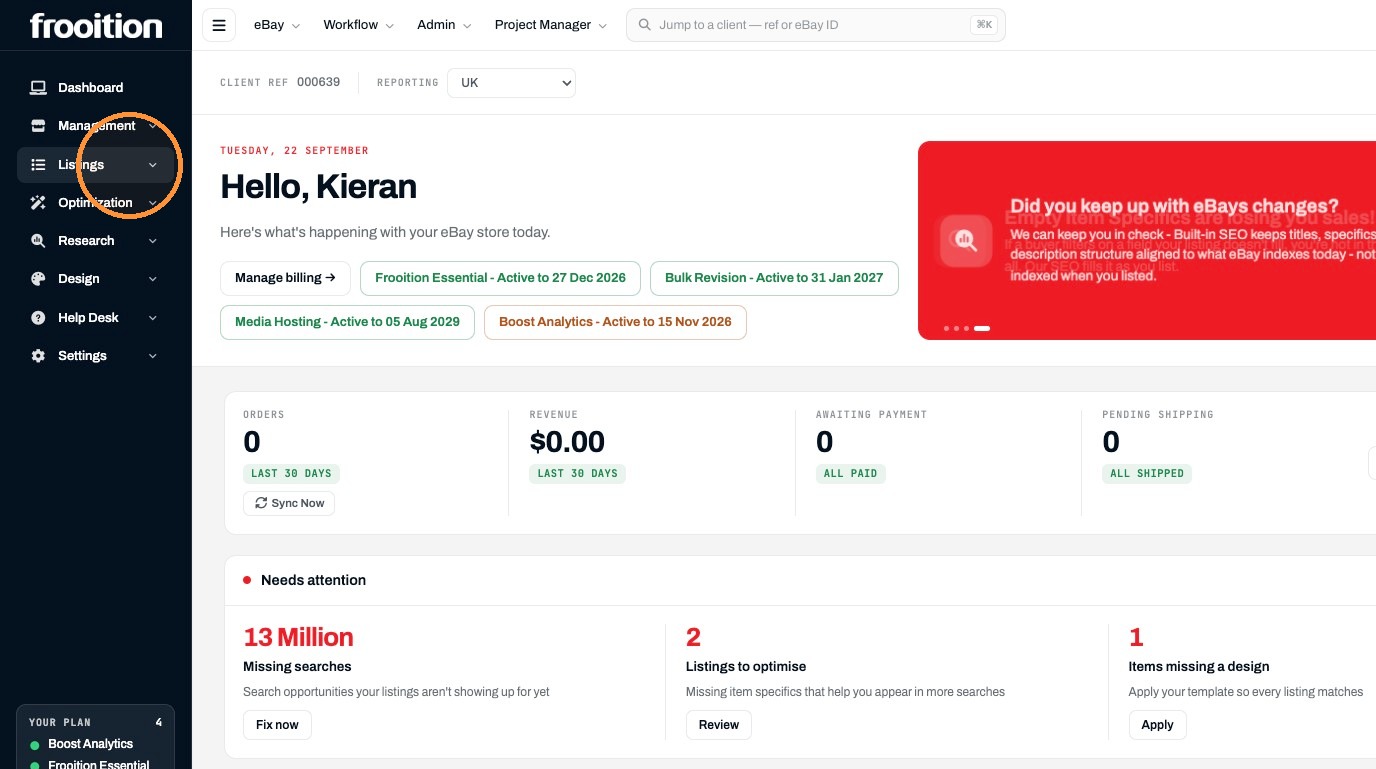
3. Click "Drafts"
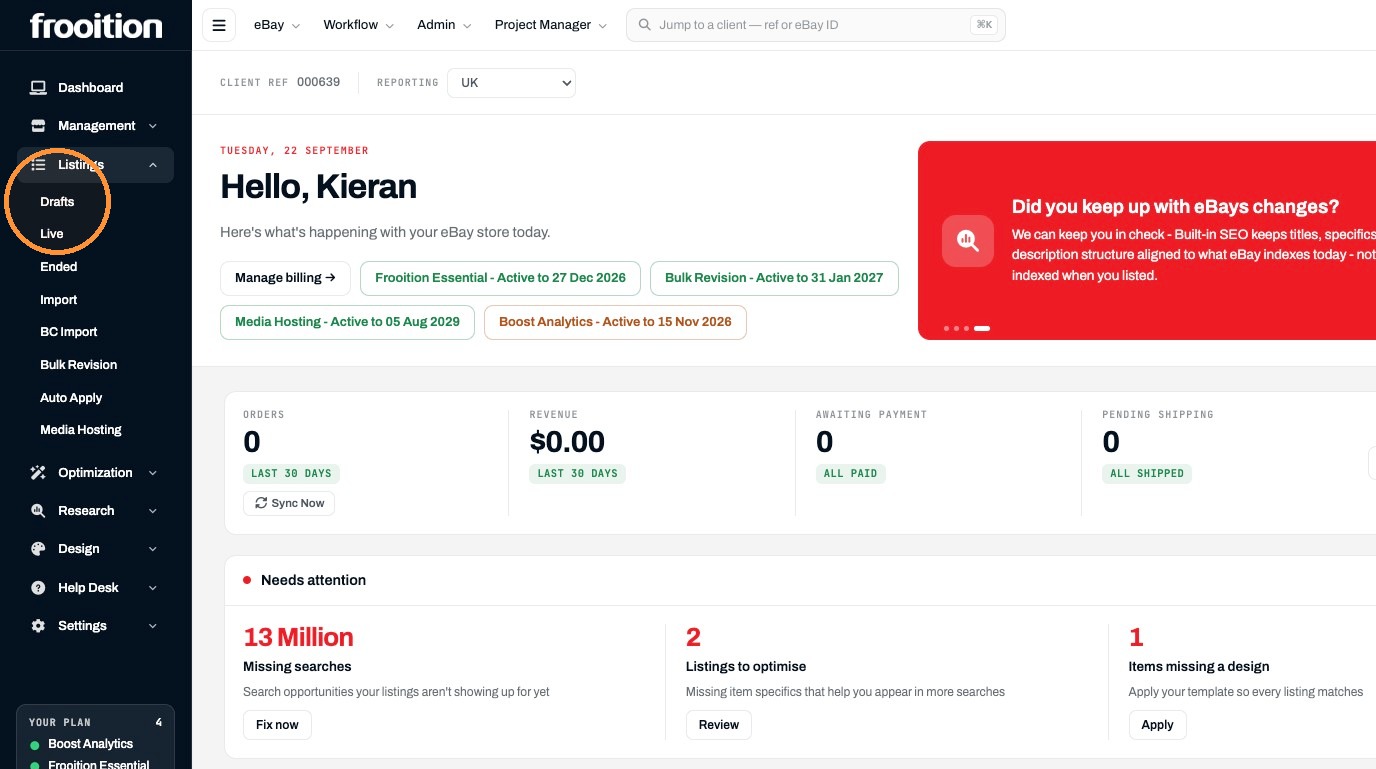
4. Click "Create listing"
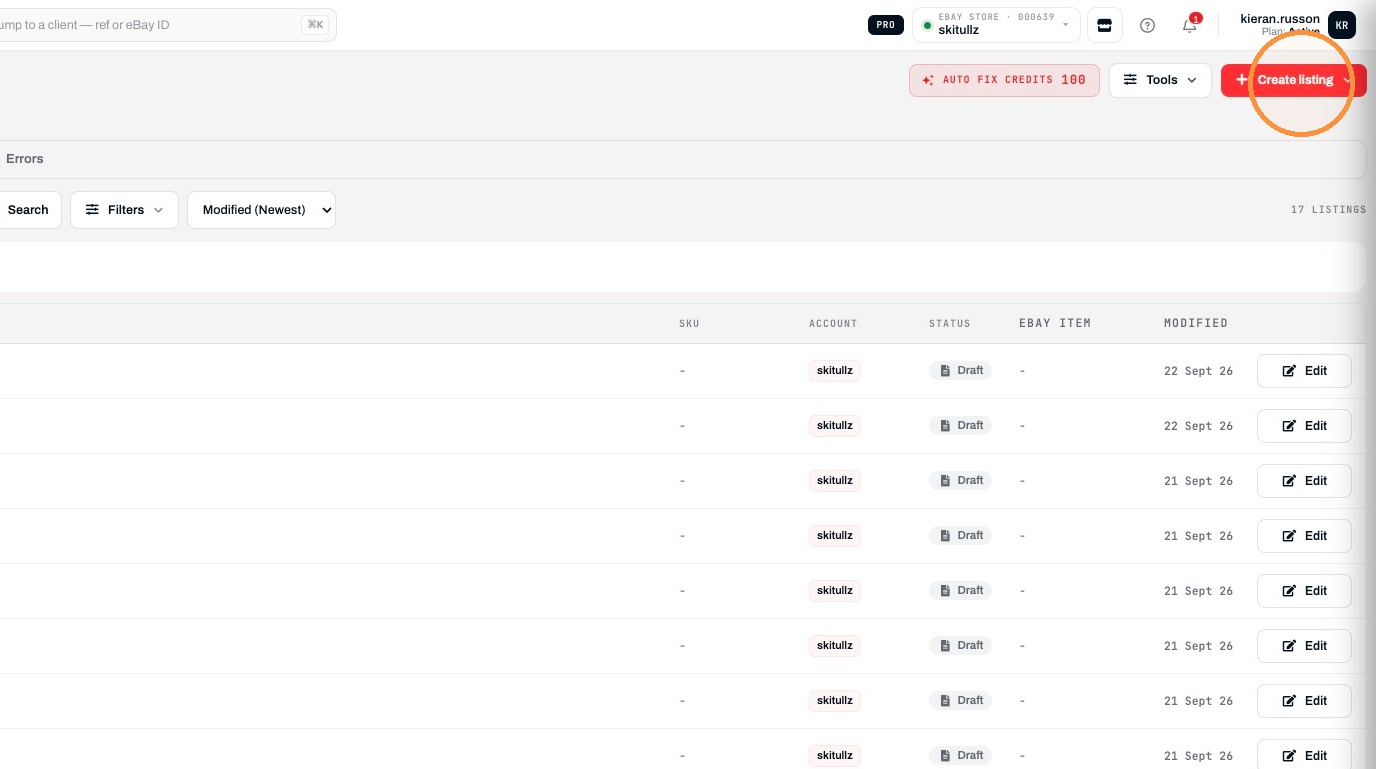
5. Click "Manually create"
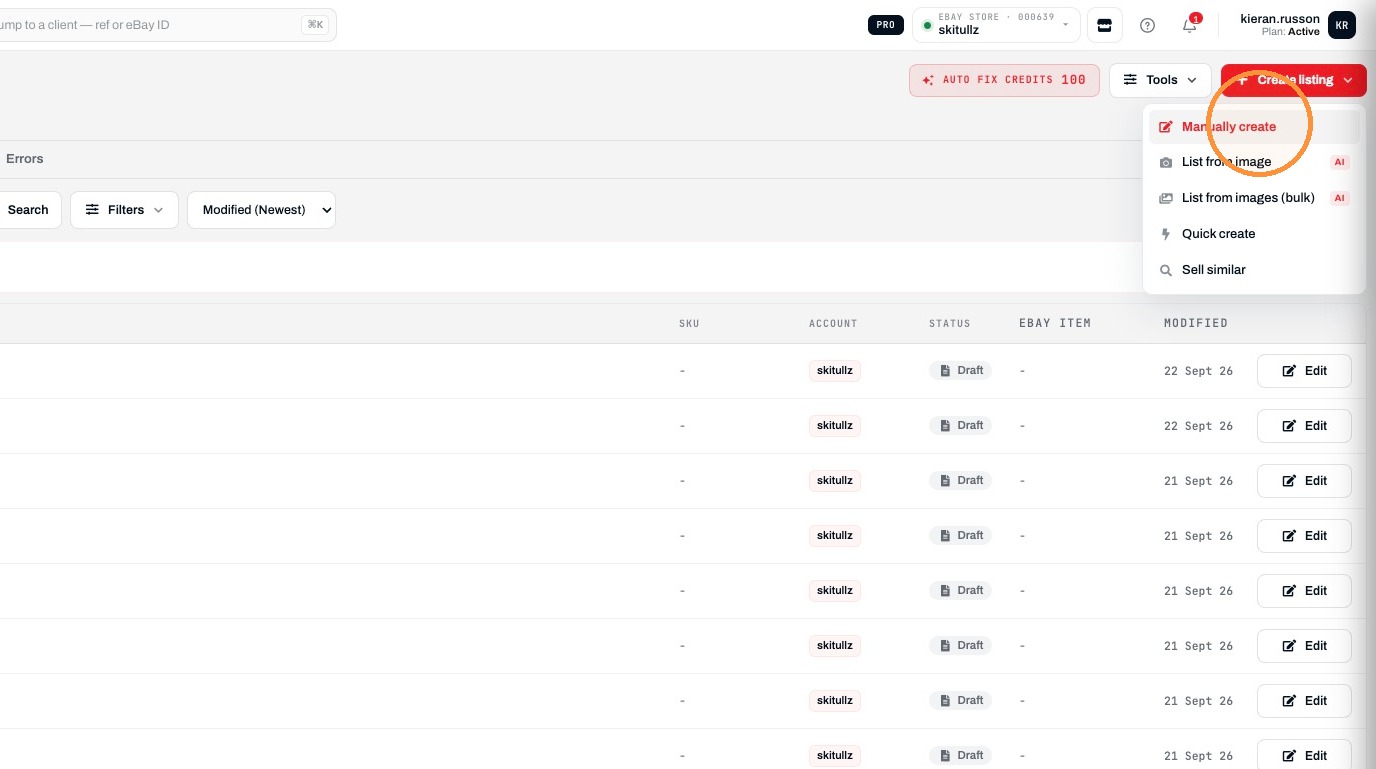
Create Listing
6. Enter your products name in the profile name
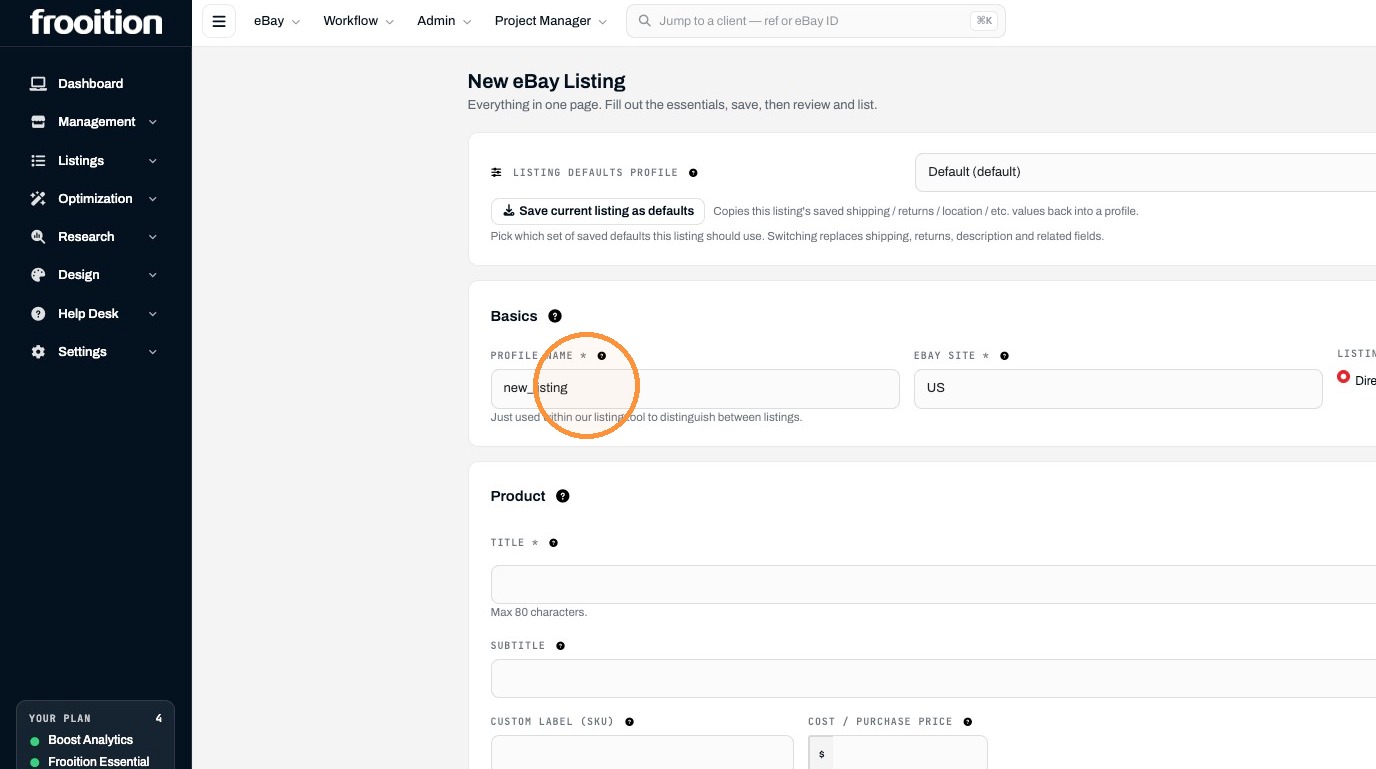
7. Type your products title
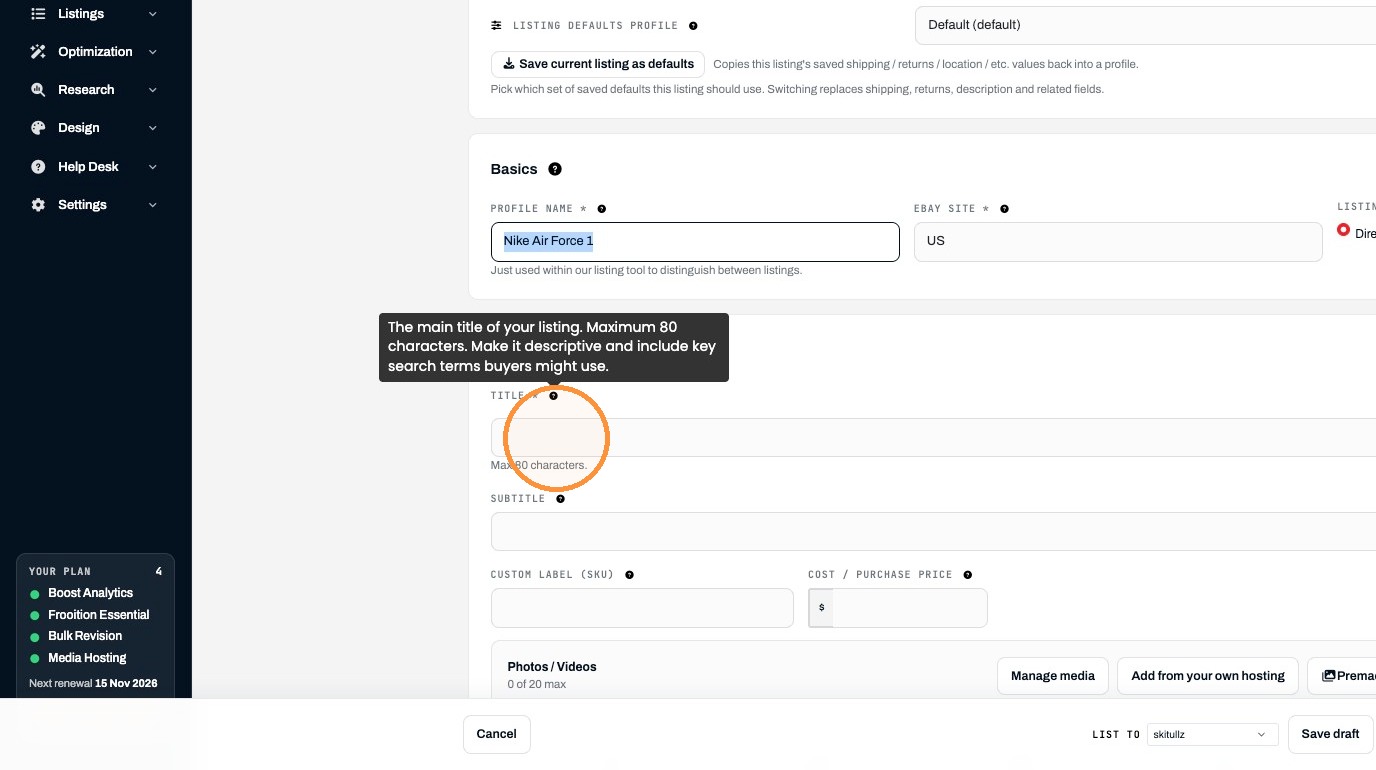
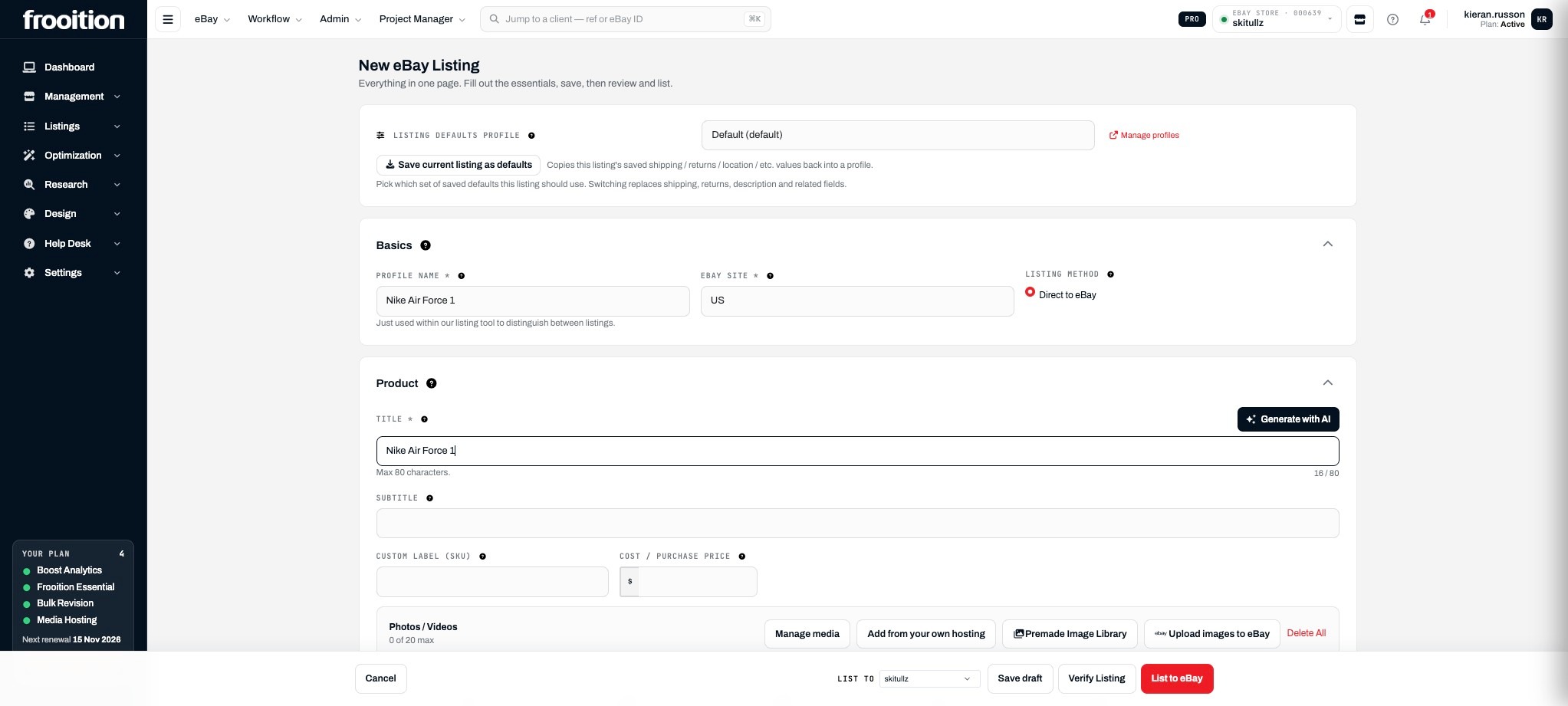
Add Listing Content
8. Click "Generate with AI" if you wish to enhance it
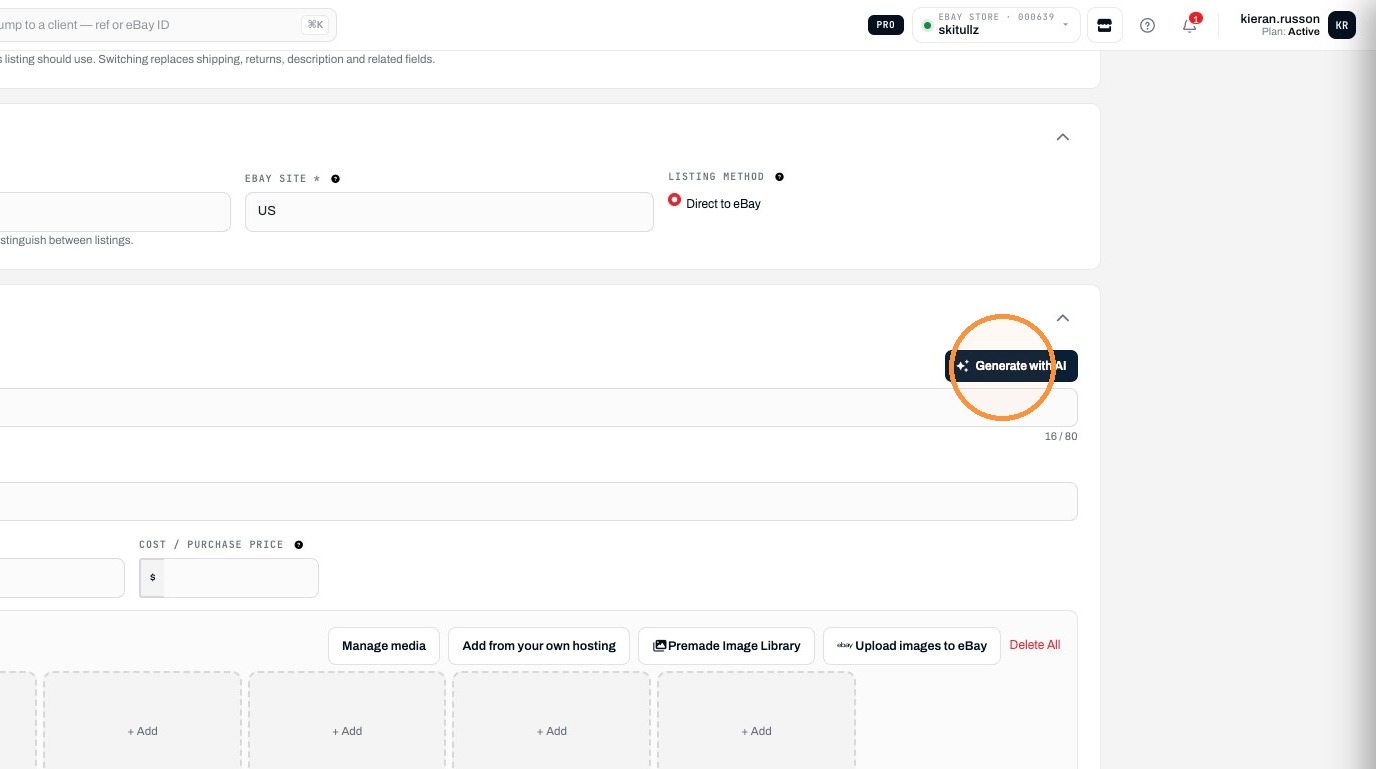
9. Click "+ Add" to upload an image
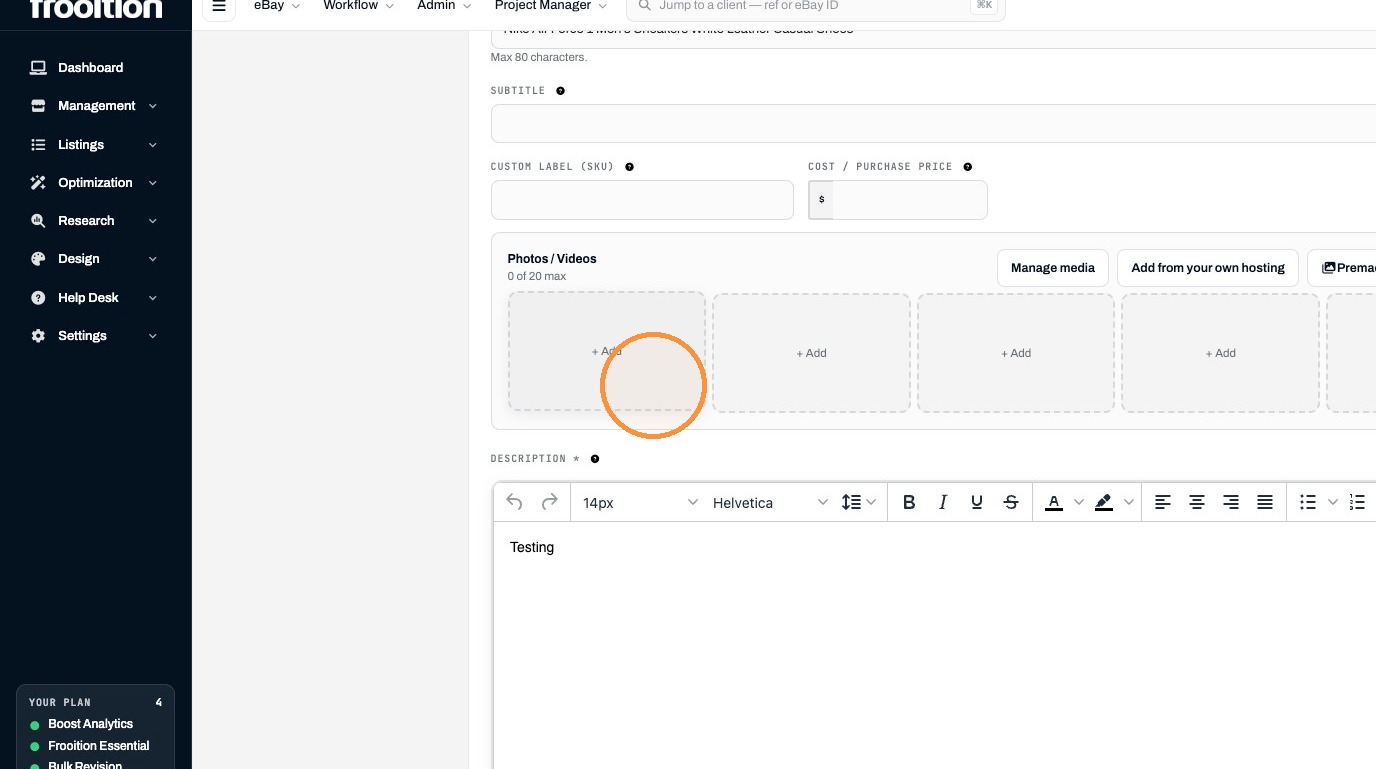
10. Click "Browse"
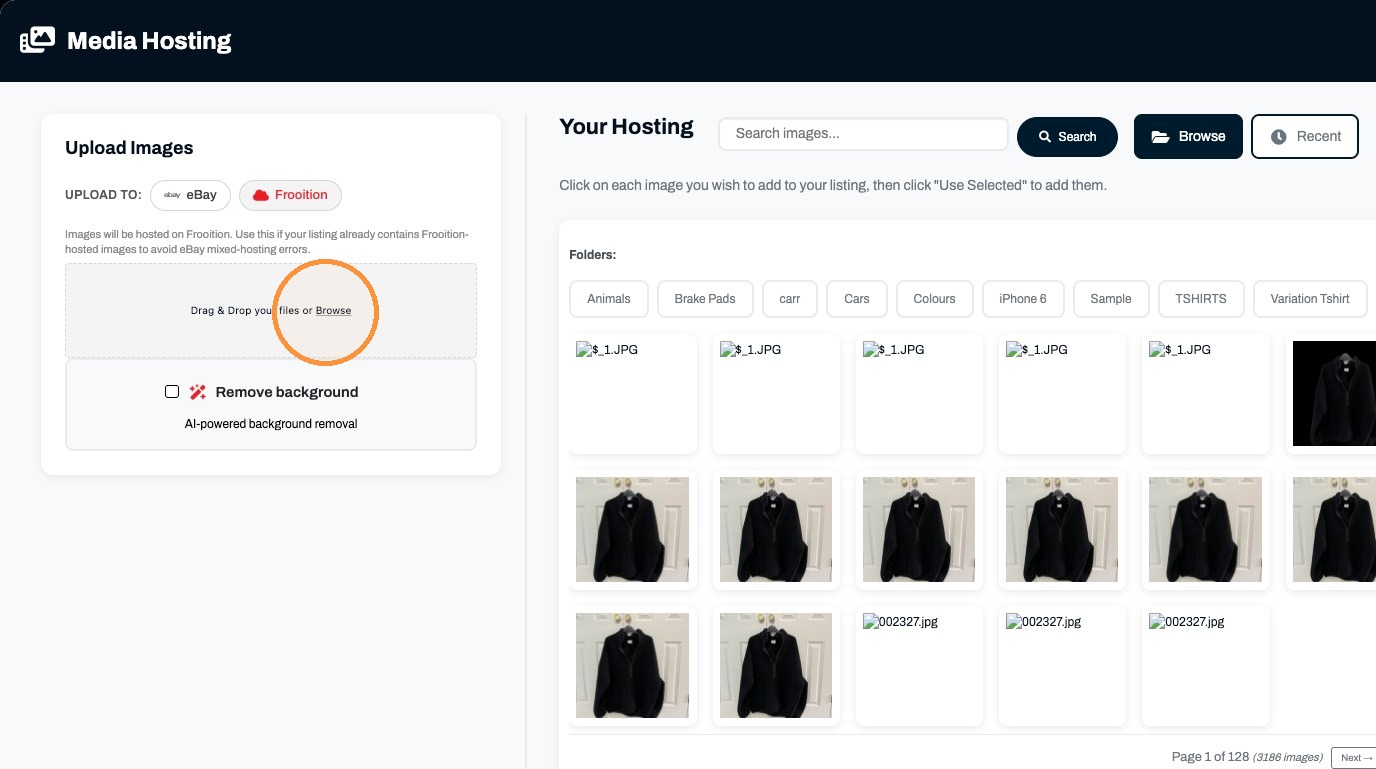
11. Select an image to add it to the listing.
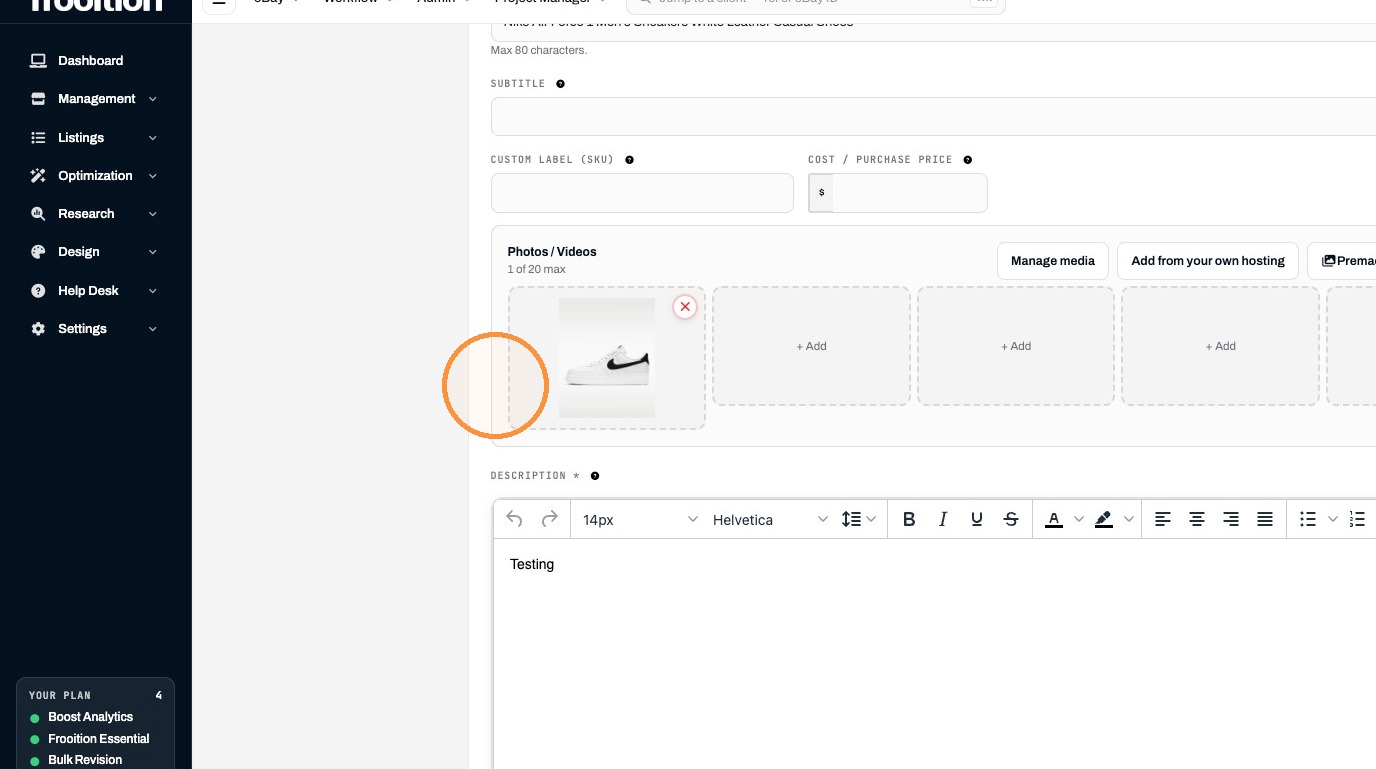
12. Clear the description field.
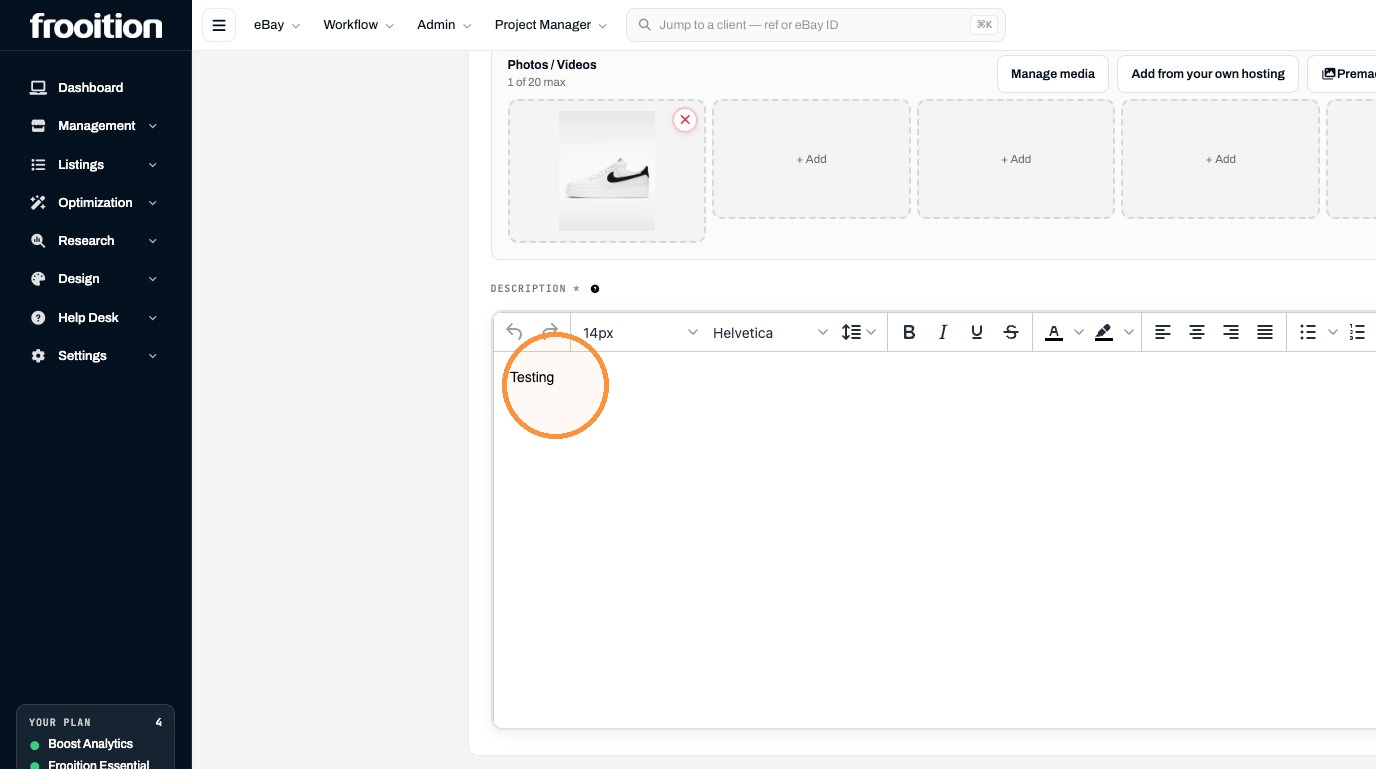
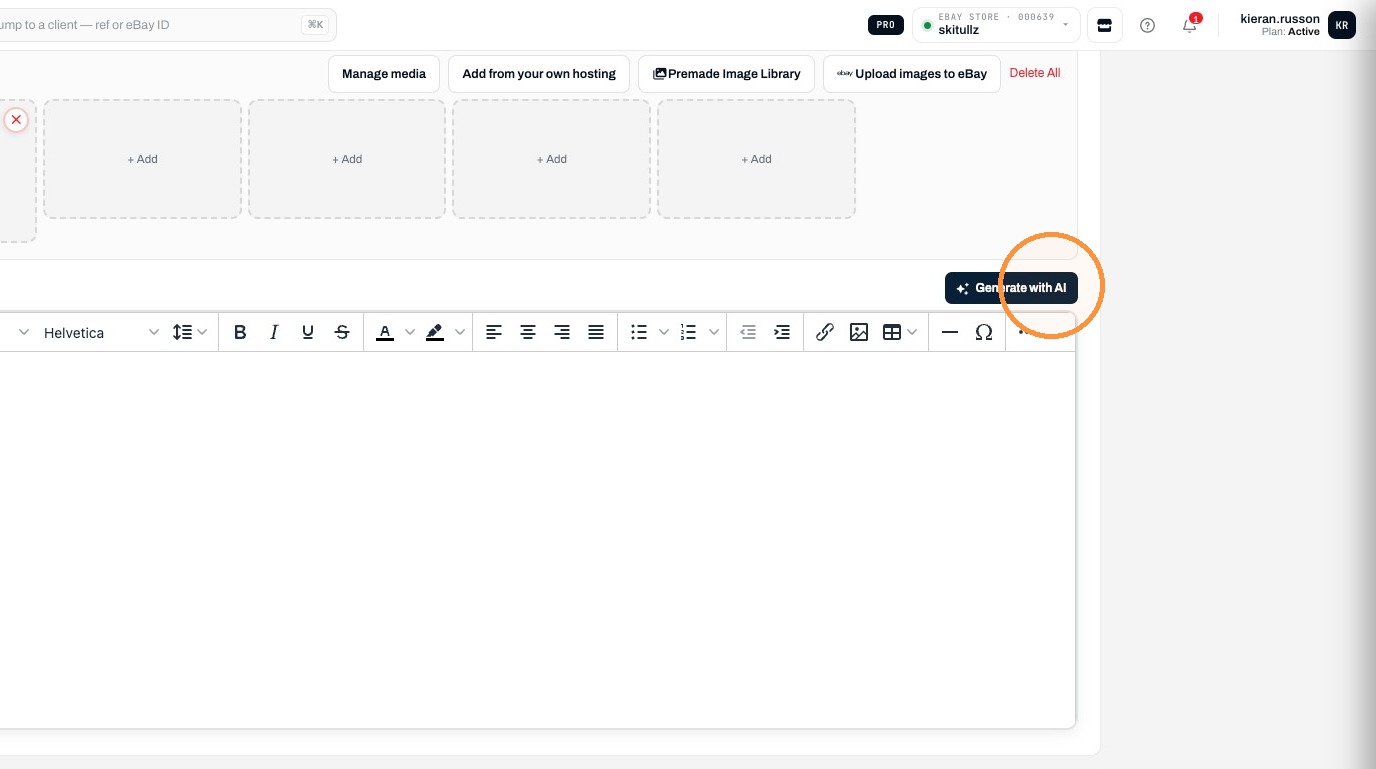
13. Click "Generate with AI"
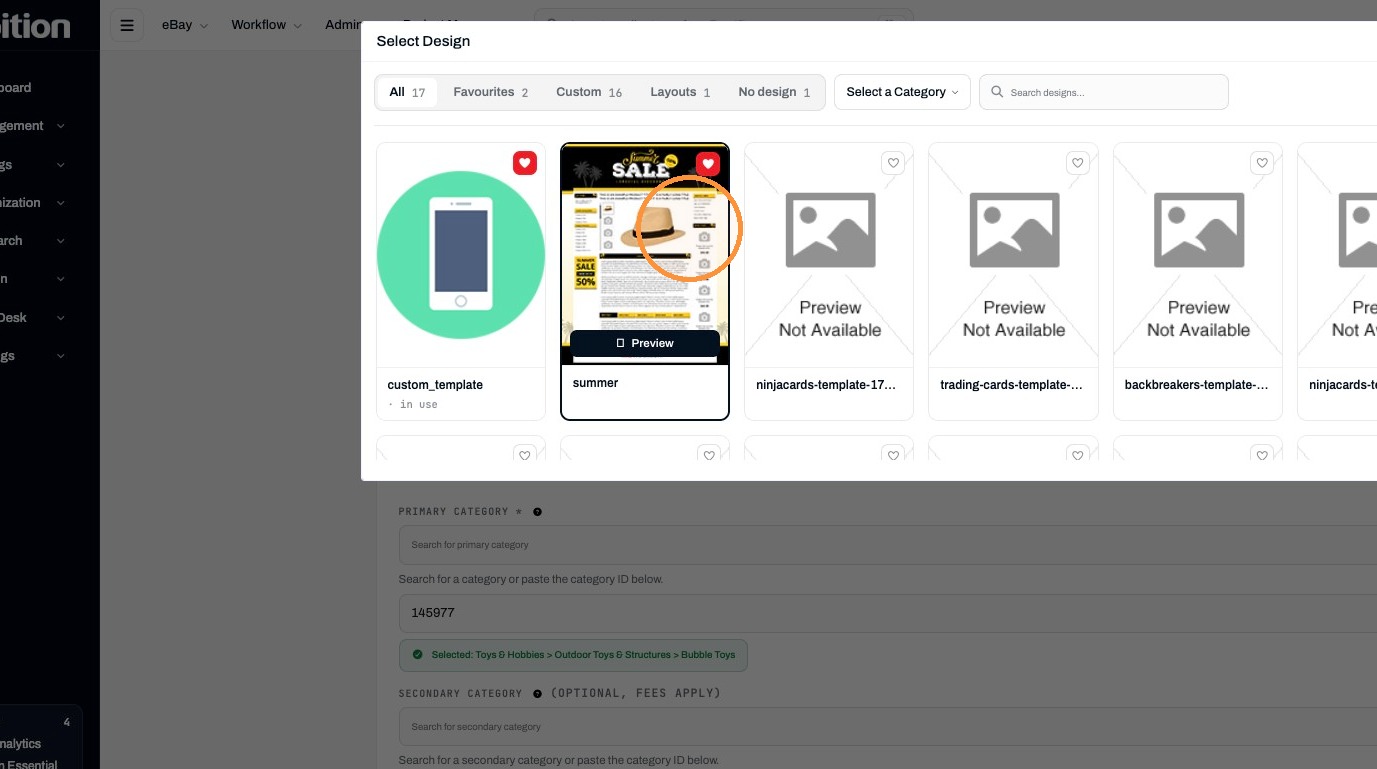
14. Click "Design: Custom Template"
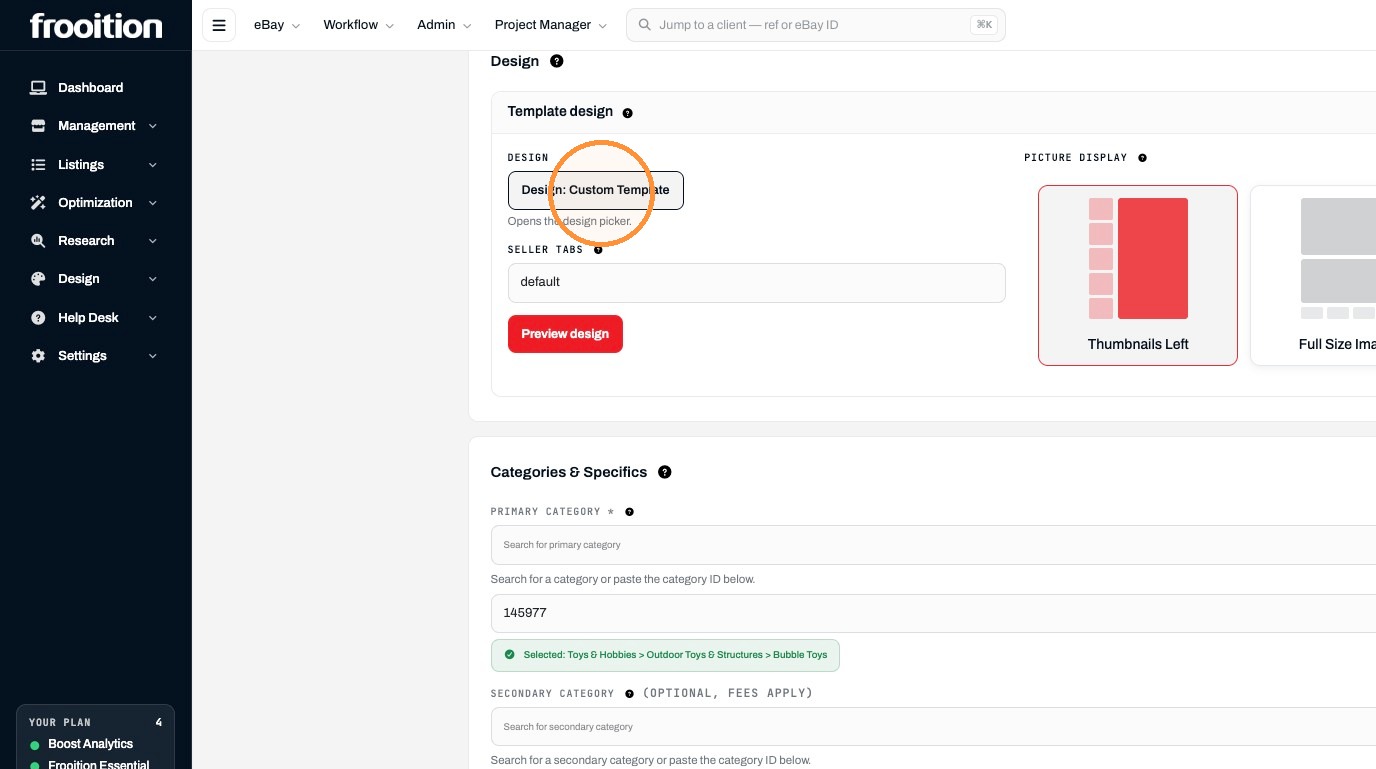
15. Select the summer design.
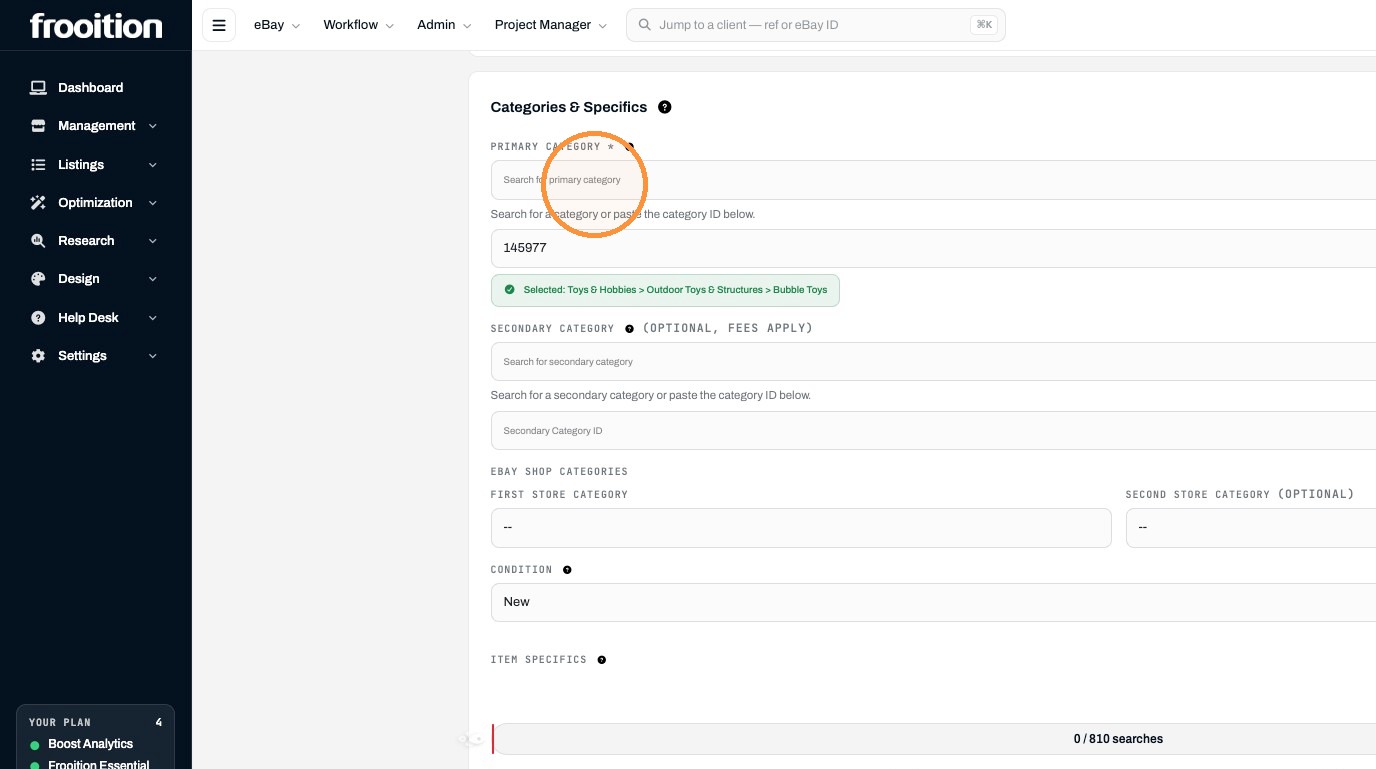
Set Category
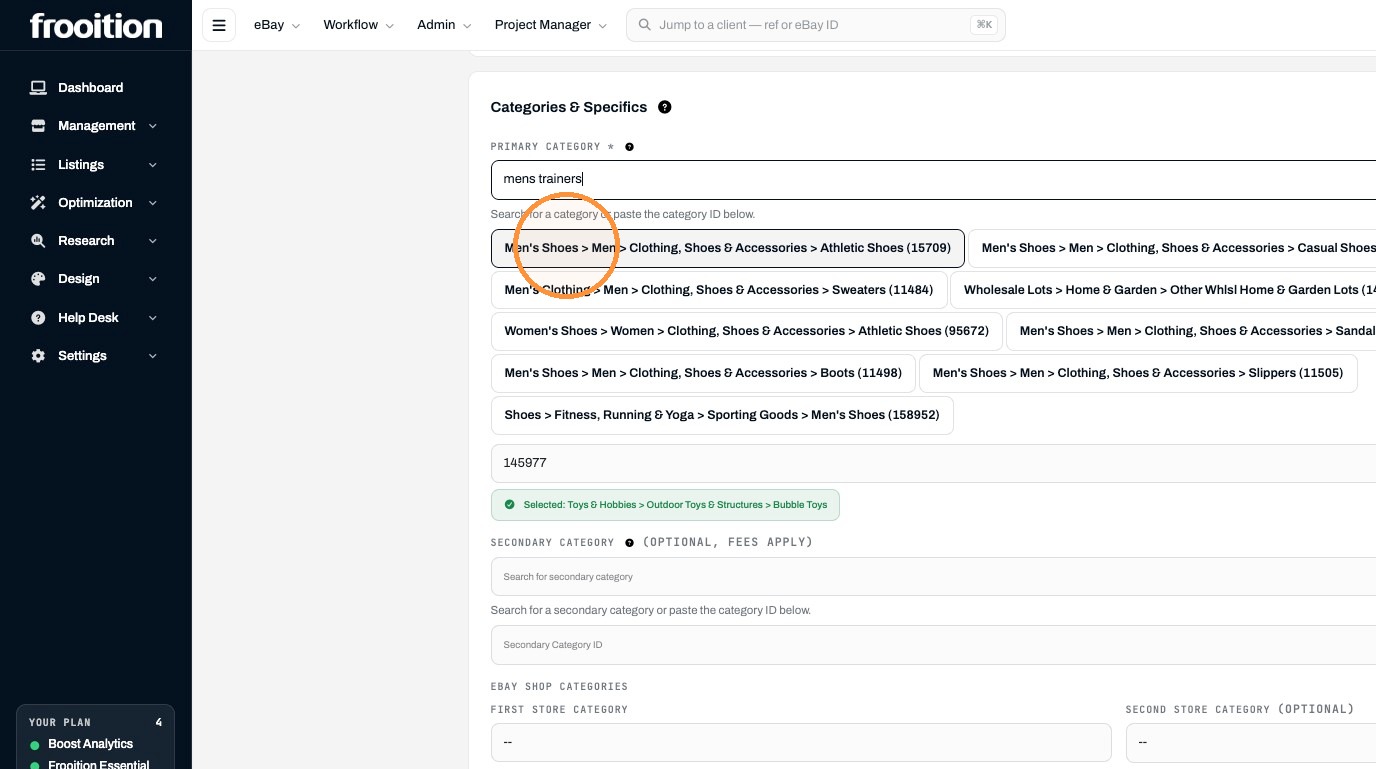
16. Search for “mens trainers” in the primary category field.
17. Click "Men's Shoes > Men > Clothing, Shoes & Accessories > Athletic Shoes (15709)"
18. Select the "New without box" option.
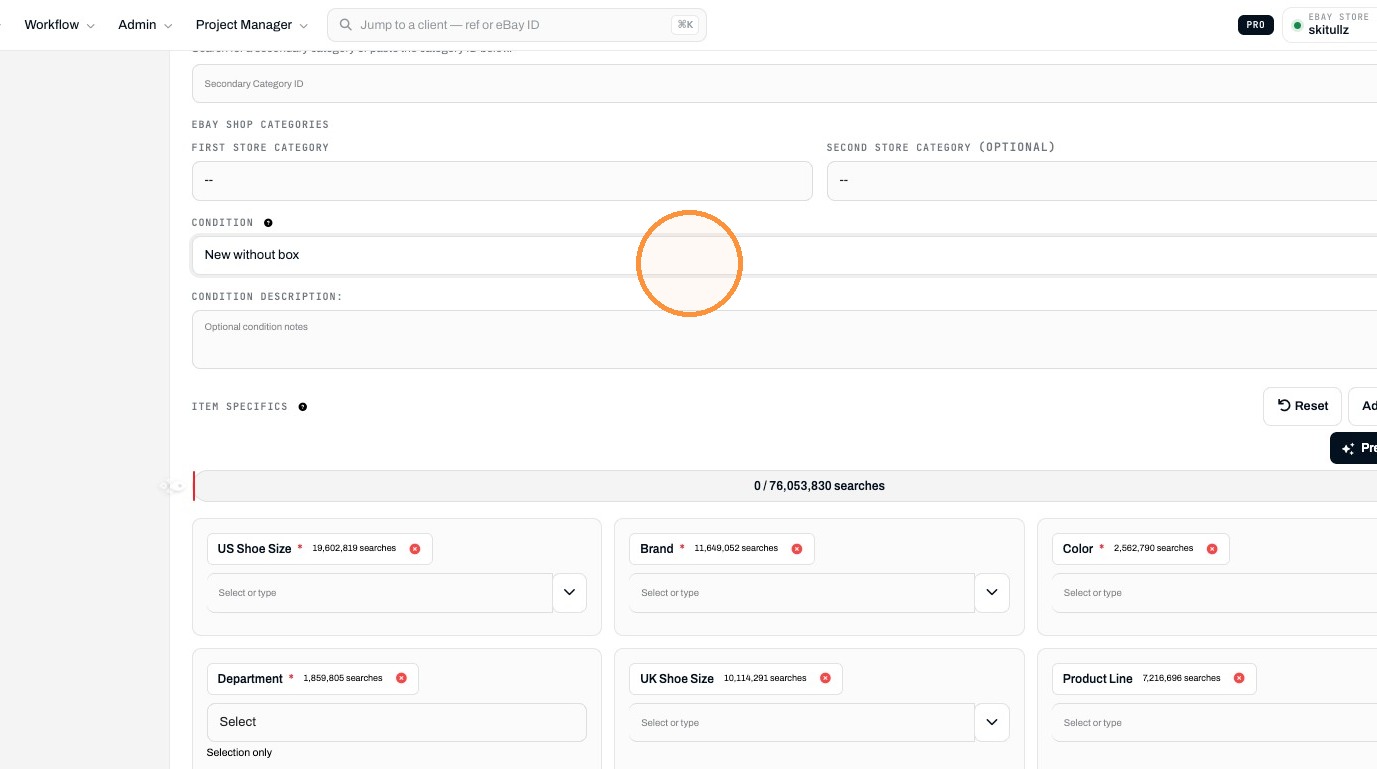
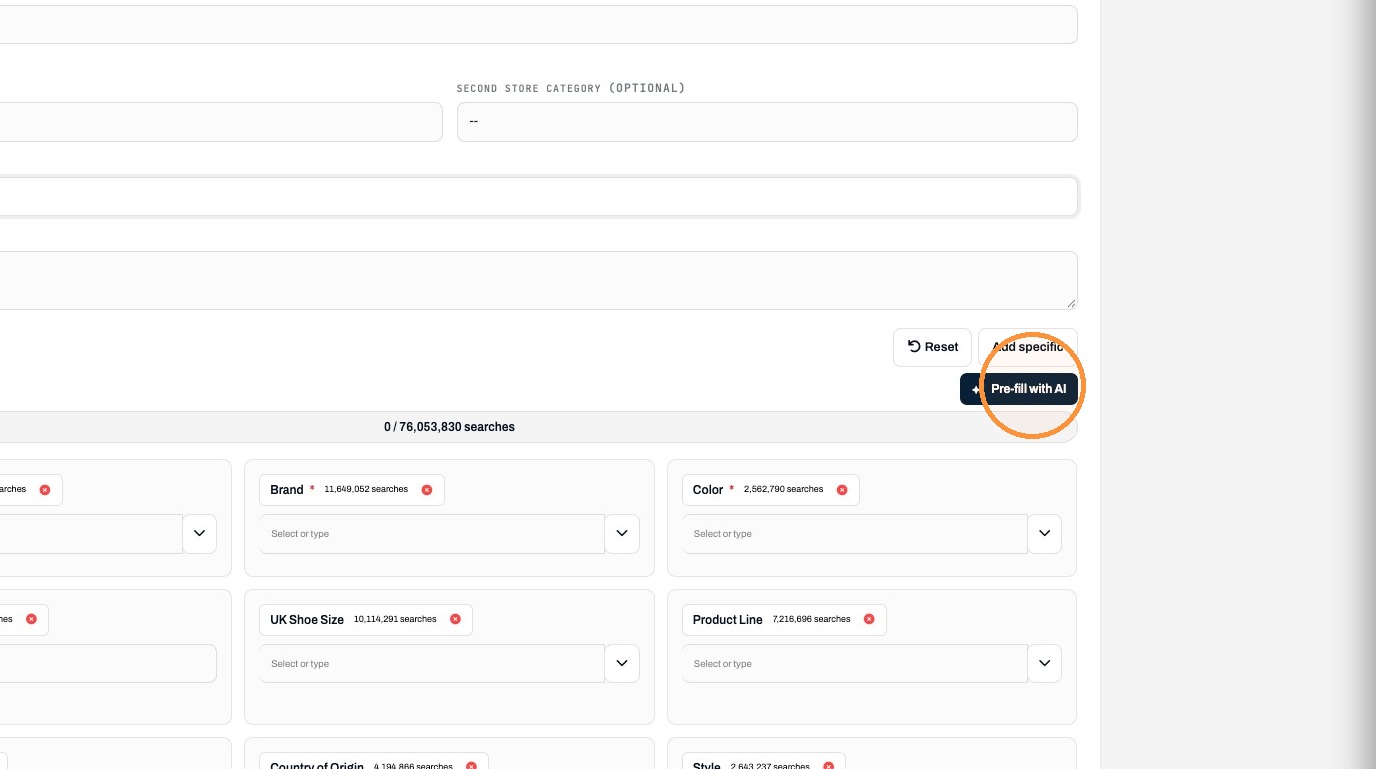
19. Click "Pre-fill with AI"
Set Pricing and Submit
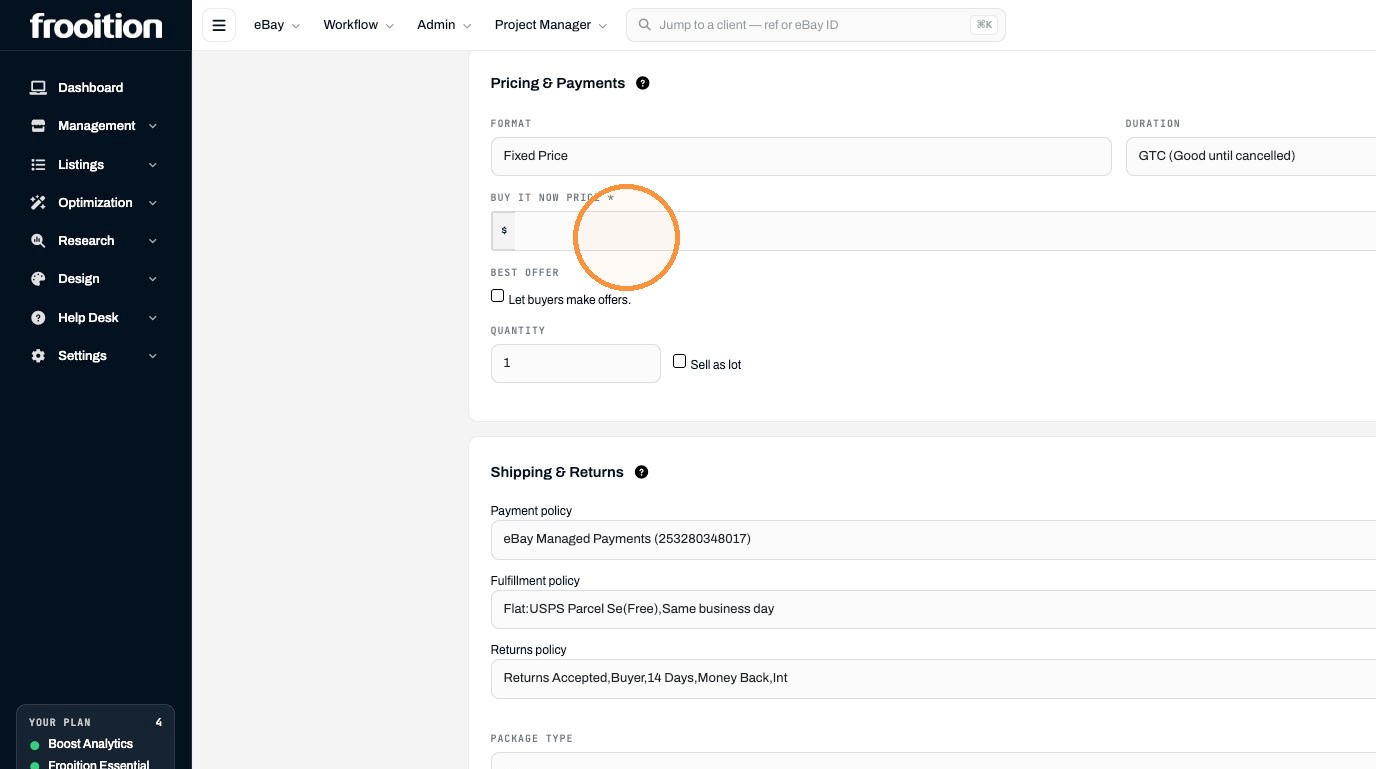
20. Enter 100 as the Buy It Now price.
21. Click "Verify Listing"
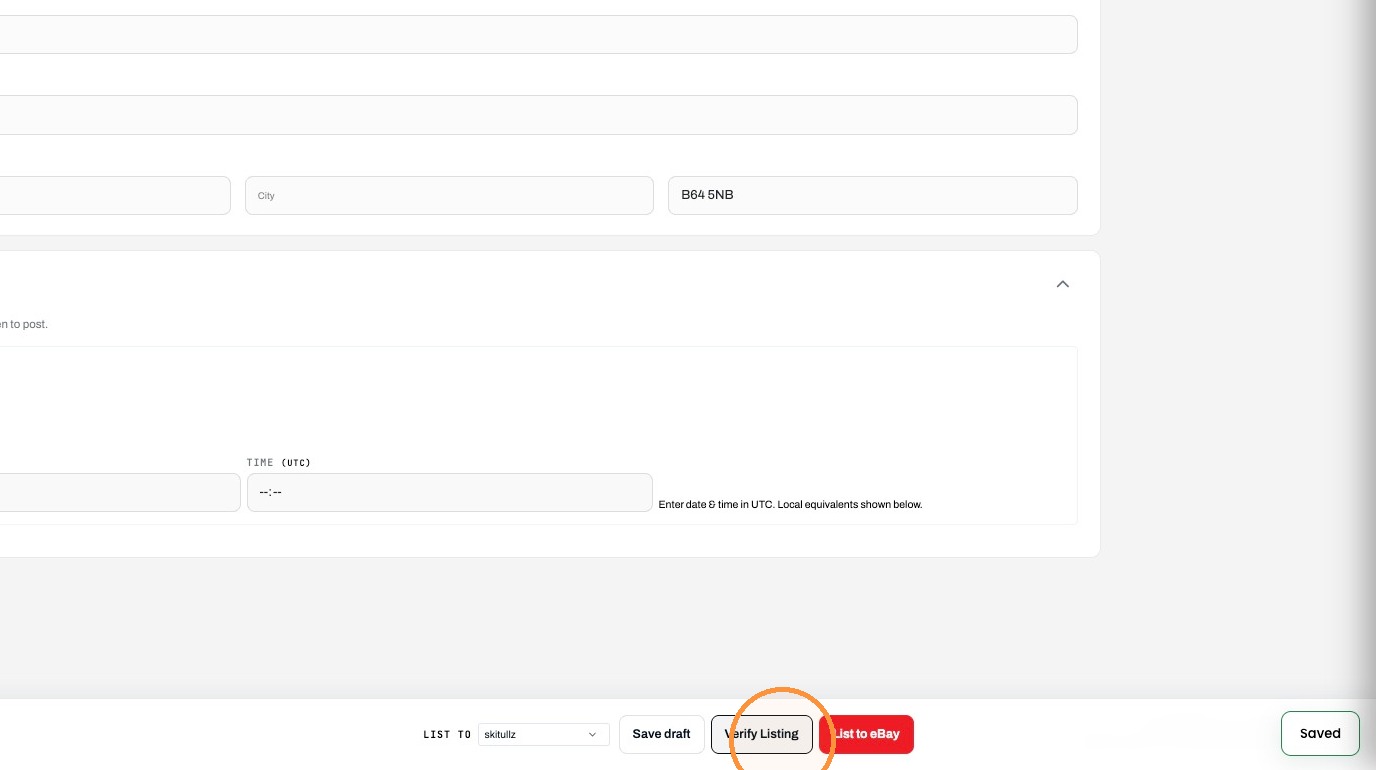
22. Click List to eBay.