How to Clone & Sell Similar via Frooition to eBay
Open this page in Frooition /ebay/listingLearn how to streamline your eBay selling process by importing existing items using the Frooition dashboard. This guide walks you through finding products and editing drafts to help you manage your inventory listings more efficiently.
1. Navigate to https://freedom.frooition.com/ebay/
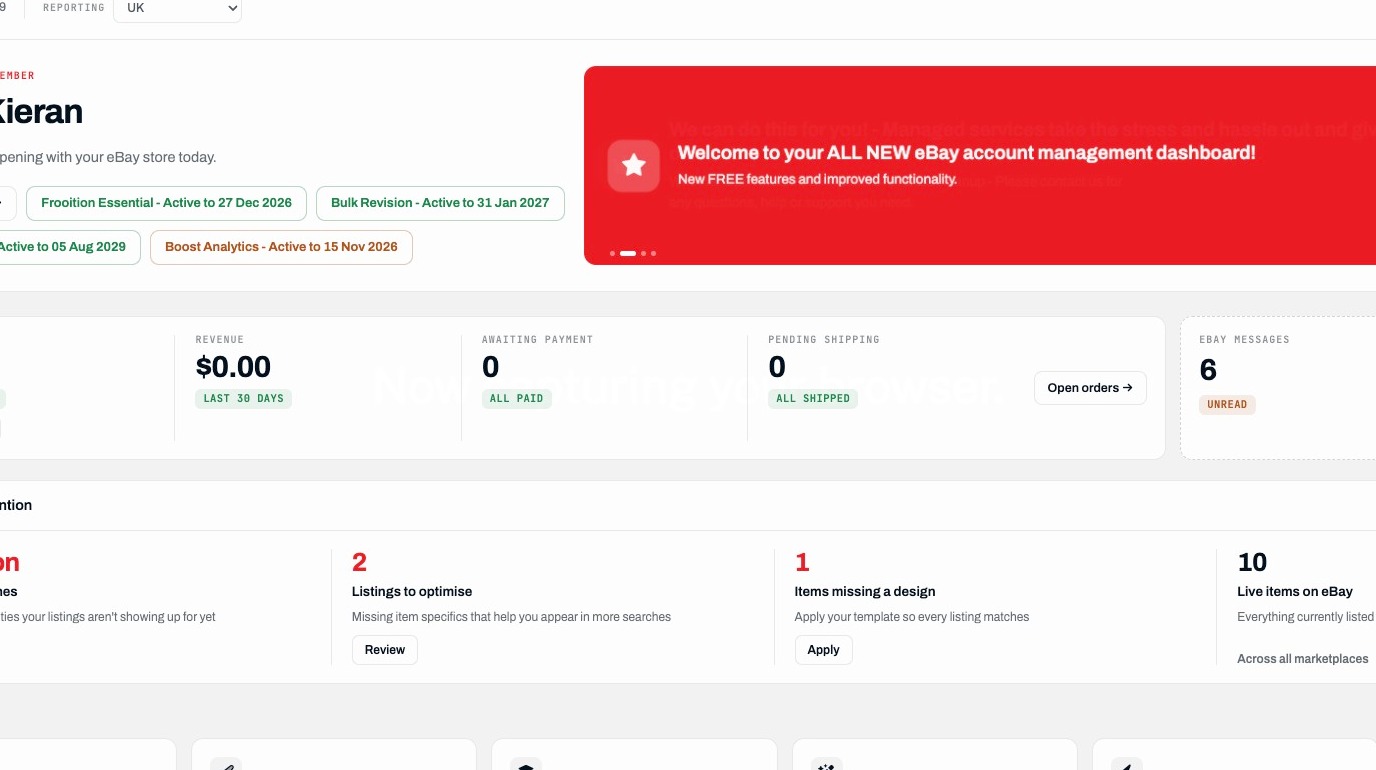
Listing Navigation
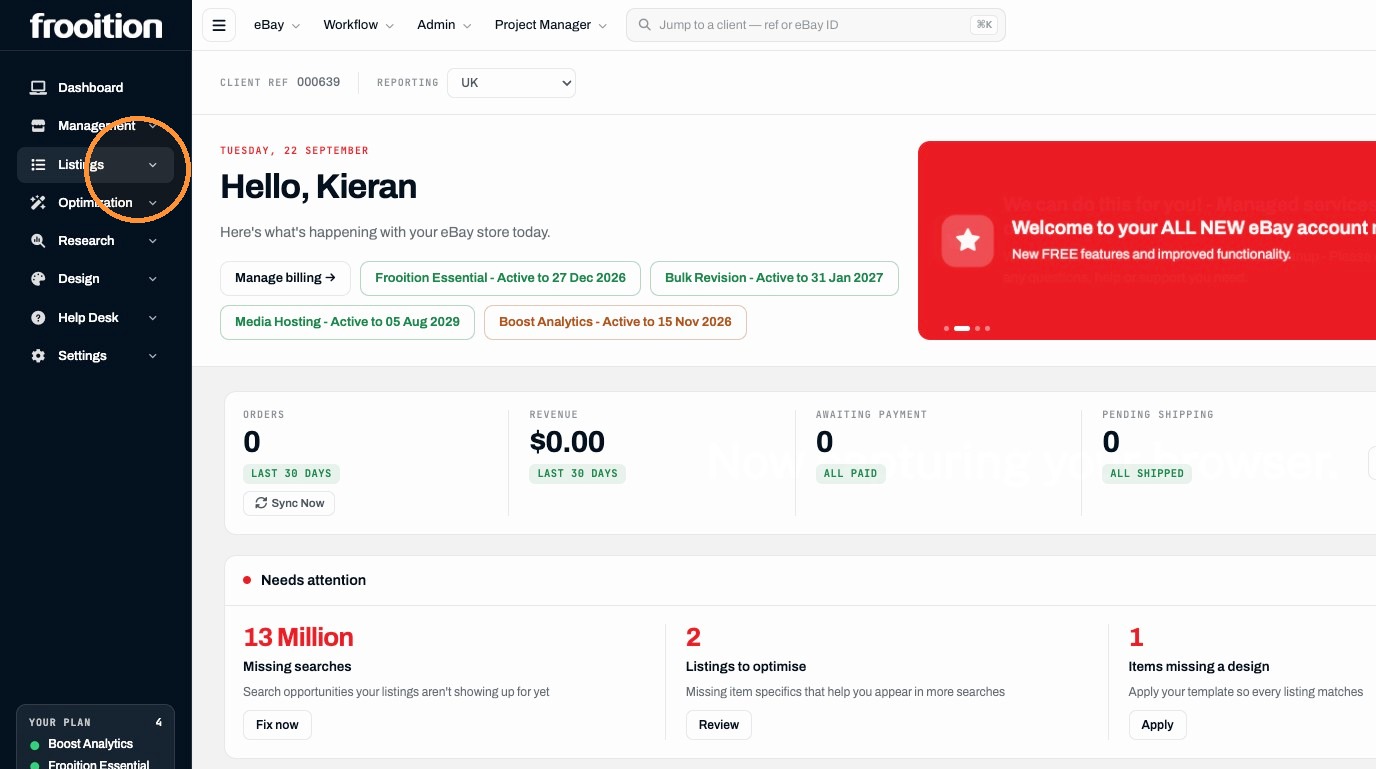
2. Click "Listings"
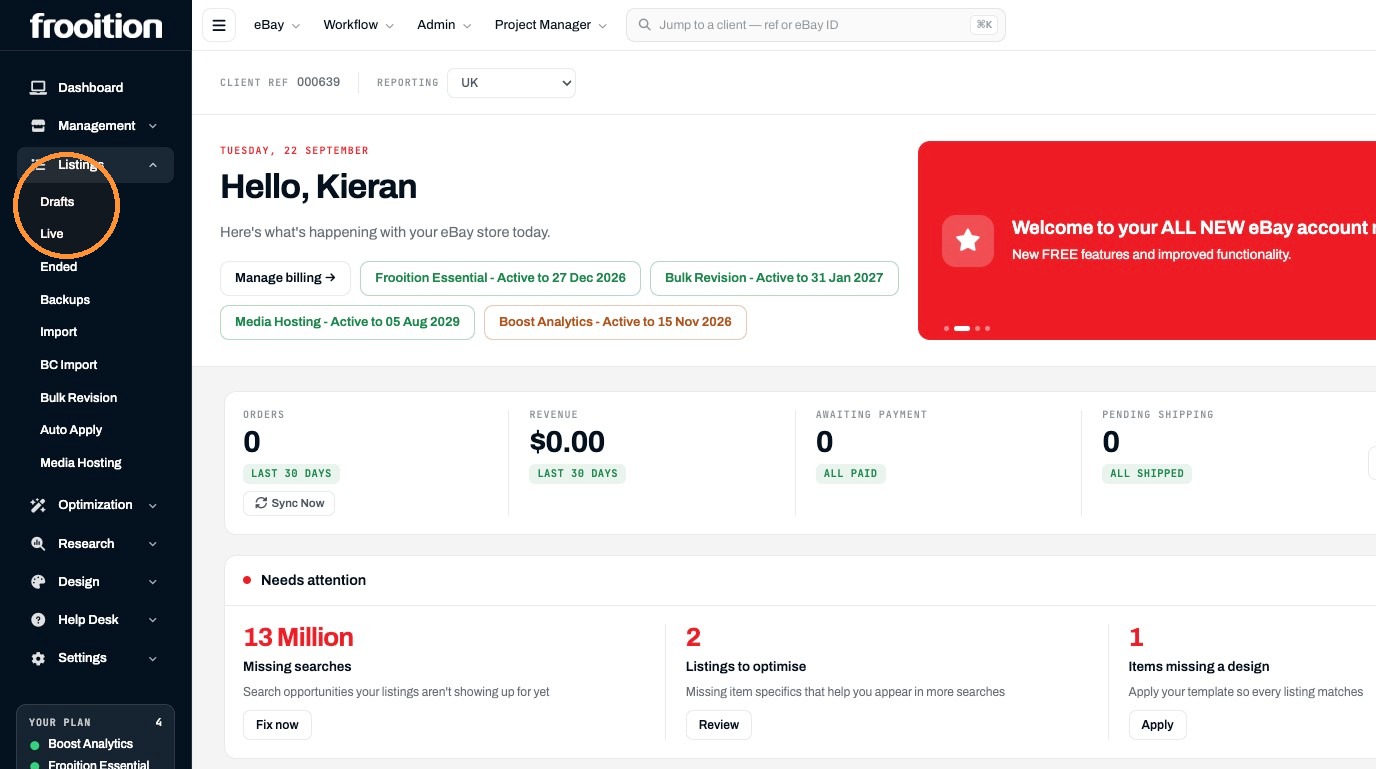
3. Click "Drafts"
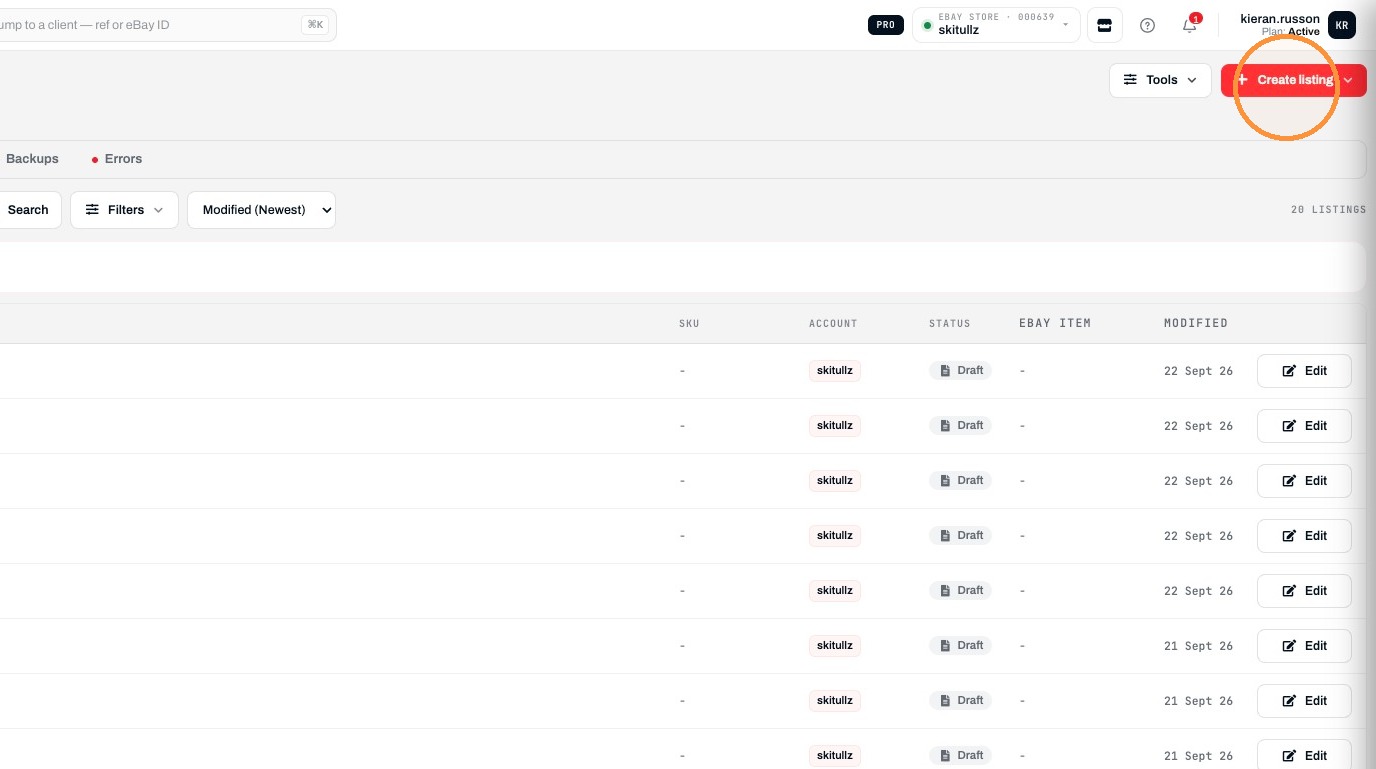
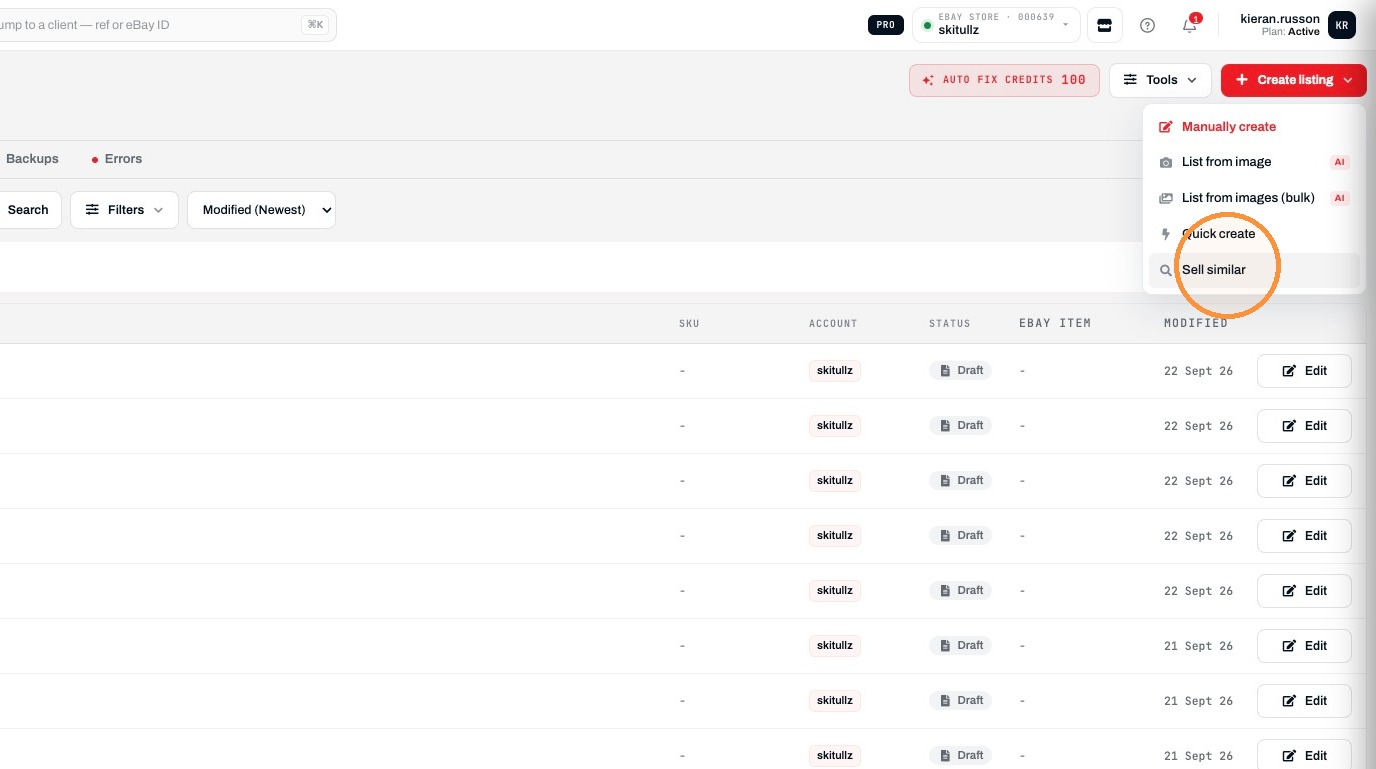
4. Click "Create listing"
5. Click "Sell similar"
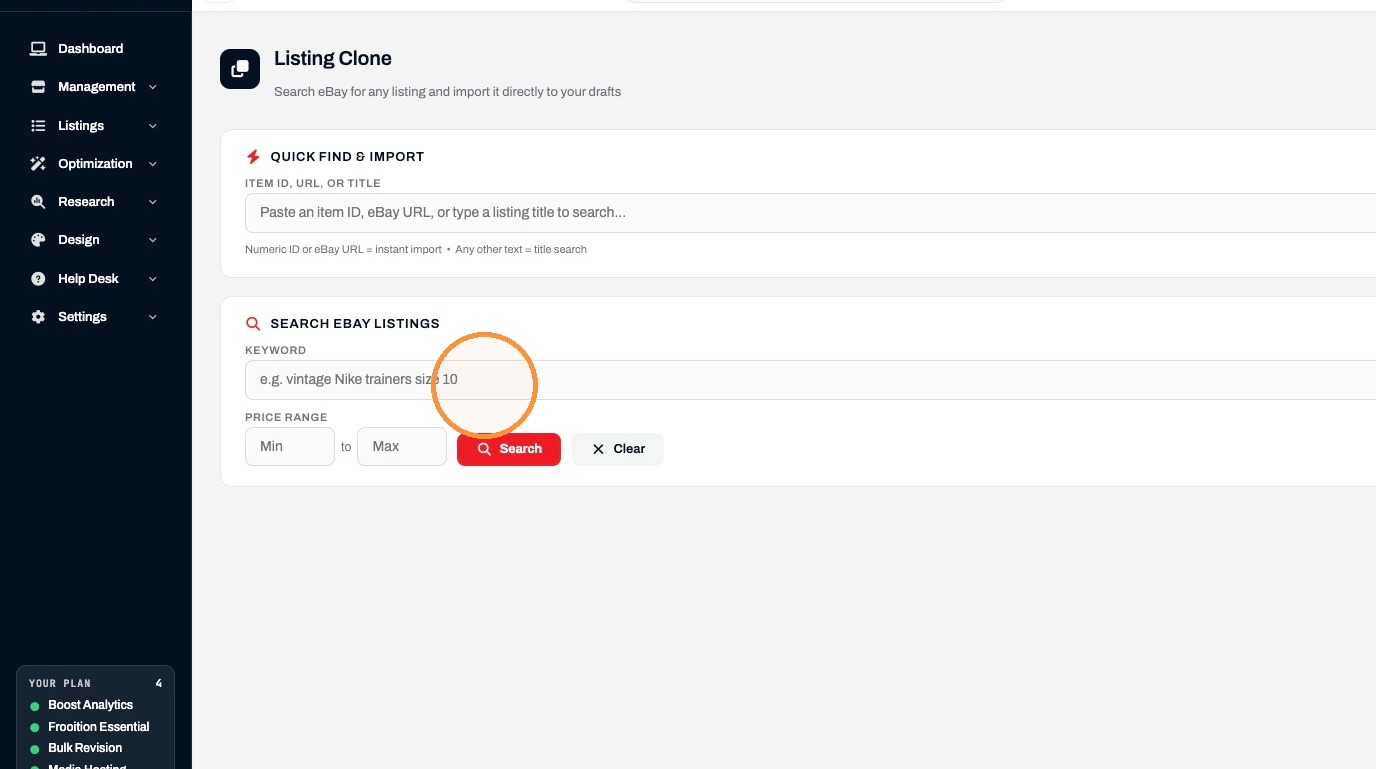
Listing Search
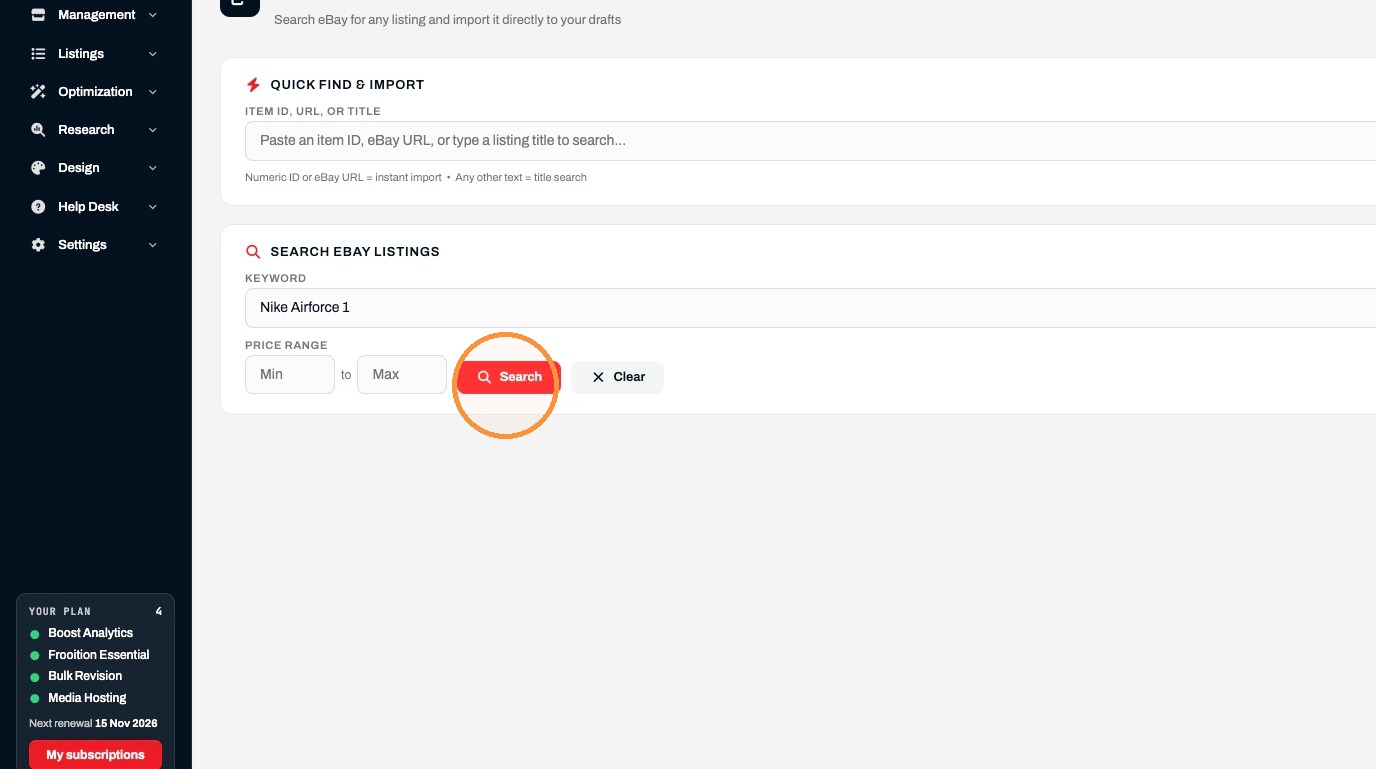
6. Enter "Nike Airforce 1" in the keyword field
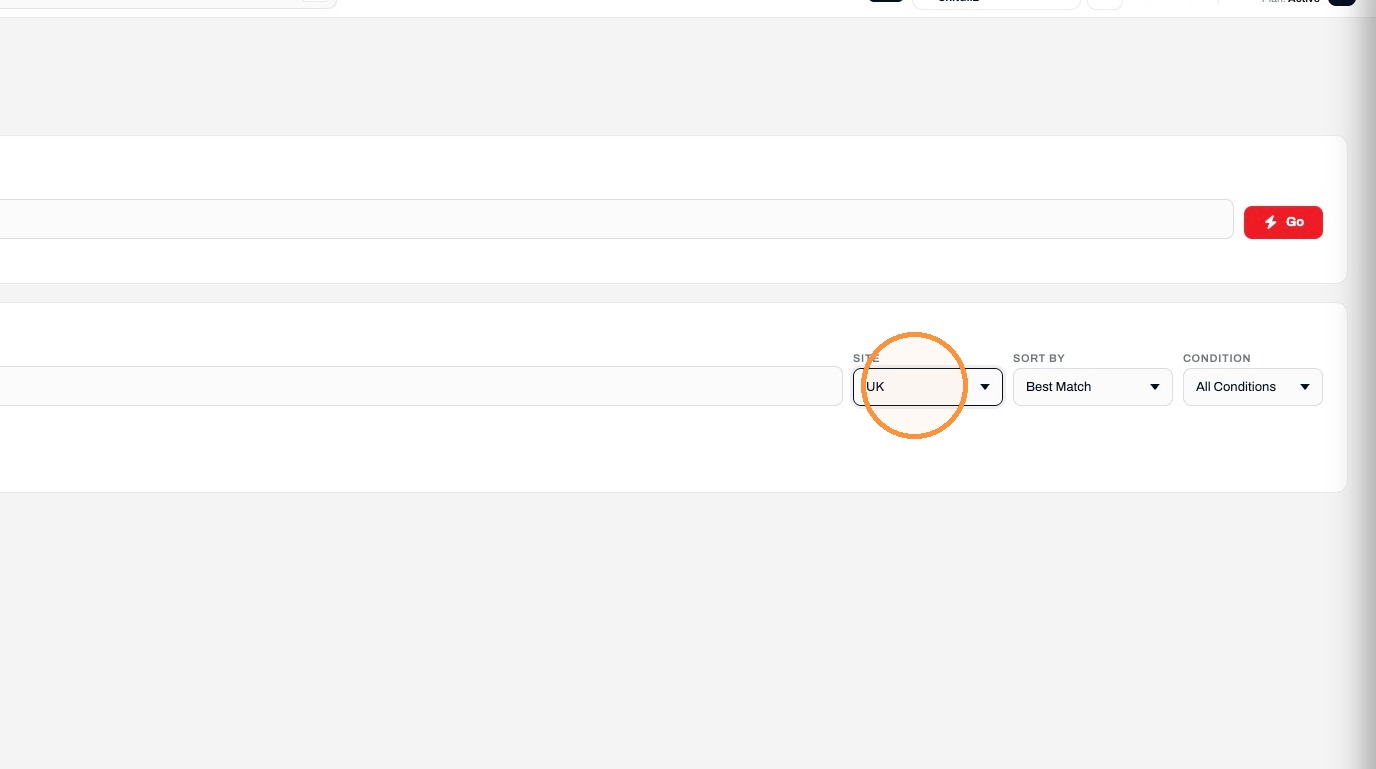
7. Select the "UK" option.
8. Click "Search"
Draft Creation
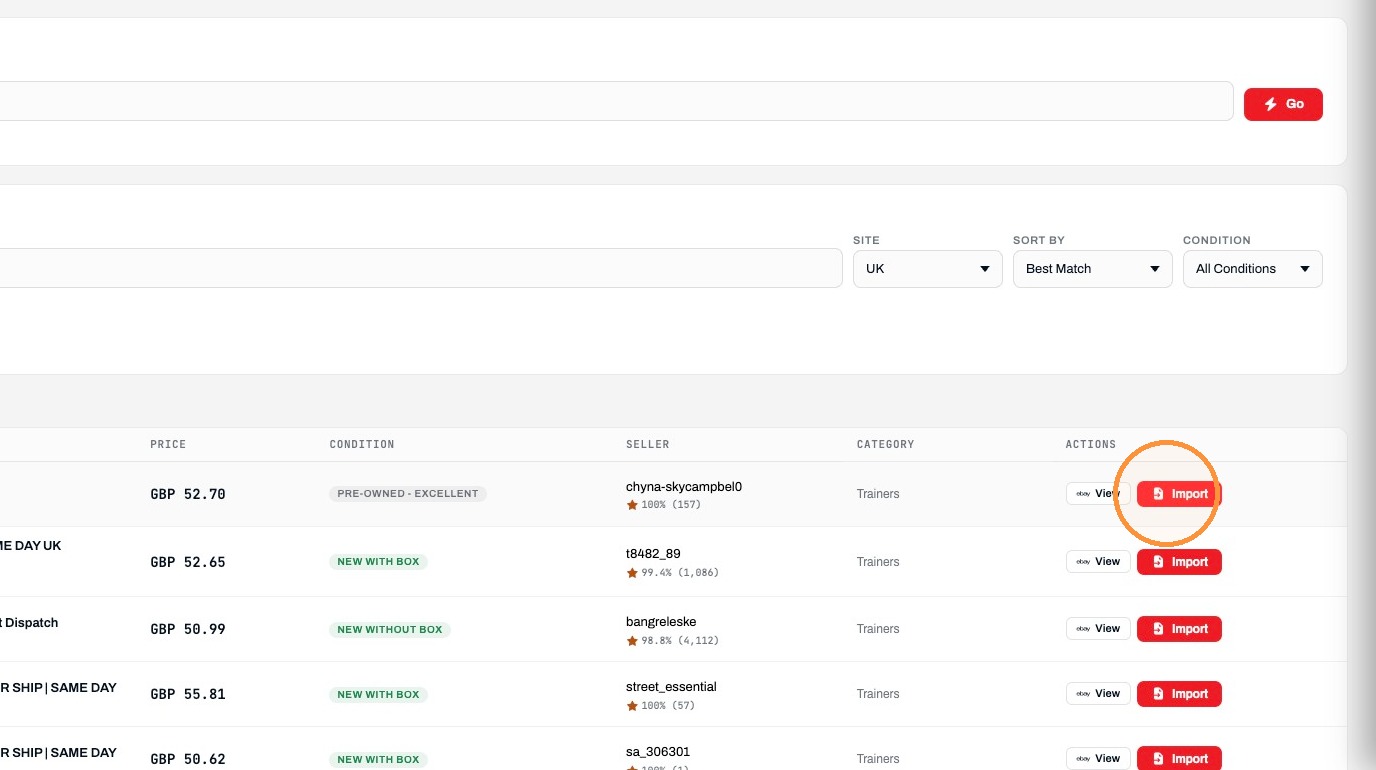
9. Click "Import"
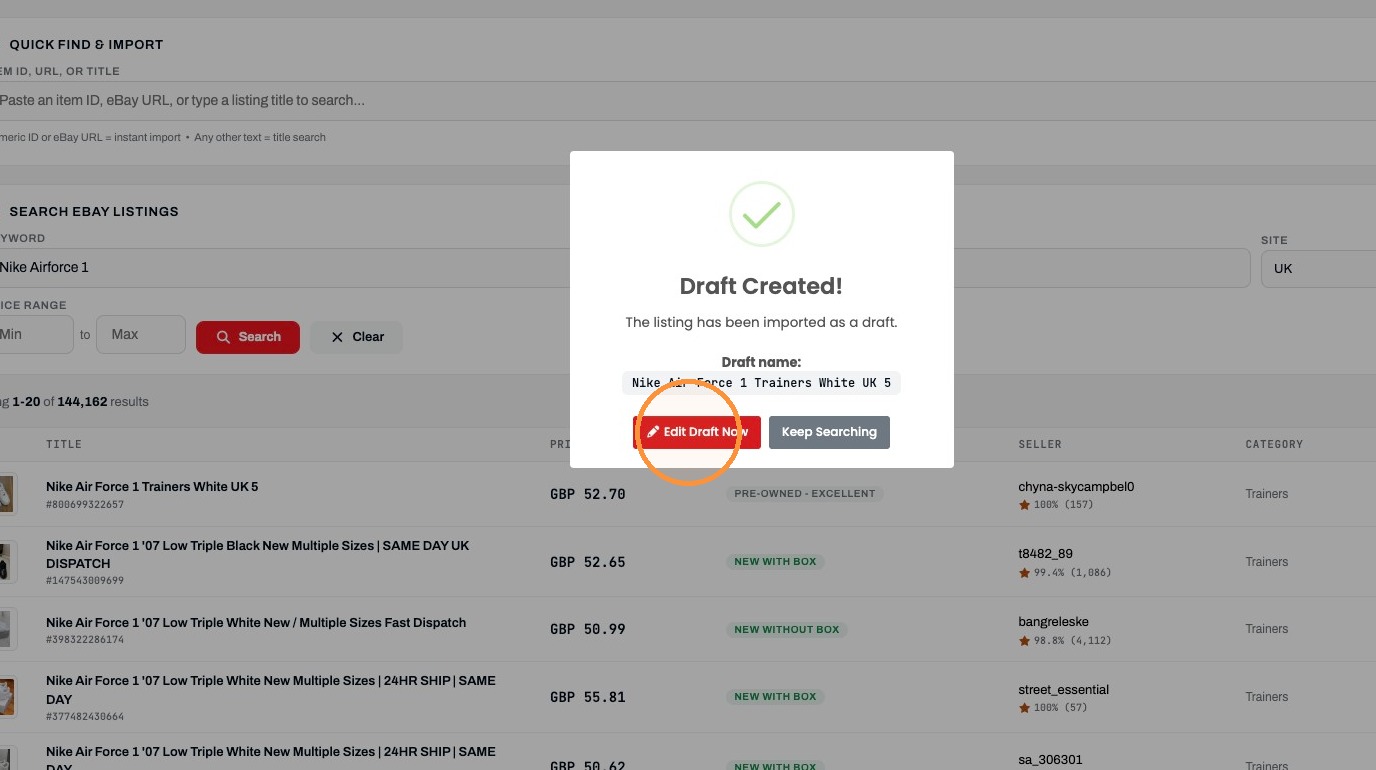
10. Click "Edit Draft Now"
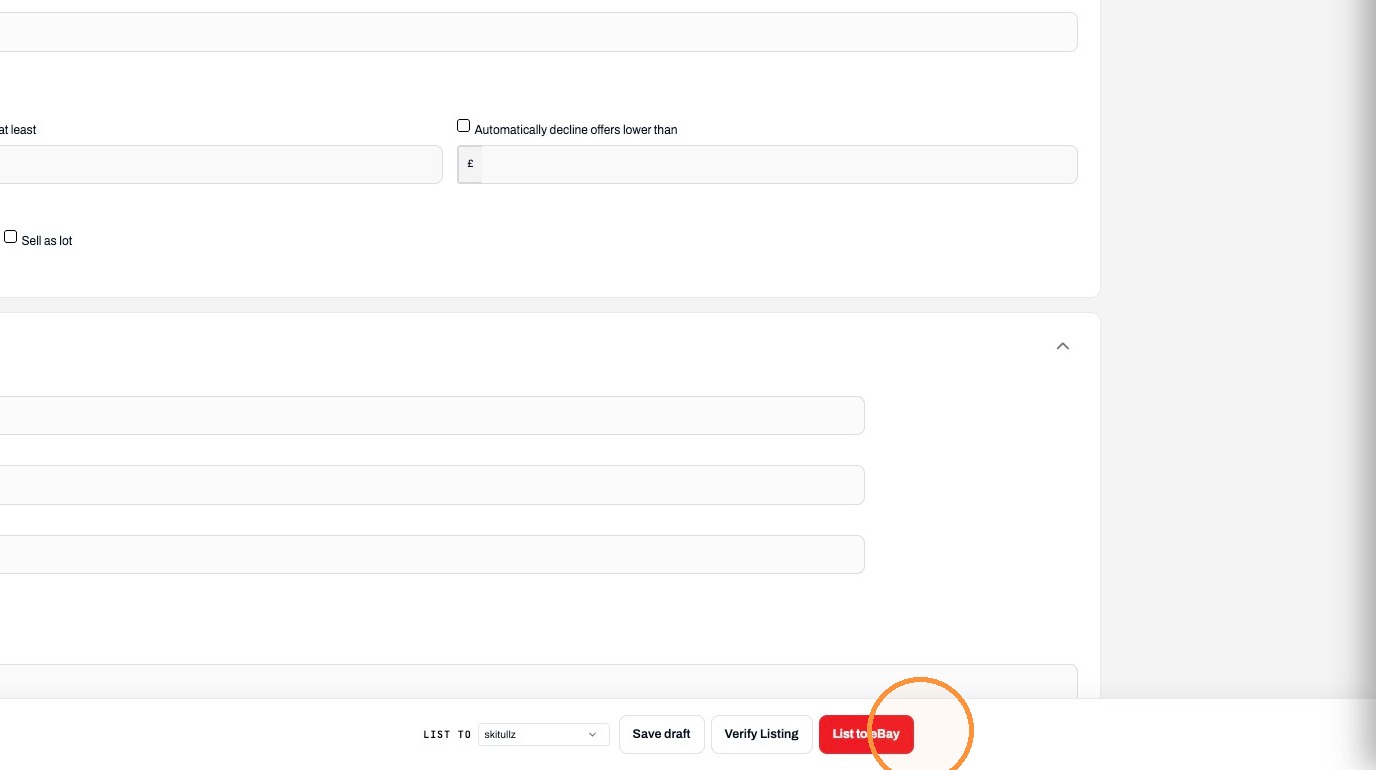
11. Click "List to eBay"
Was this helpful?
RELATED ARTICLES
How to create and List Items on eBay via Frooitions manual listing method
Create listings via Frooitions manual listing tool
1 MIN
How to Bulk Revise eBay Listings Using Frooition
How to use Bulk revision within Frooition
1 MIN
How to Create a New eBay Listing Using Frooitions Quick List
Speed up your listing process to eBay with the use of quick list
1 MIN