How to Bulk Revise eBay Listings Using Frooition
Open this page in Frooition /bulkrevisionLearn how to update your eBay listings in bulk by applying or changing designs through the Frooition dashboard. This guide simplifies the revision process to help you maintain a professional and consistent look across all your live auctions.
1. Navigate to https://freedom.frooition.com/ebay/
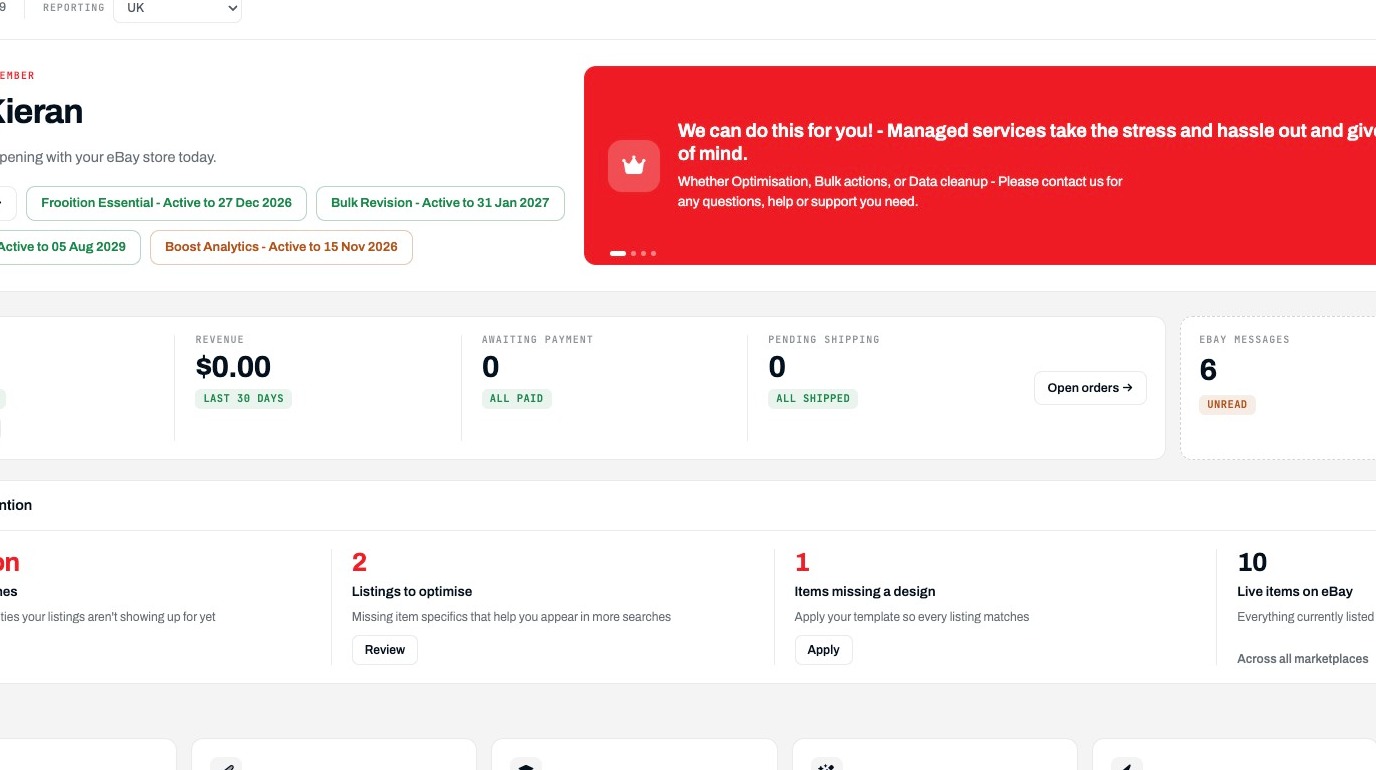
Open Bulk Revision
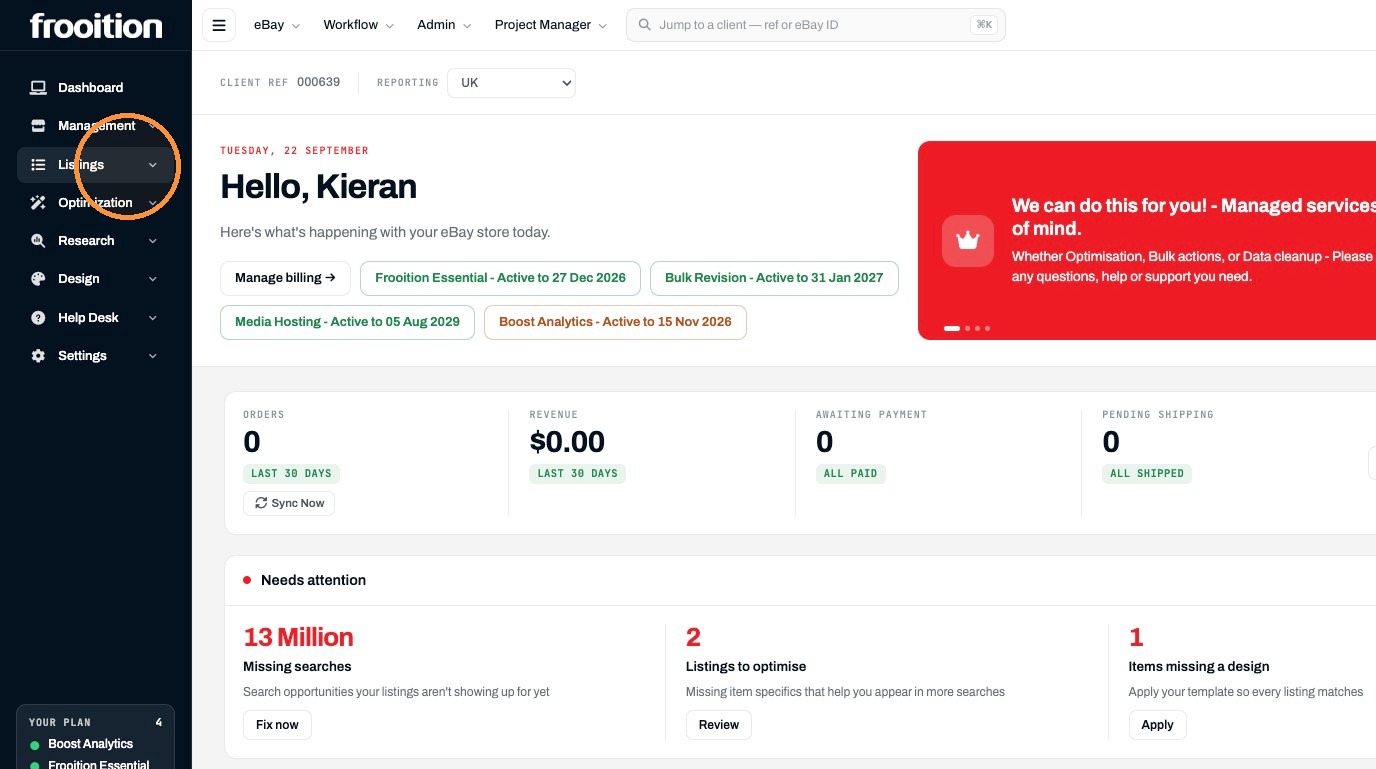
2. Click "Listings"
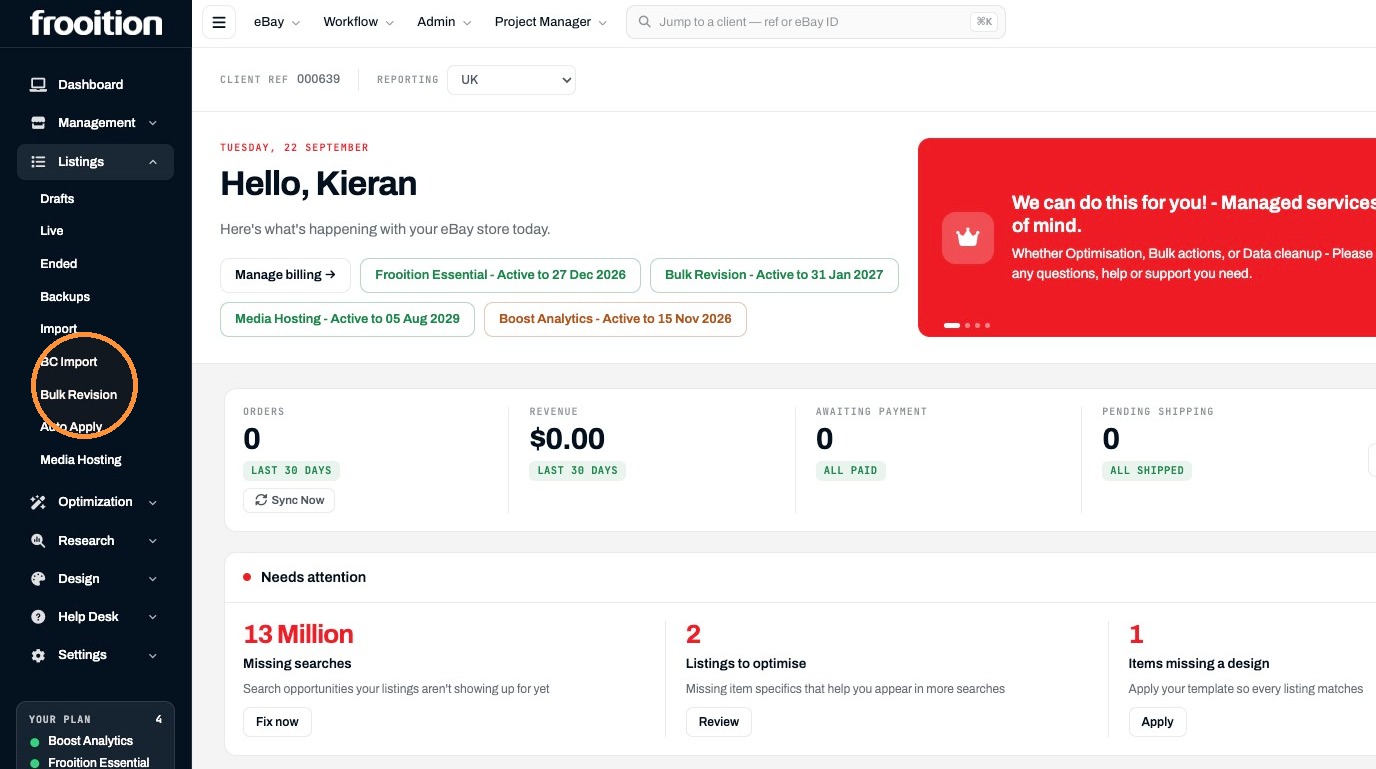
3. Click "Bulk Revision"
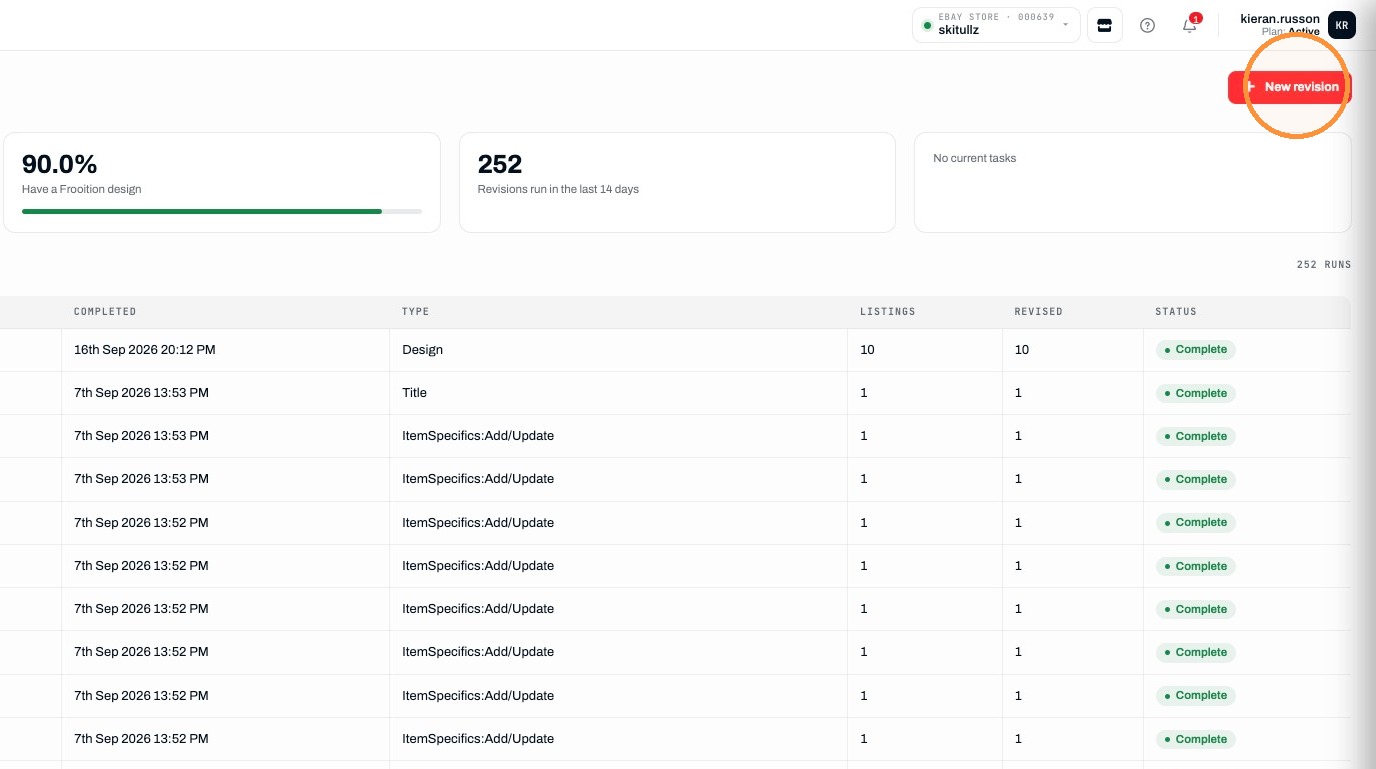
4. Click "New revision"
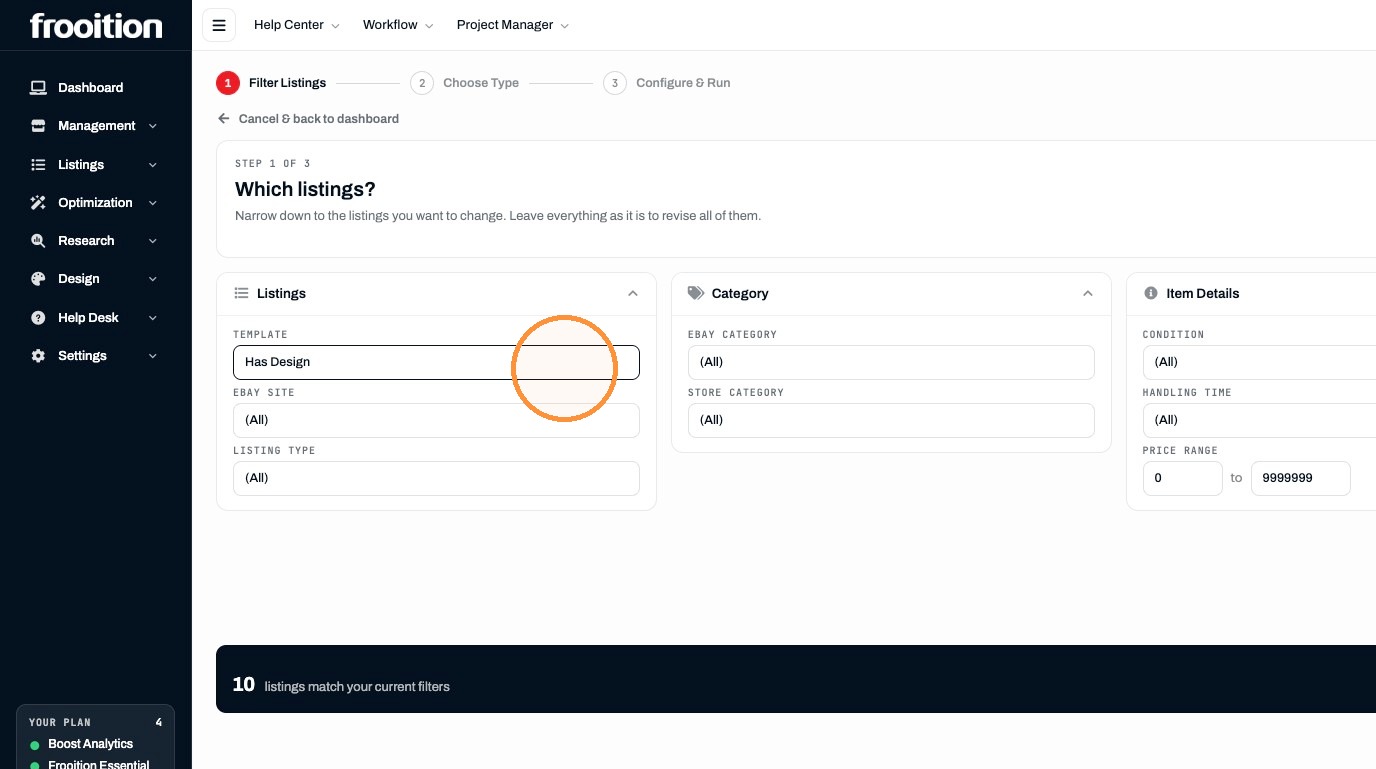
Filter Listings
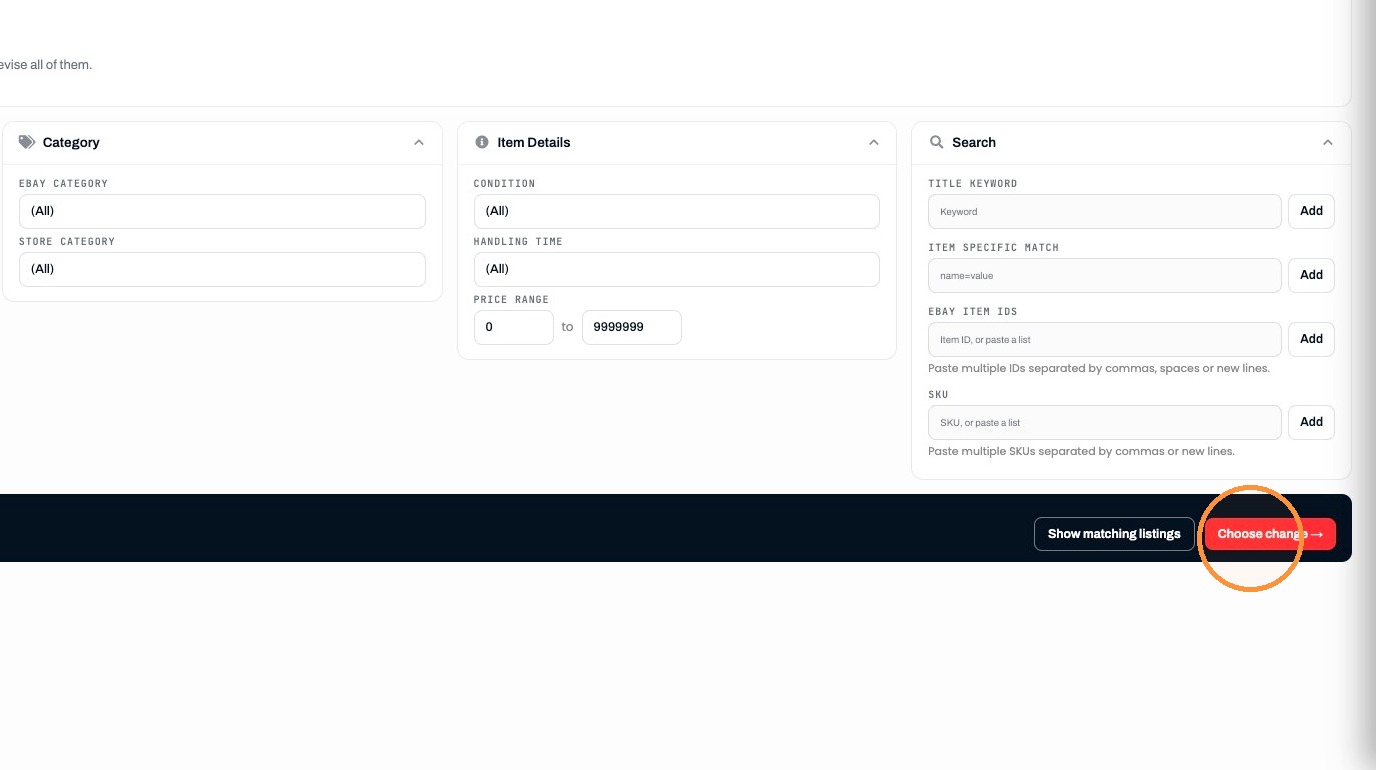
5. Filter on the specific listings you wish to bulk revise
6. Click "Choose change →"
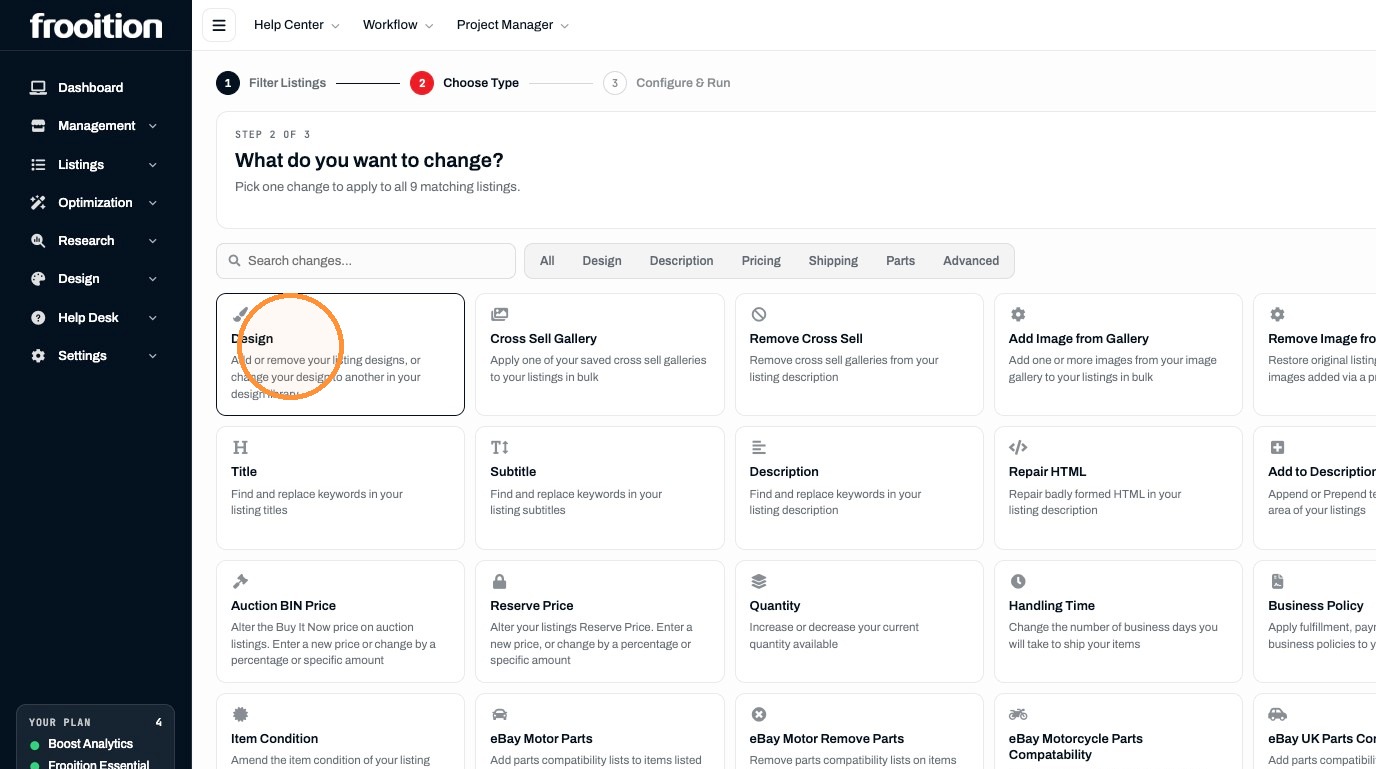
Choose Revision
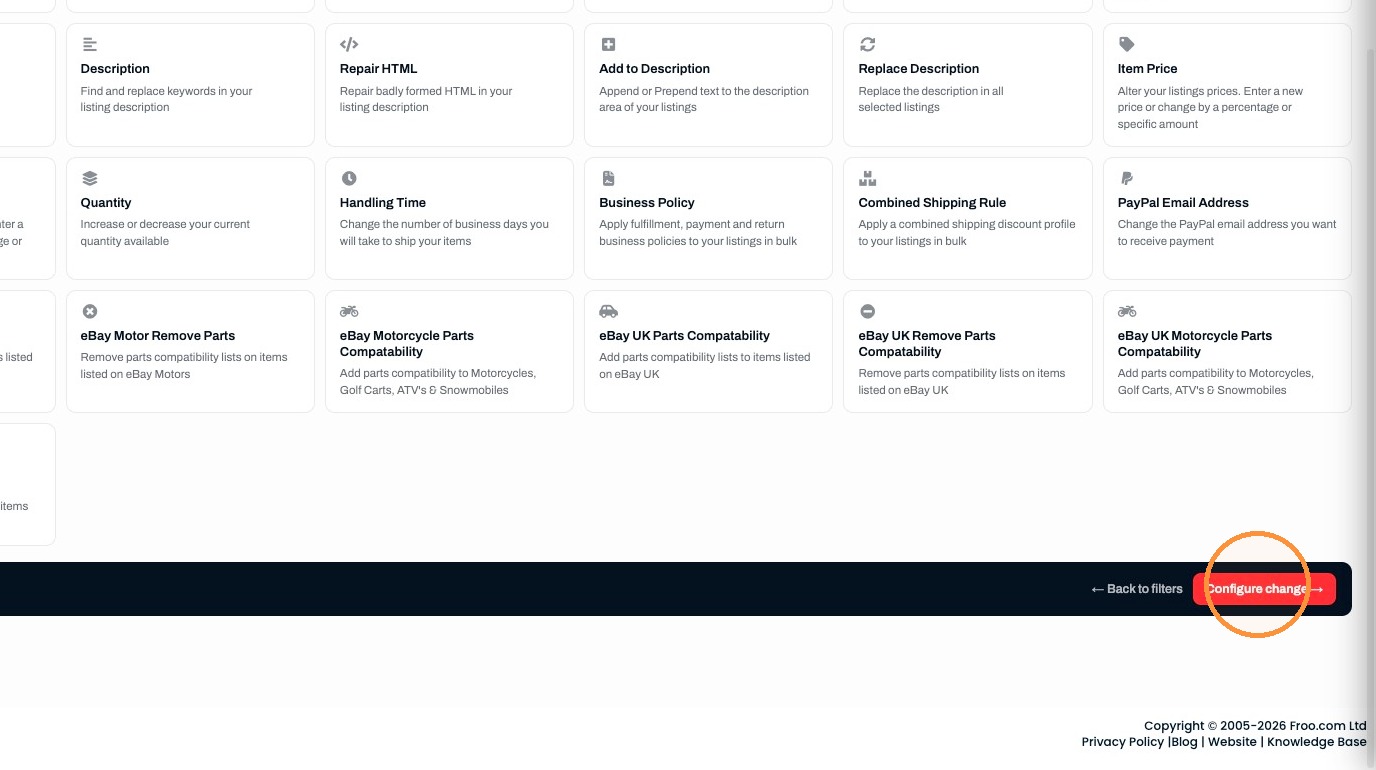
7. Choose the change you want to make to your listings
8. Click "Configure change →"
Configure and Run
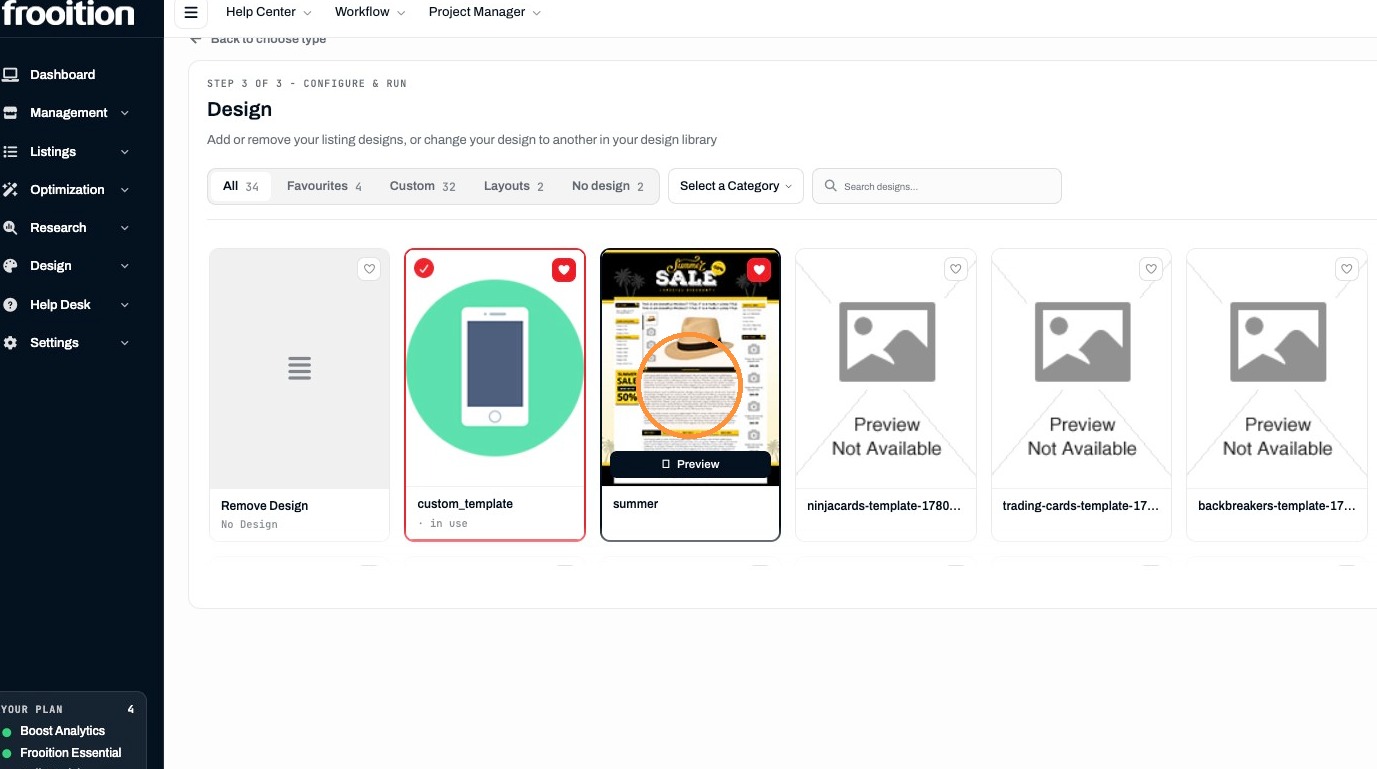
9. Configure the change, in this example we are adding the summer design
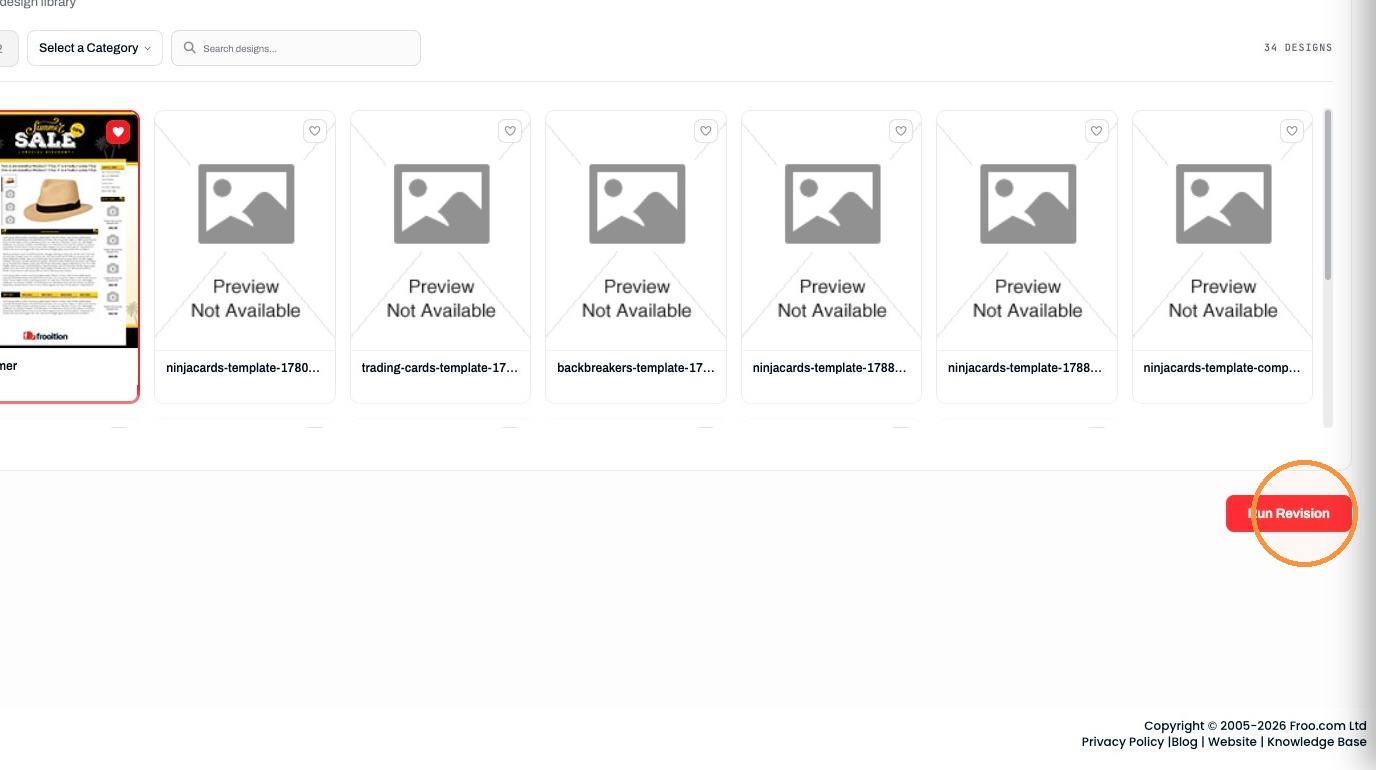
10. Click "Run Revision"
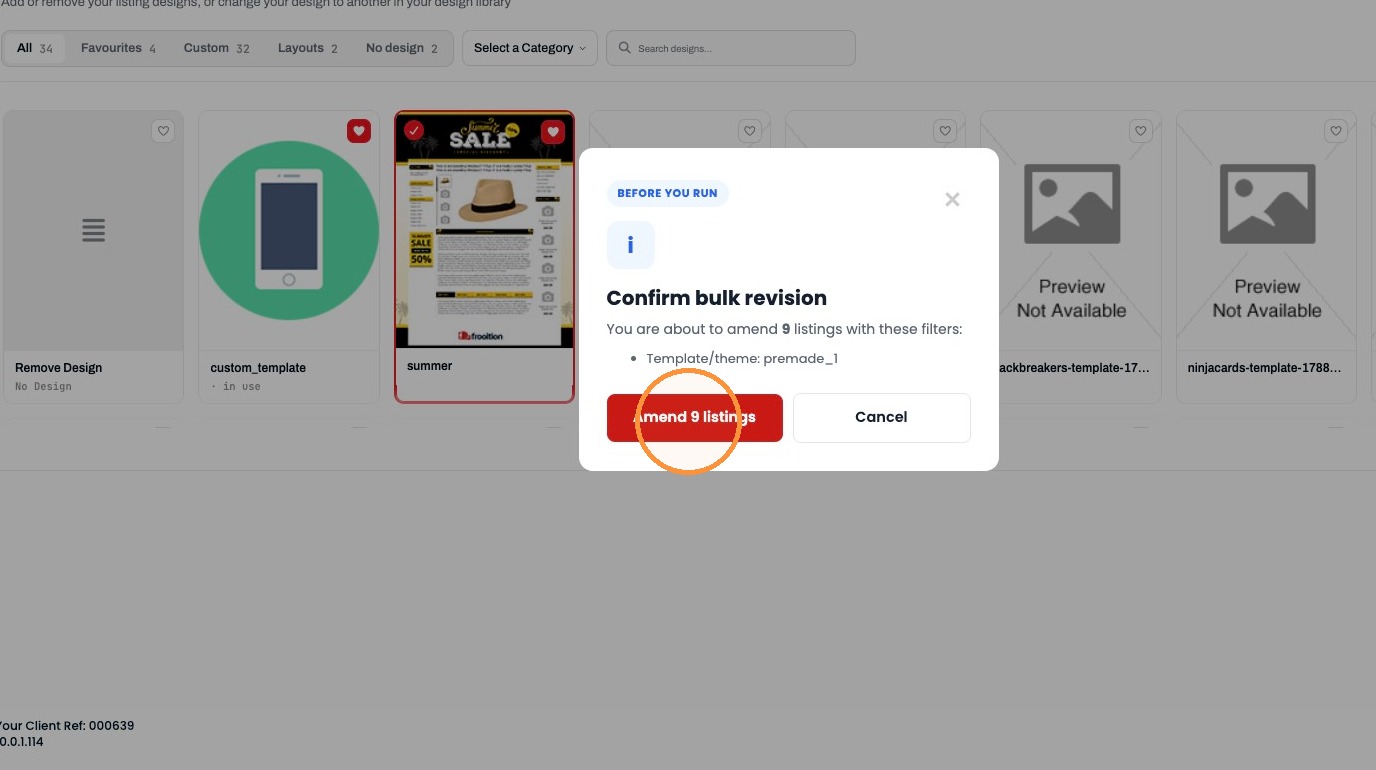
11. Click "Amend 9 listings"
Was this helpful?
RELATED ARTICLES
How to create and List Items on eBay via Frooitions manual listing method
Create listings via Frooitions manual listing tool
1 MIN
How to Create a New eBay Listing Using Frooitions Quick List
Speed up your listing process to eBay with the use of quick list
1 MIN
How to create an eBay Listing Using AI Image Recognition
Quickly create a new listing using our AI Image recognition tool
1 MIN