How to create an eBay Listing Using AI Image Recognition
Open this page in Frooition /ebay/listingLearn how to streamline your eBay listing process by leveraging AI technology to automatically identify products from your photos. This guide shows you how to quickly draft and save professional listings using Frooition's intelligent tools.
1. Navigate to https://freedom.frooition.com/ebay/
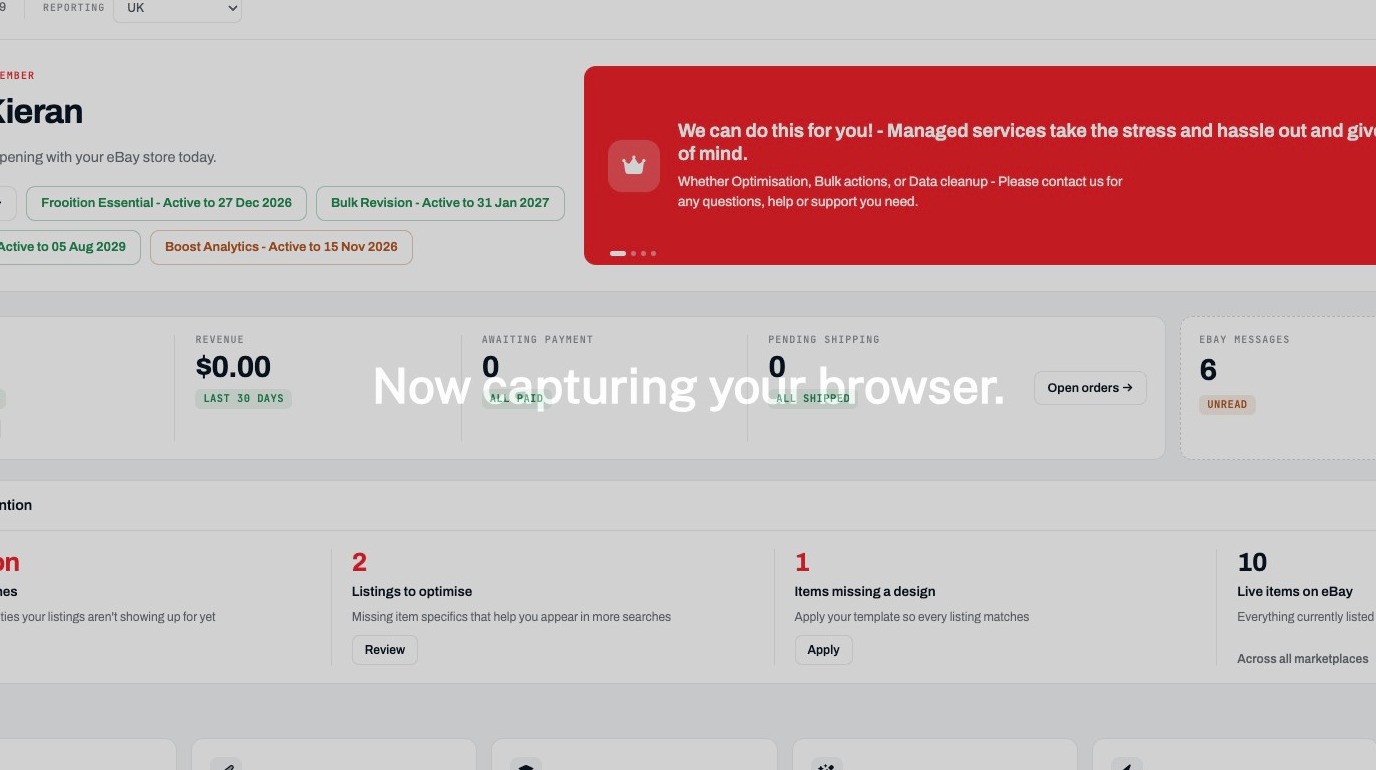
Open Draft Listings
2. Click "Listings"
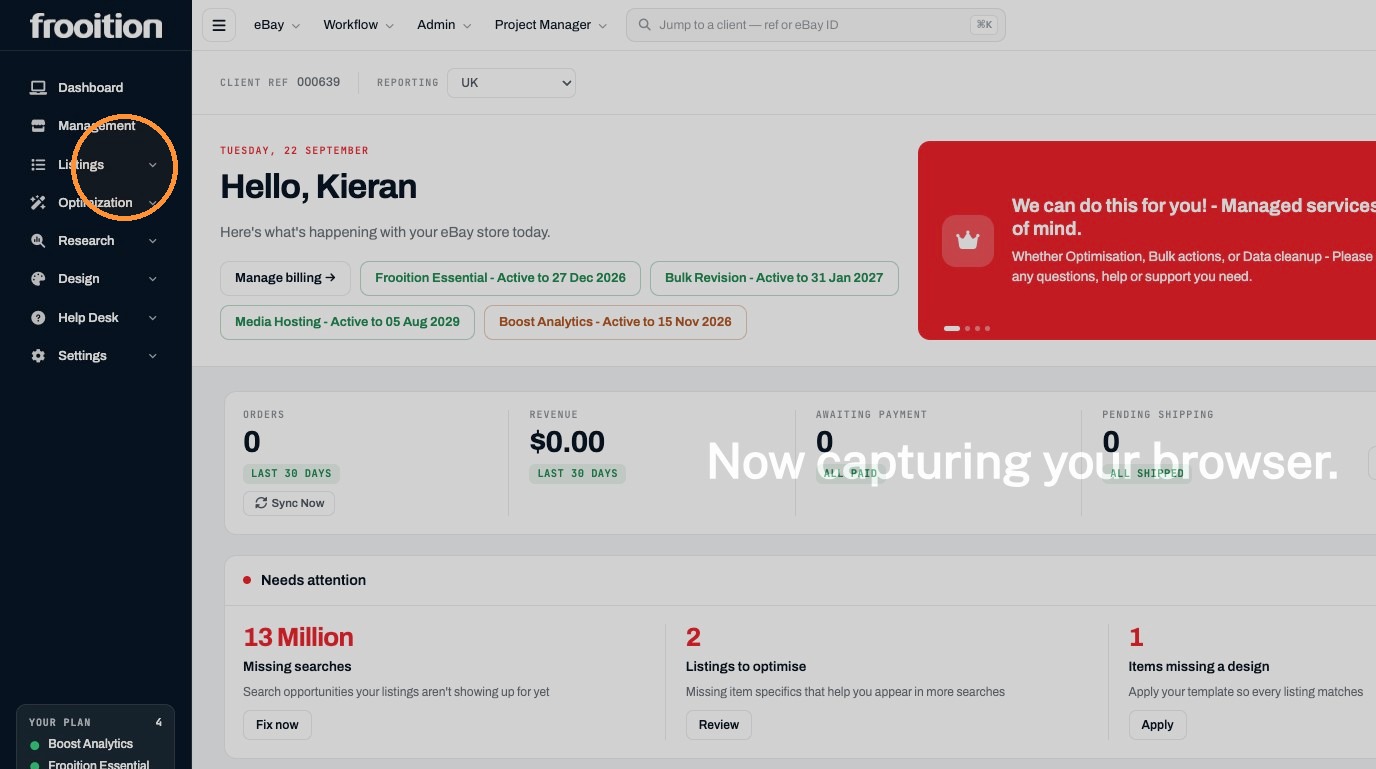
3. Click "Drafts"
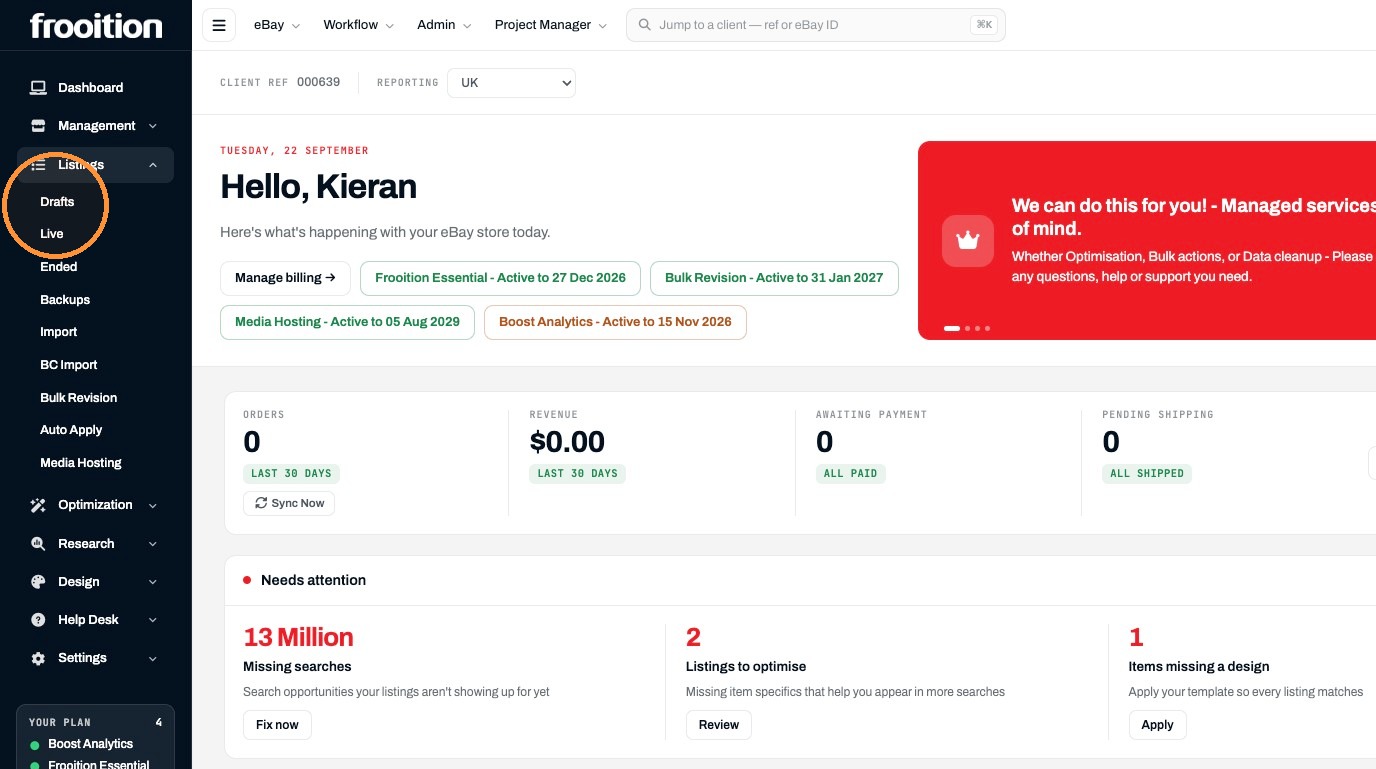
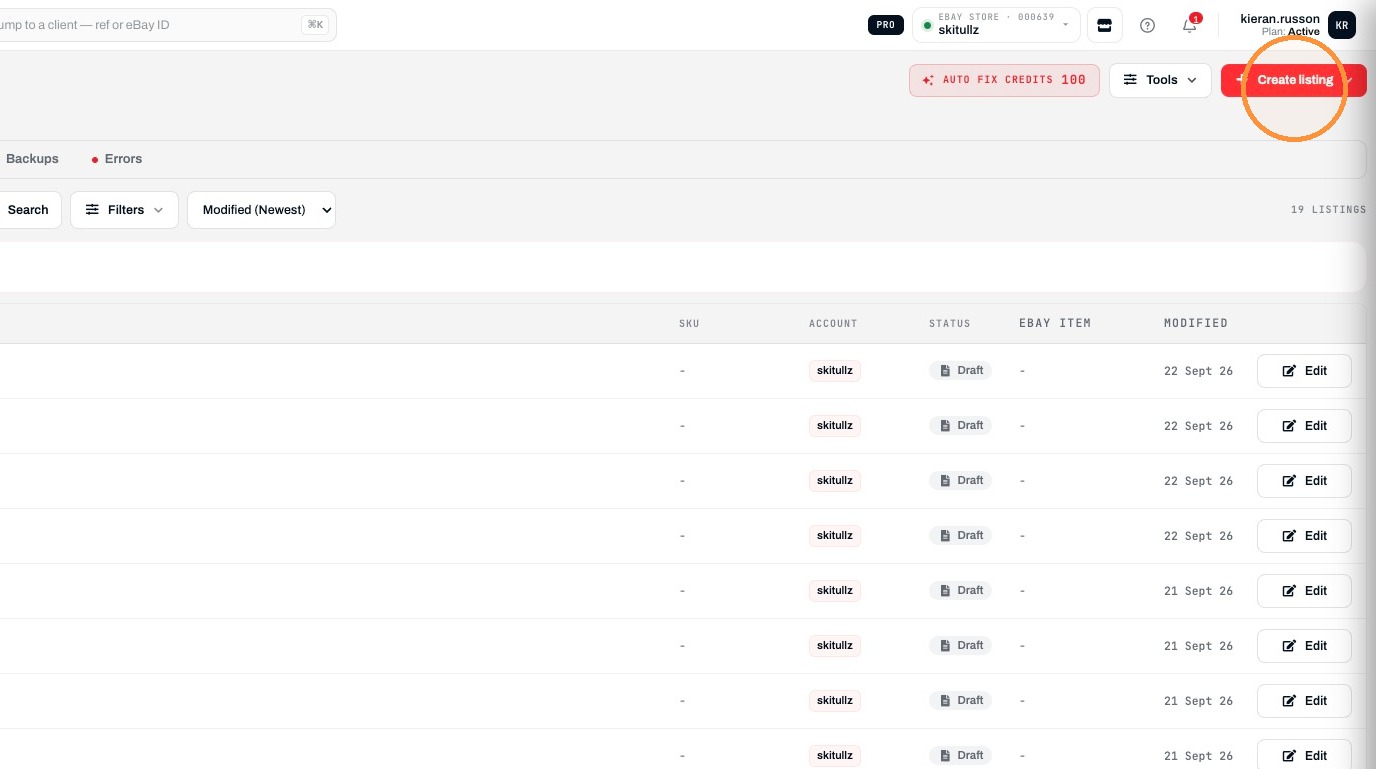
Start Listing Creation
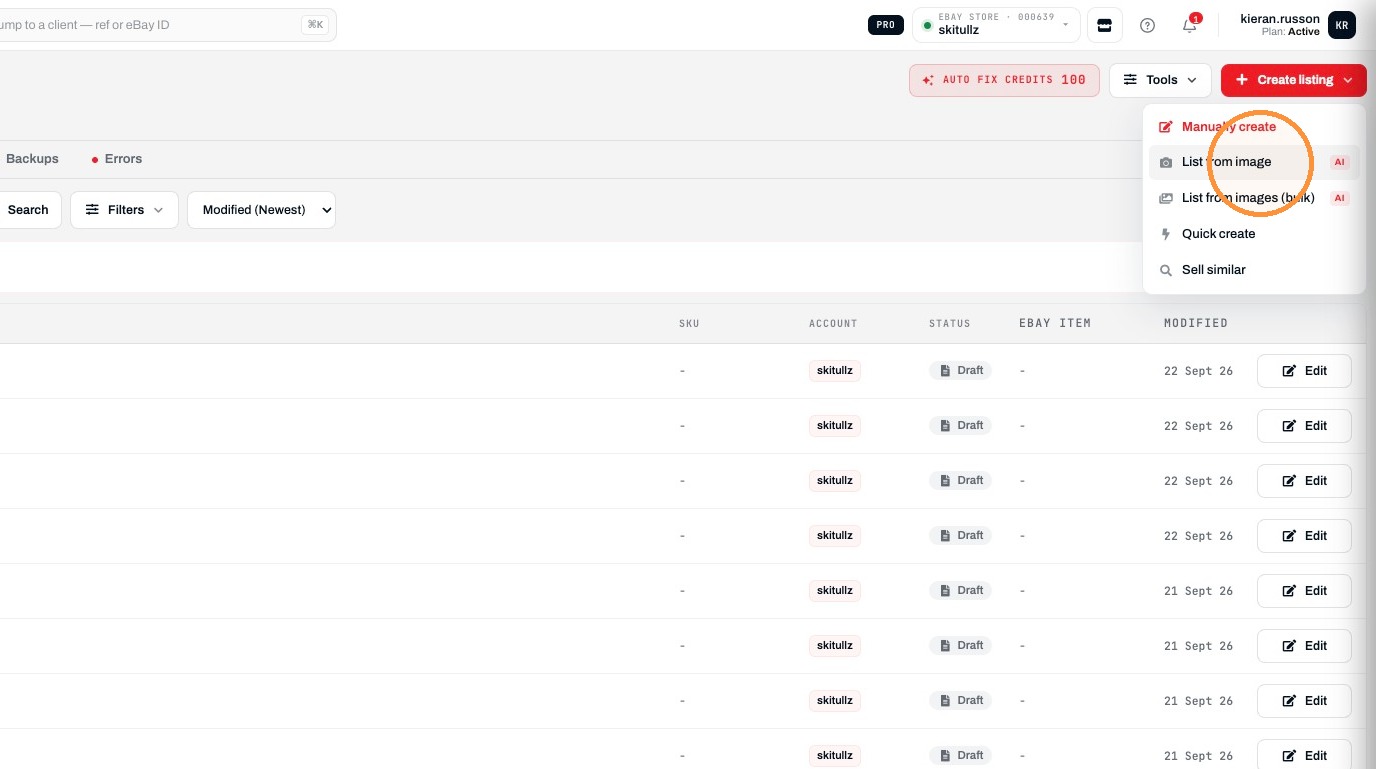
4. Click "Create listing"
5. Click "List from image AI"
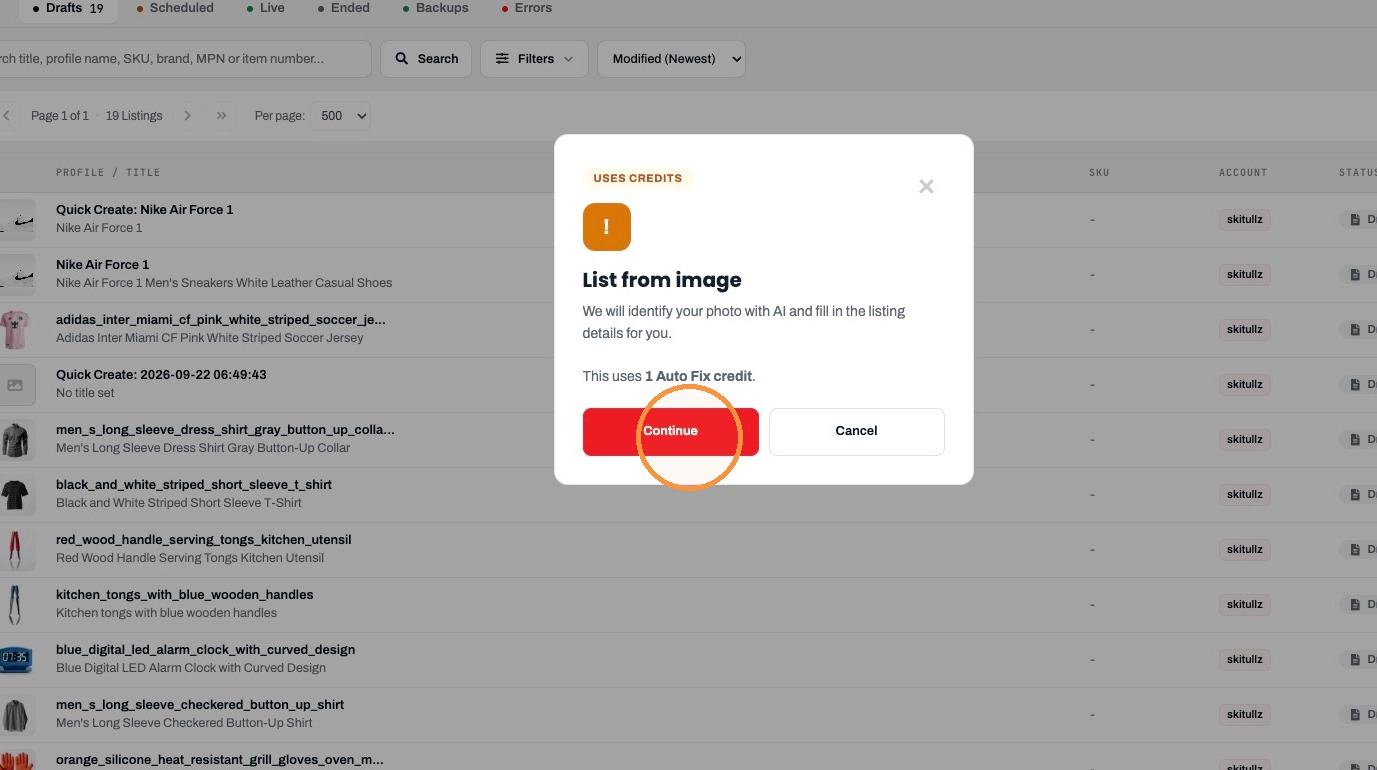
6. Click "Continue"
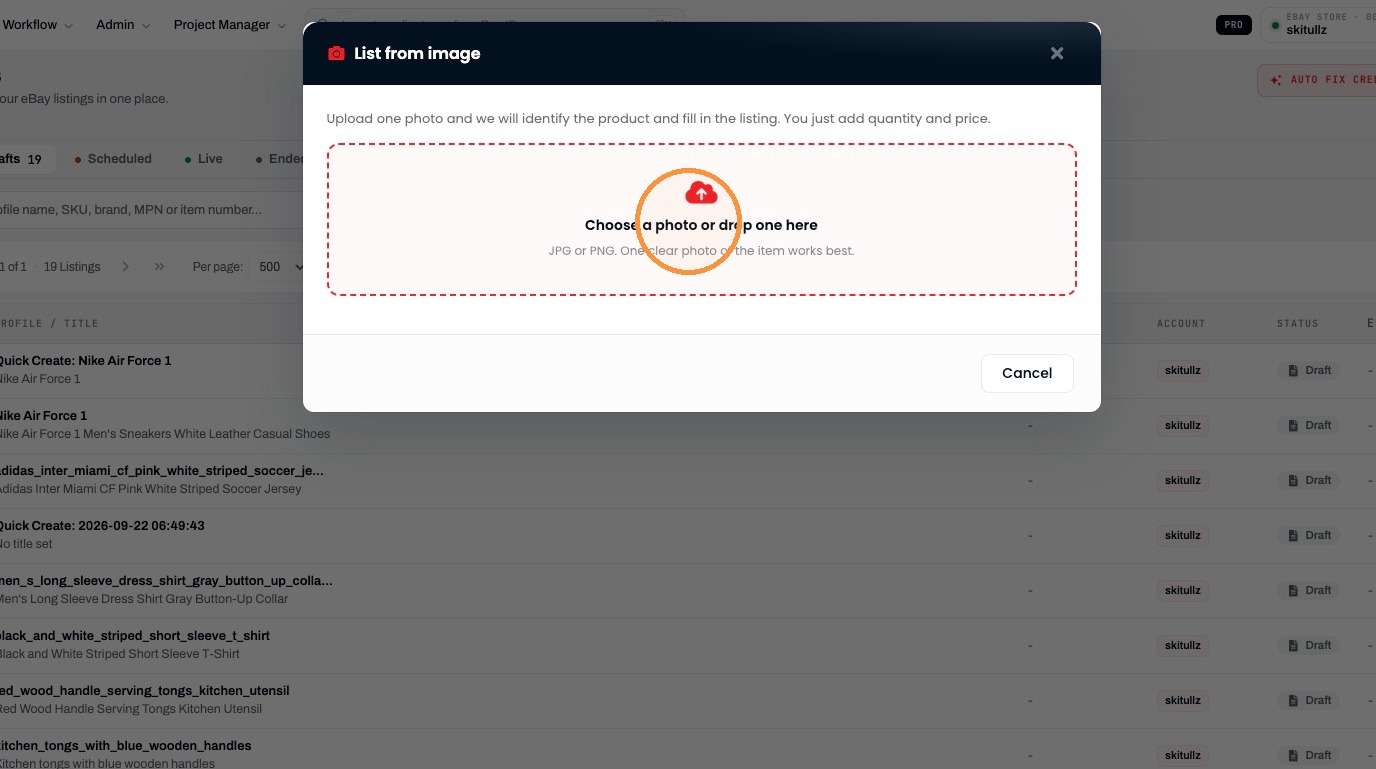
Upload Product Image
7. Click "Choose a photo or drop one here"
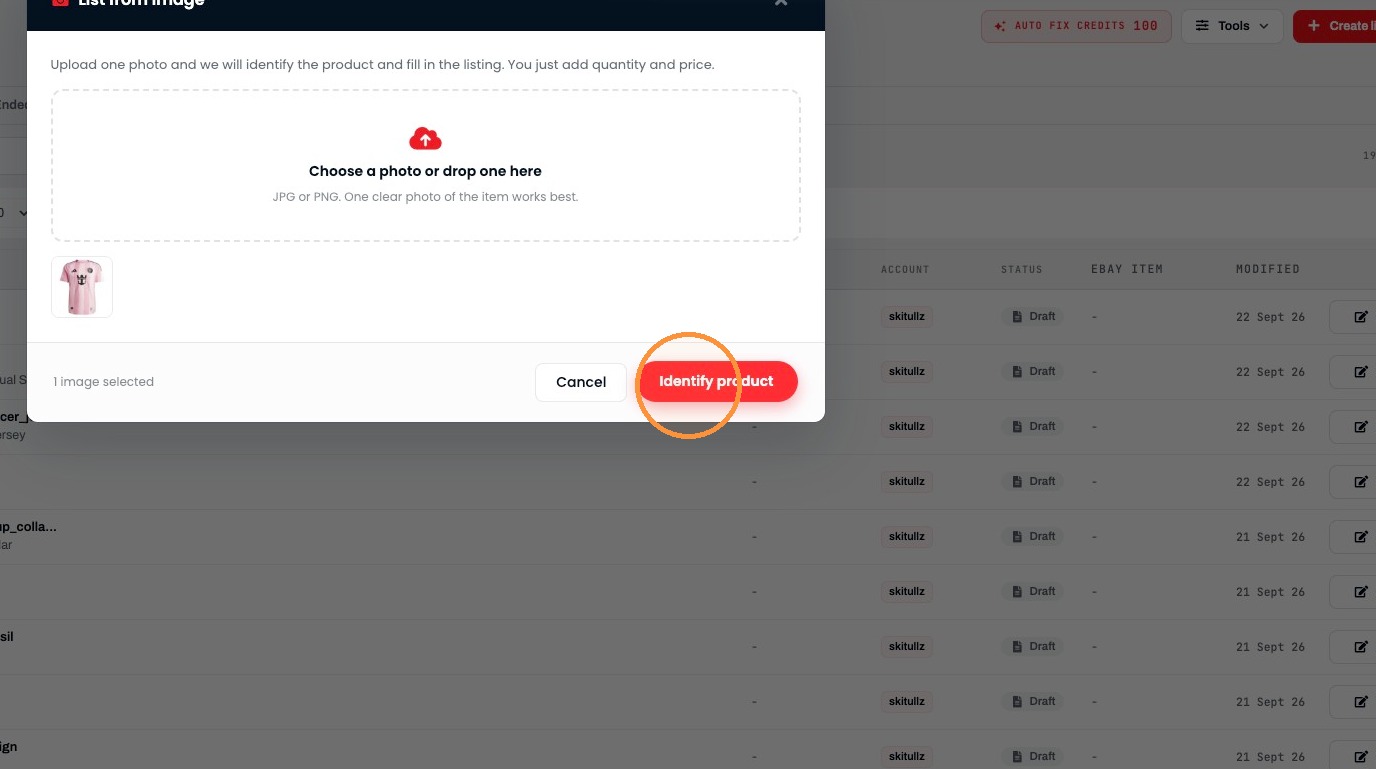
8. Click "Identify product"
Enter Listing Details
9. Enter 20 in the Price field
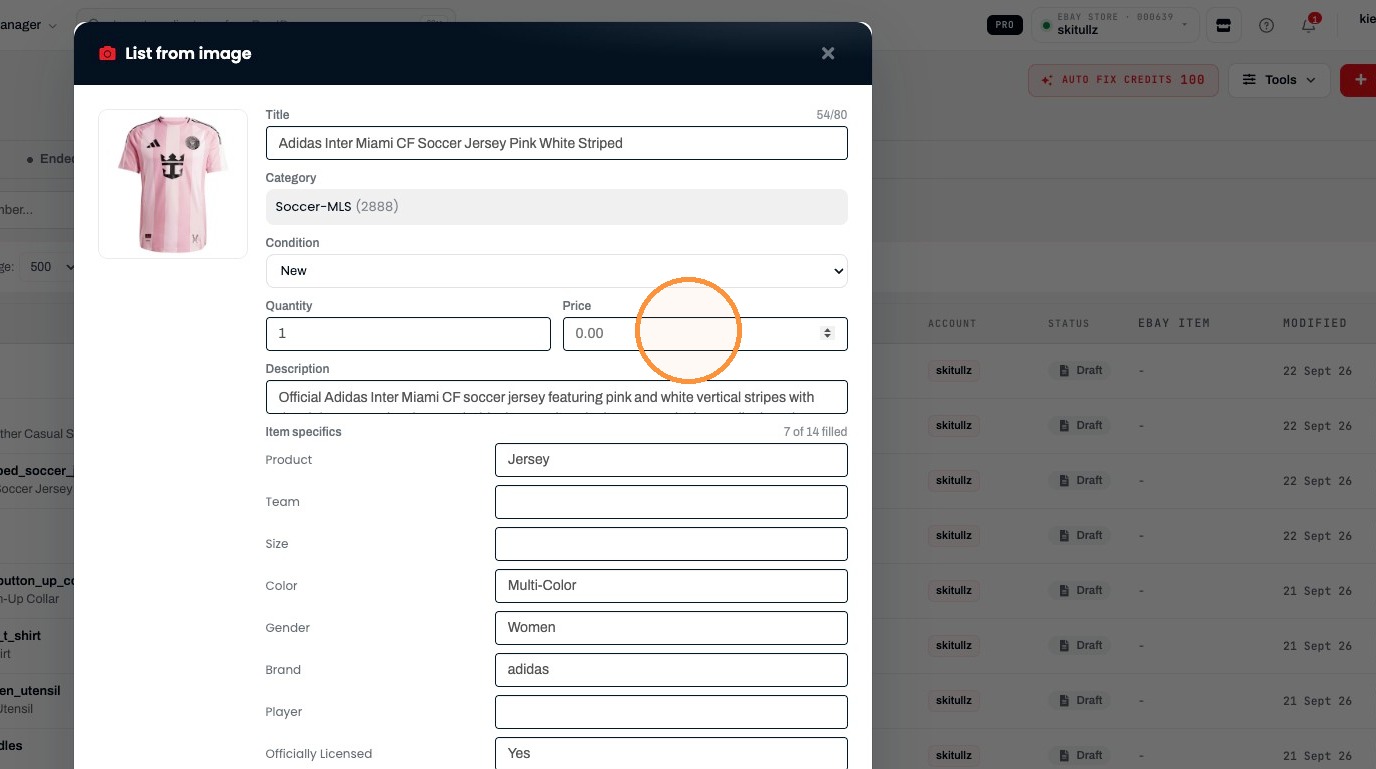
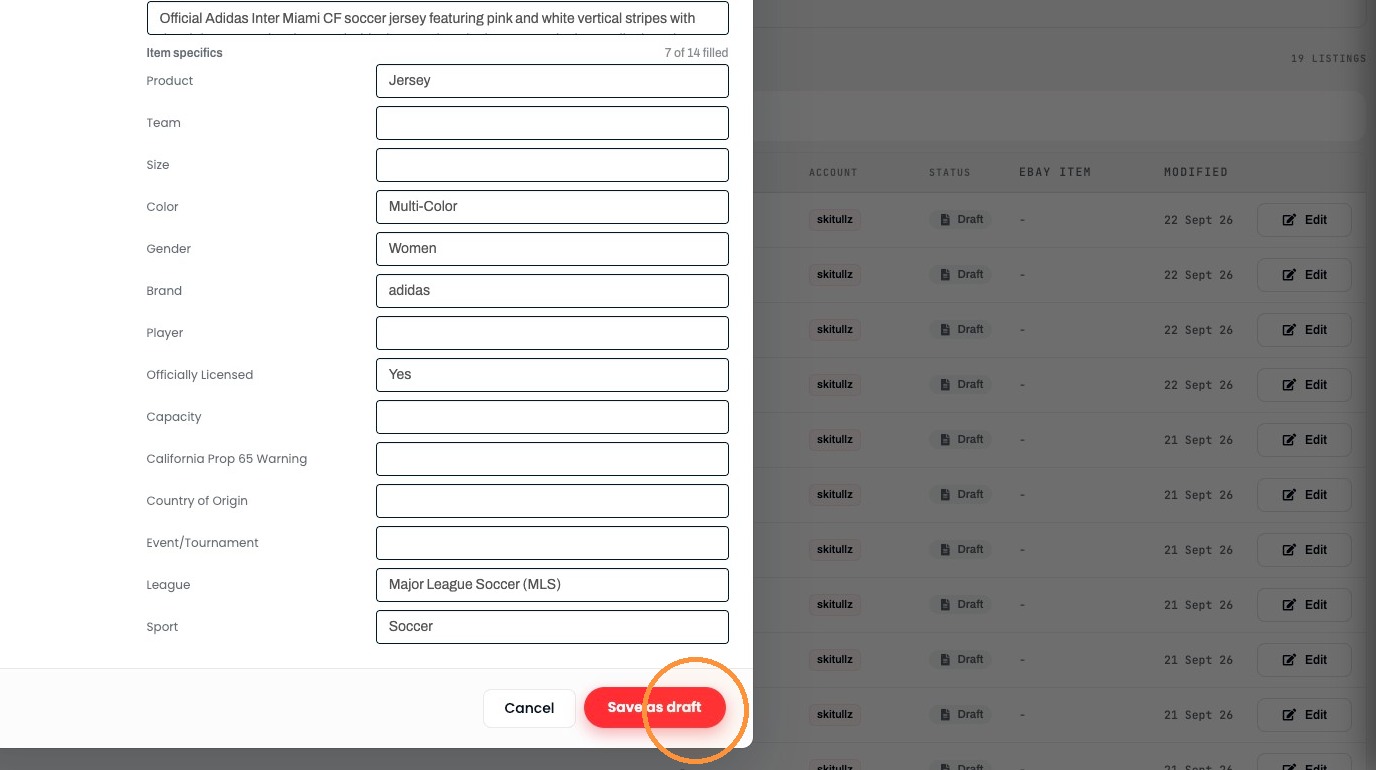
Save the Draft
10. Click "Save as draft"
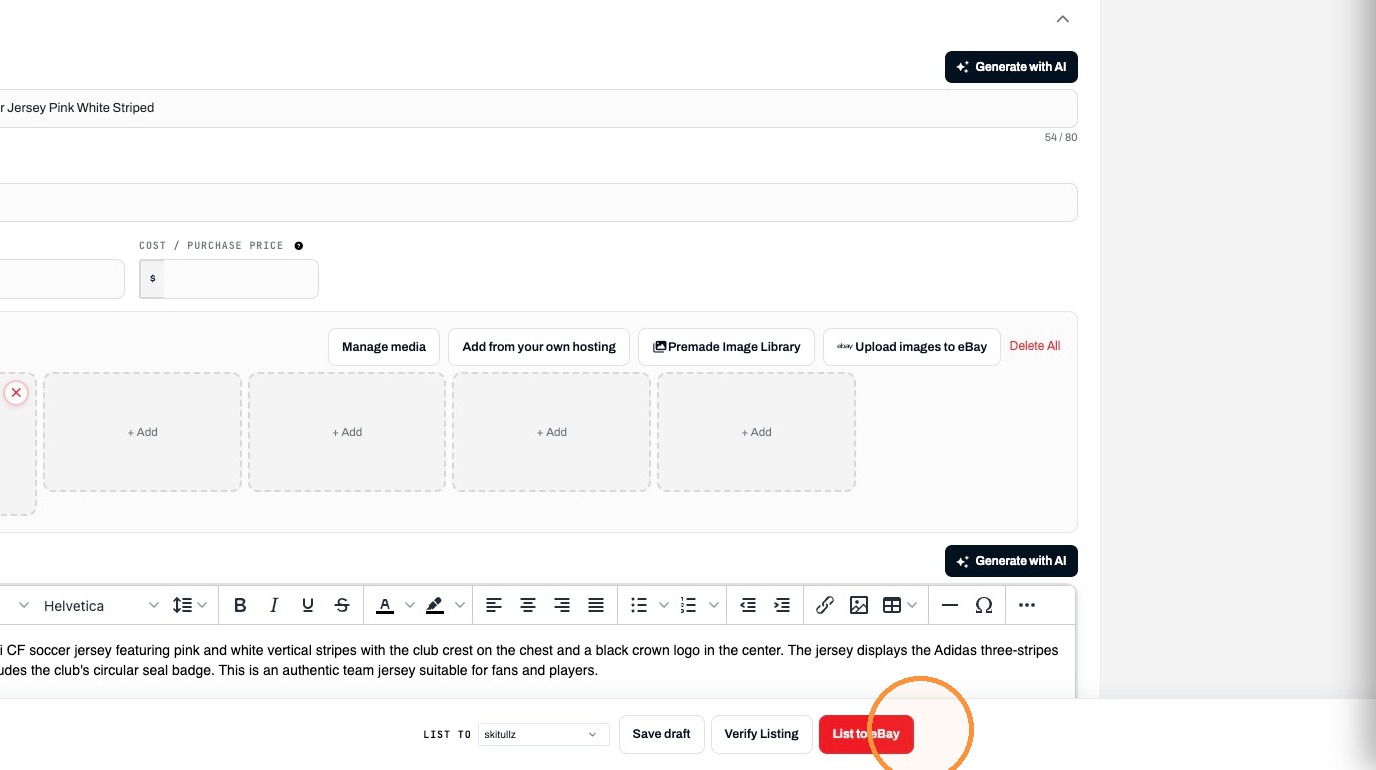
11. Click list to eBay to push this product up to eBay
Was this helpful?
RELATED ARTICLES
How to create and List Items on eBay via Frooitions manual listing method
Create listings via Frooitions manual listing tool
1 MIN
How to Bulk Revise eBay Listings Using Frooition
How to use Bulk revision within Frooition
1 MIN
How to Create a New eBay Listing Using Frooitions Quick List
Speed up your listing process to eBay with the use of quick list
1 MIN