How to use the Price Comparison tool
Open this page in Frooition /ebay/reports/dashboard/actions.php?filter=7Learn how to efficiently monitor and adjust your item prices using the Frooition dashboard. This guide walks you through the steps to check competitor pricing and update your listings to stay competitive in the marketplace.
1. Navigate to https://freedom.frooition.com/ebay/
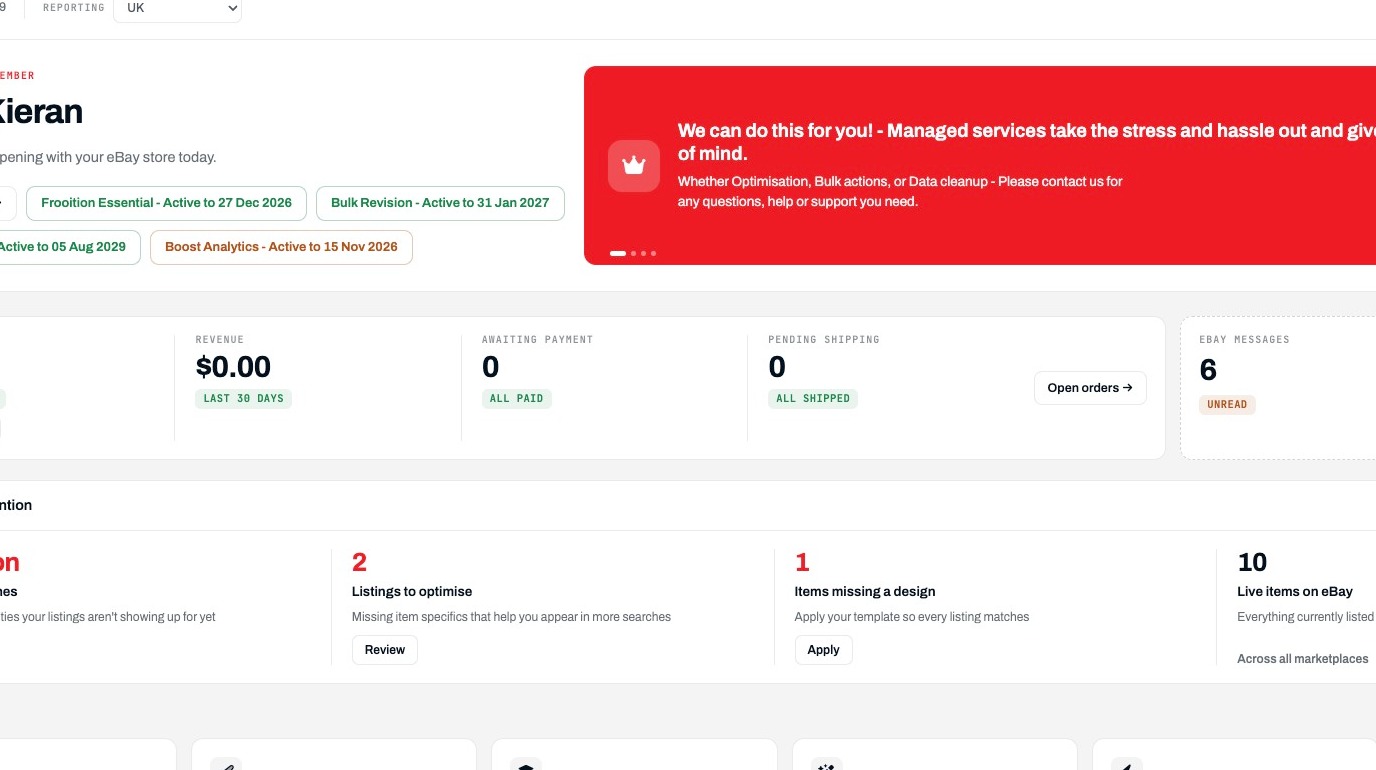
Price Comparison
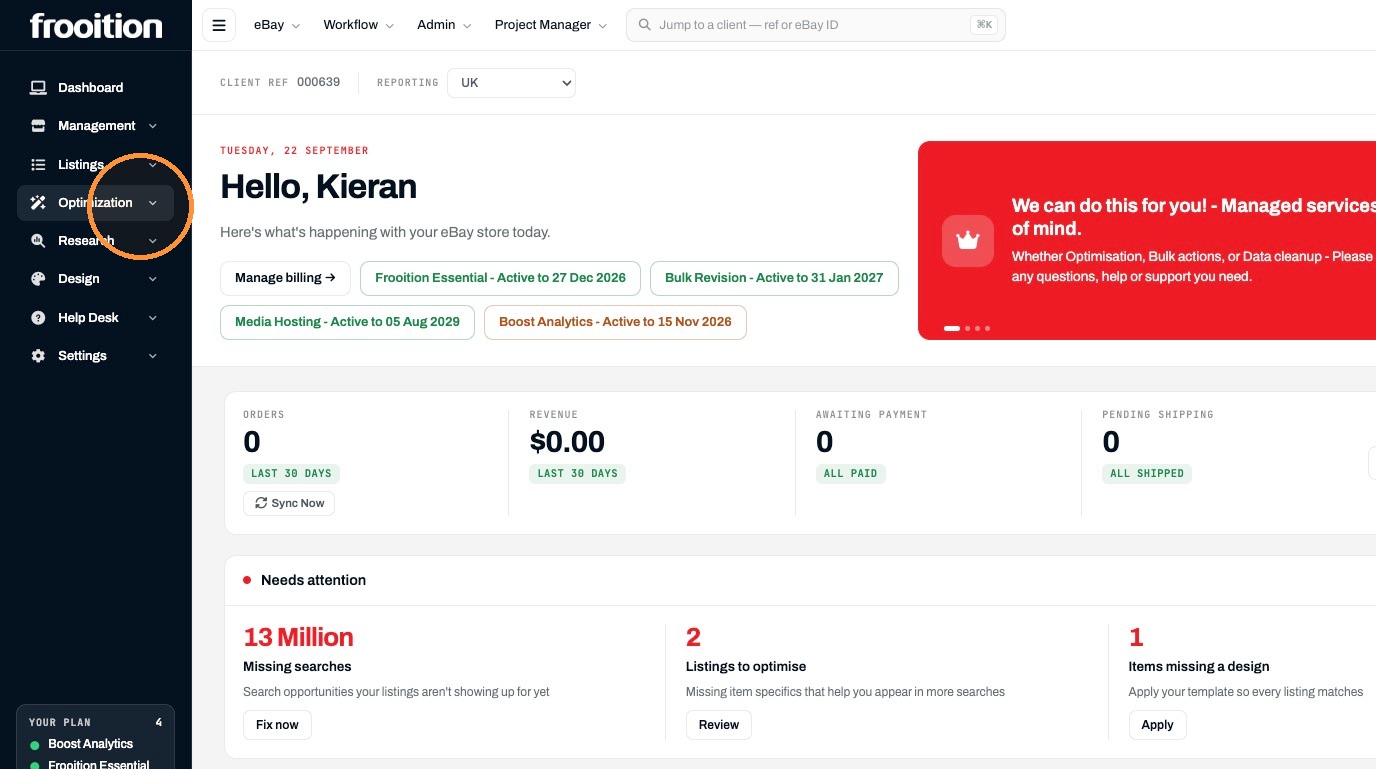
2. Click "Optimization"
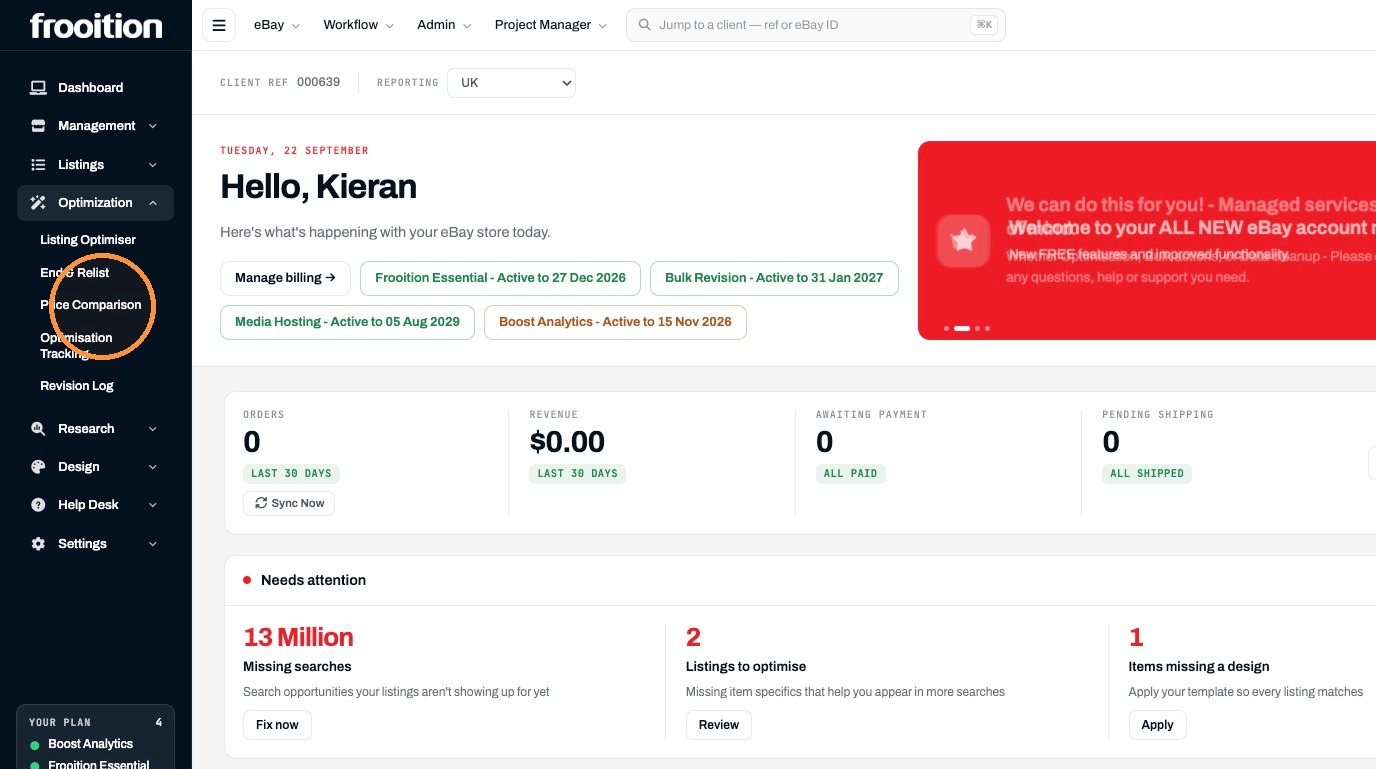
3. Click "Price Comparison"
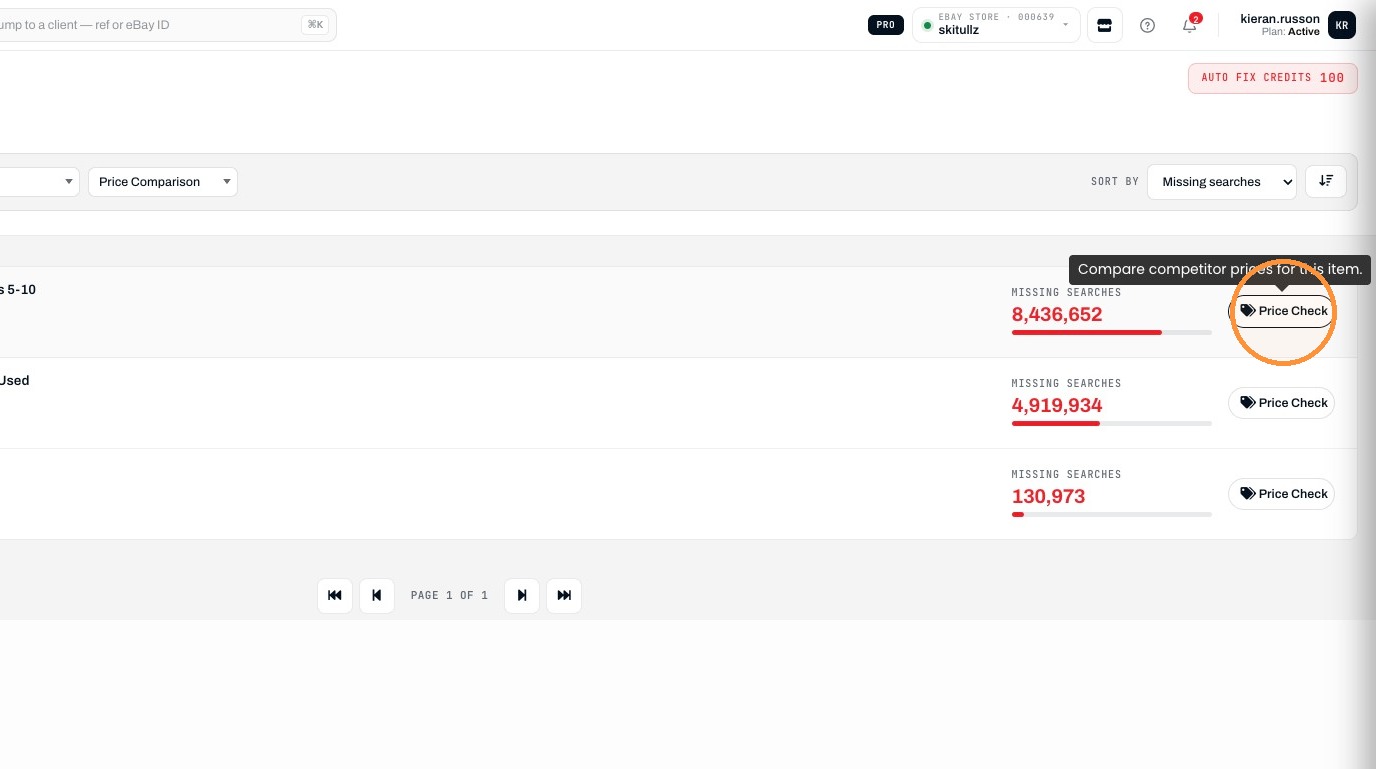
4. Click "Price Check"
Price Revision
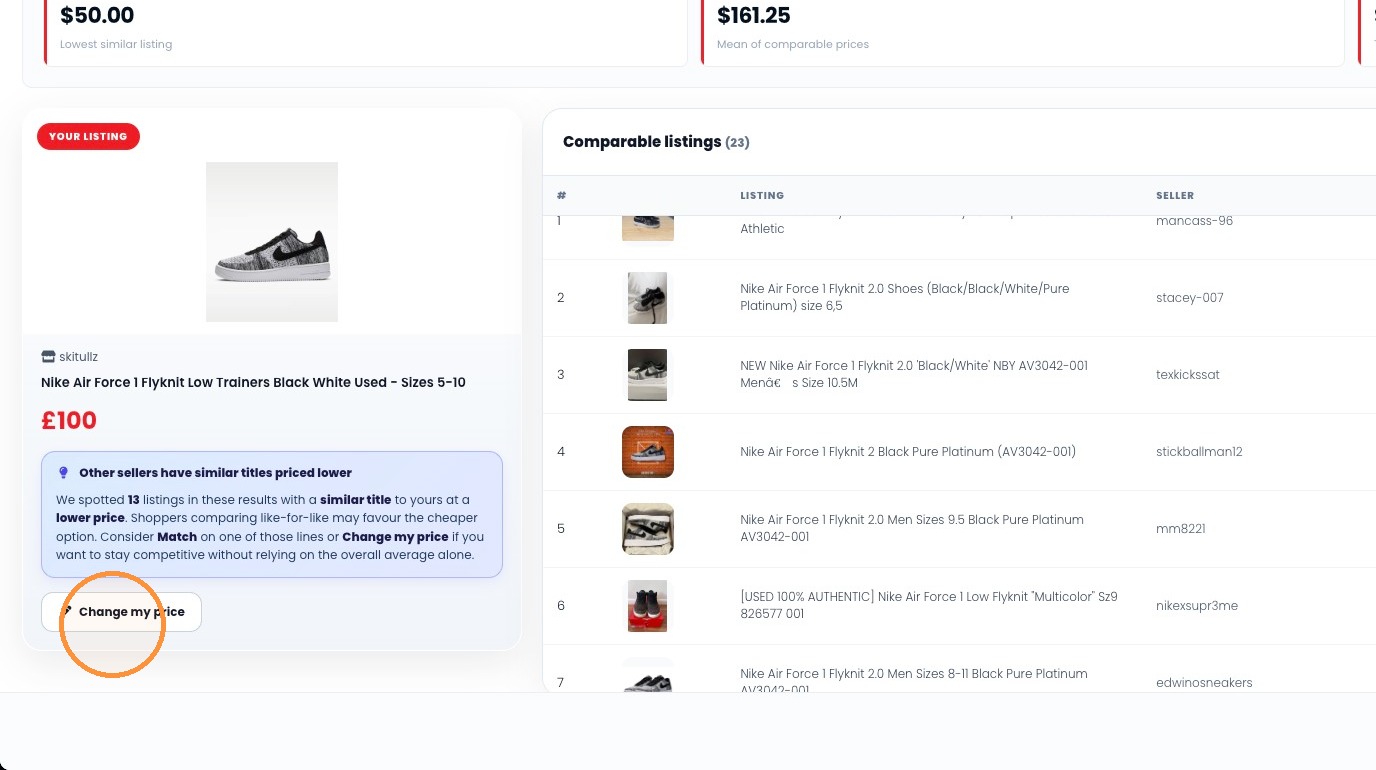
5. Click "Change my price"
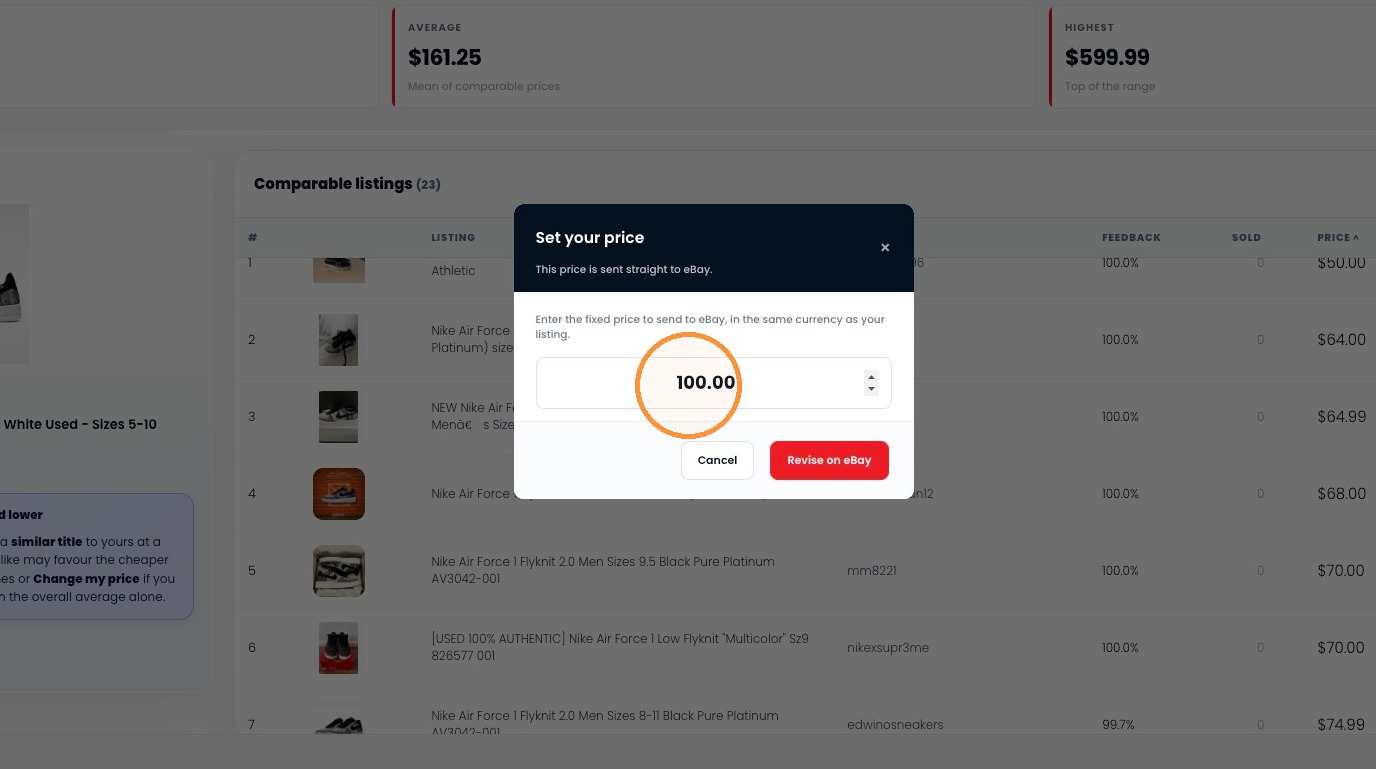
6. Enter 80 as the new price
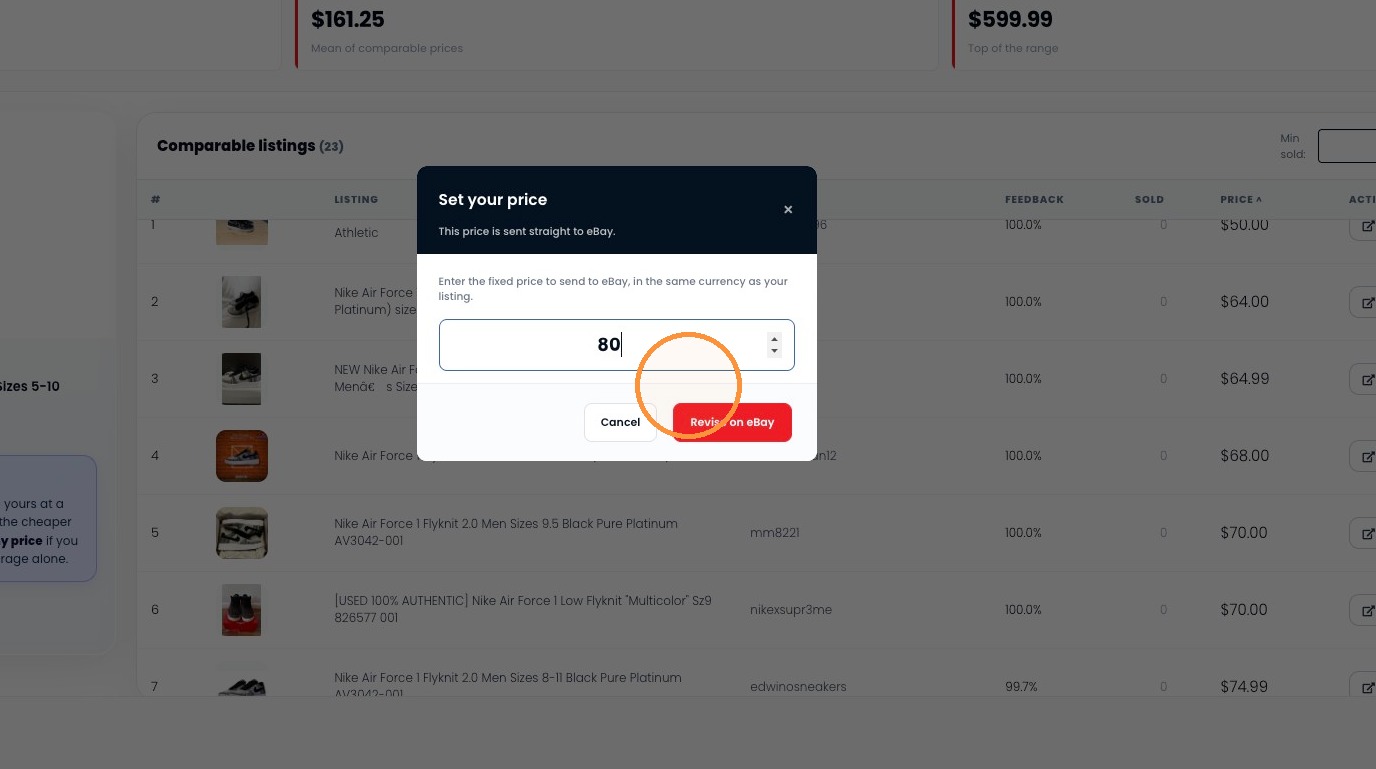
7. Click "Revise on eBay"
Was this helpful?