How to Optimize eBay Listings Using Frooition
Open this page in Frooition /ebay/reports/dashboard/actions.php?filter=1Improve your eBay sales performance by utilizing the Frooition listing optimizer tool to update product details. This guide walks you through the scanning and selection process to ensure your item specifications are accurate and professional.
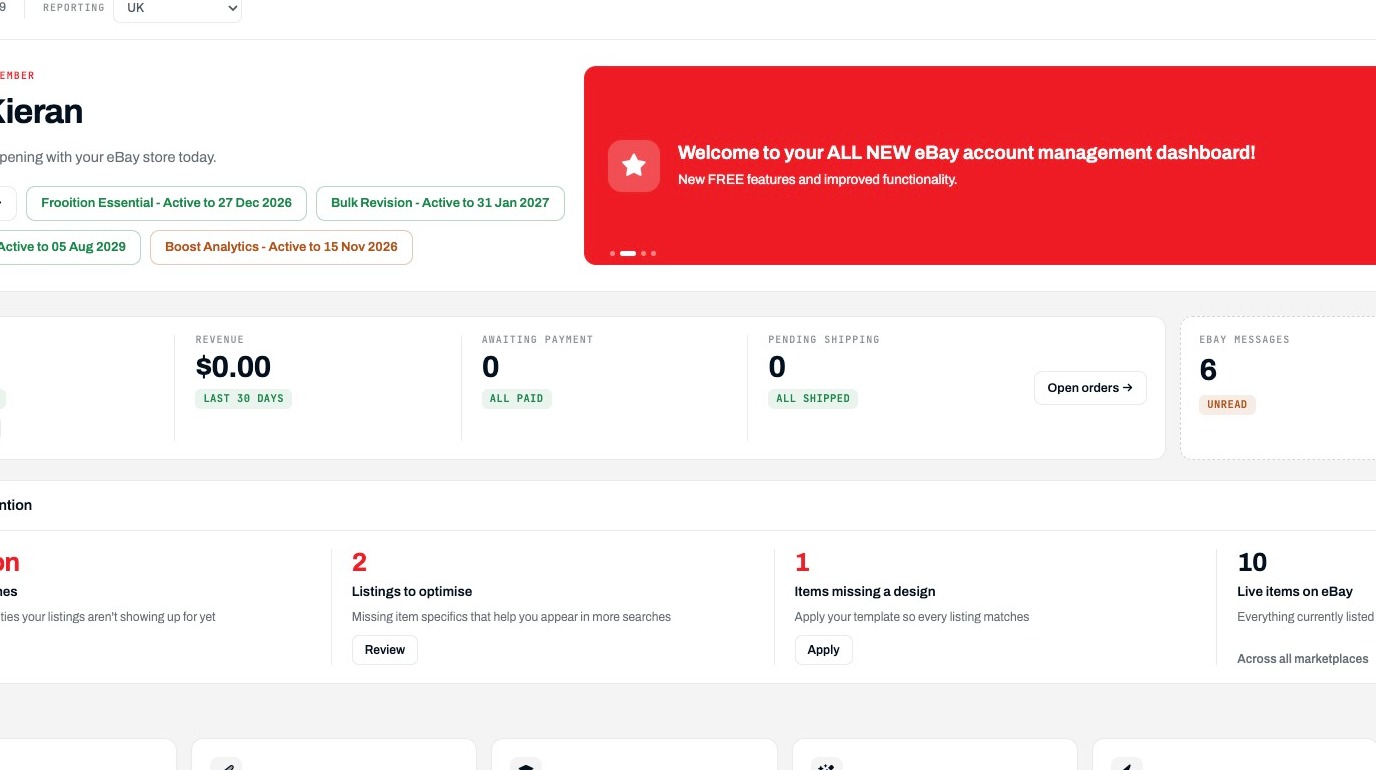
1. Navigate to https://freedom.frooition.com/ebay/
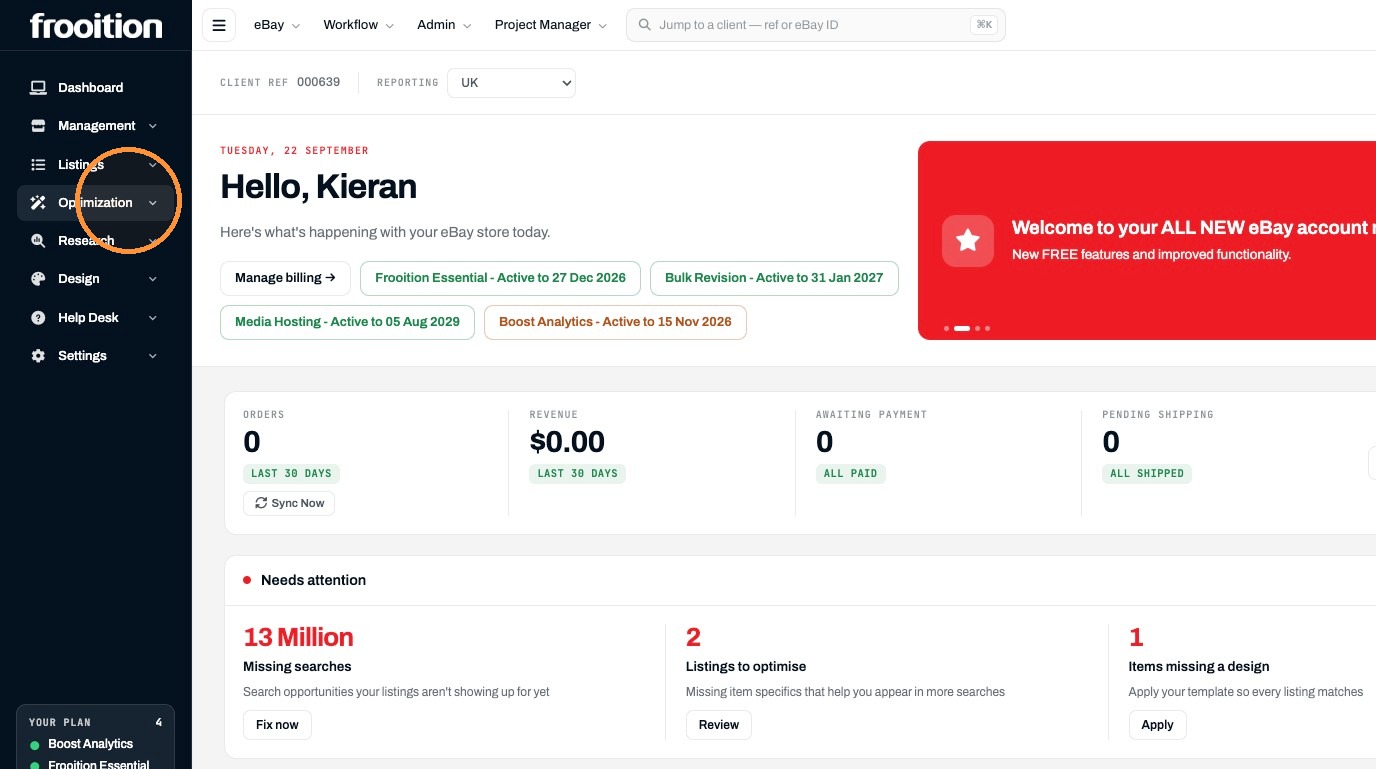
2. Click "Optimization"
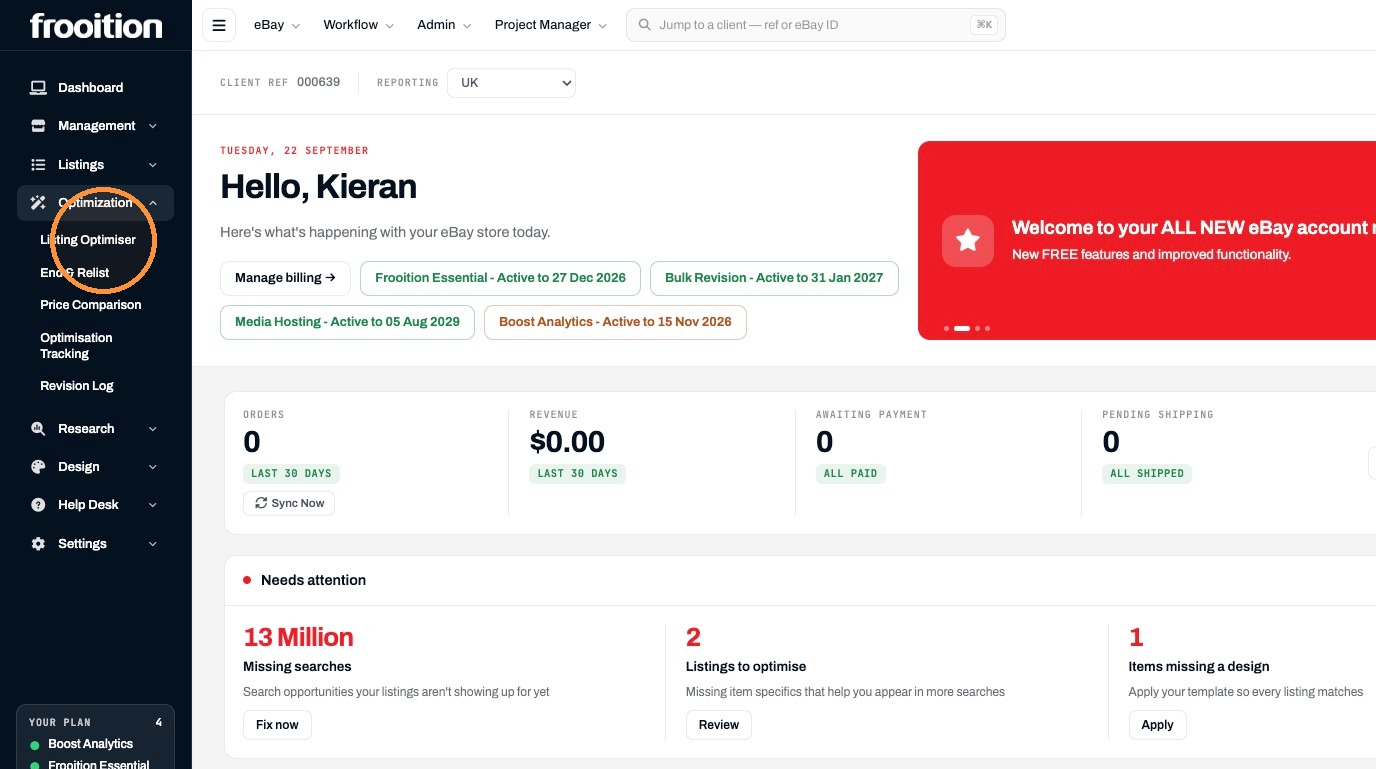
3. Click "Listing Optimiser"
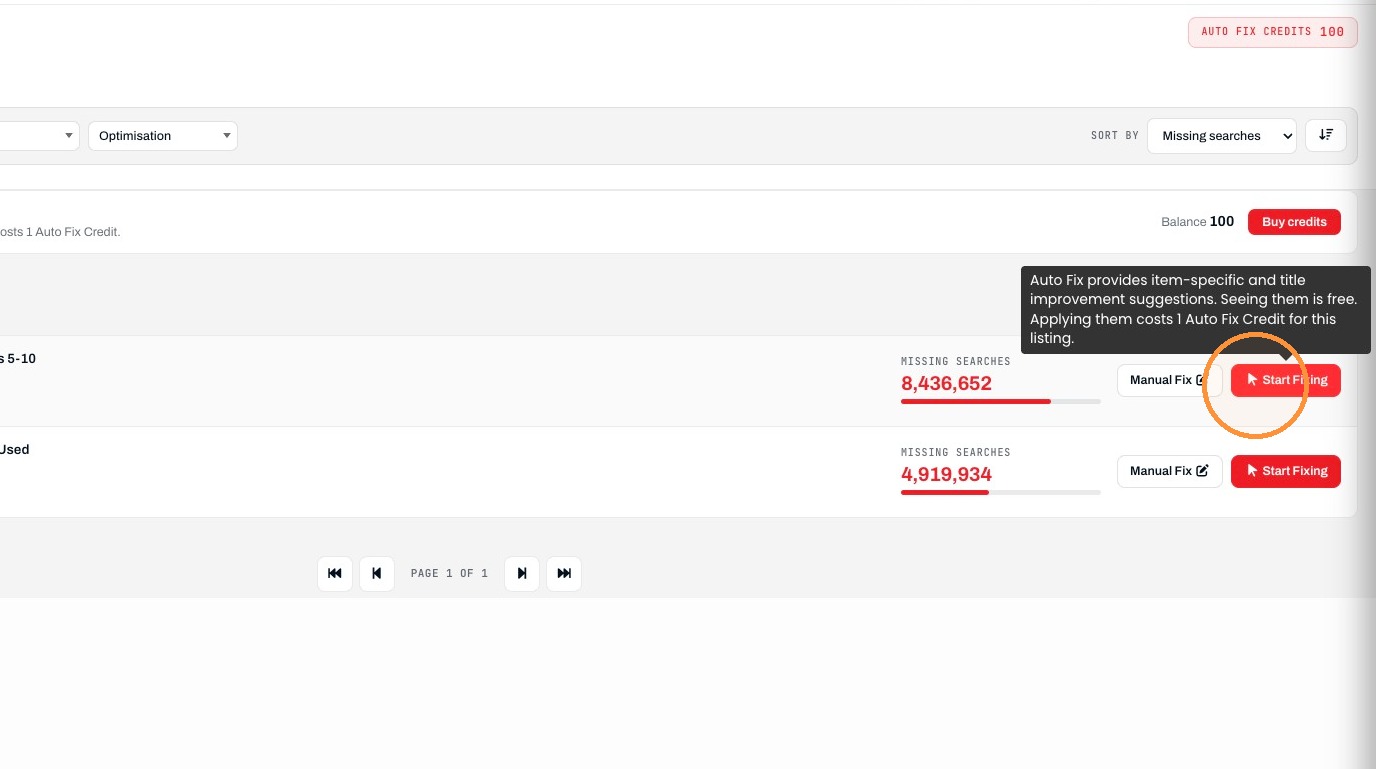
4. Click the first listing's "Start Fixing" button.
5. Click the Model field.
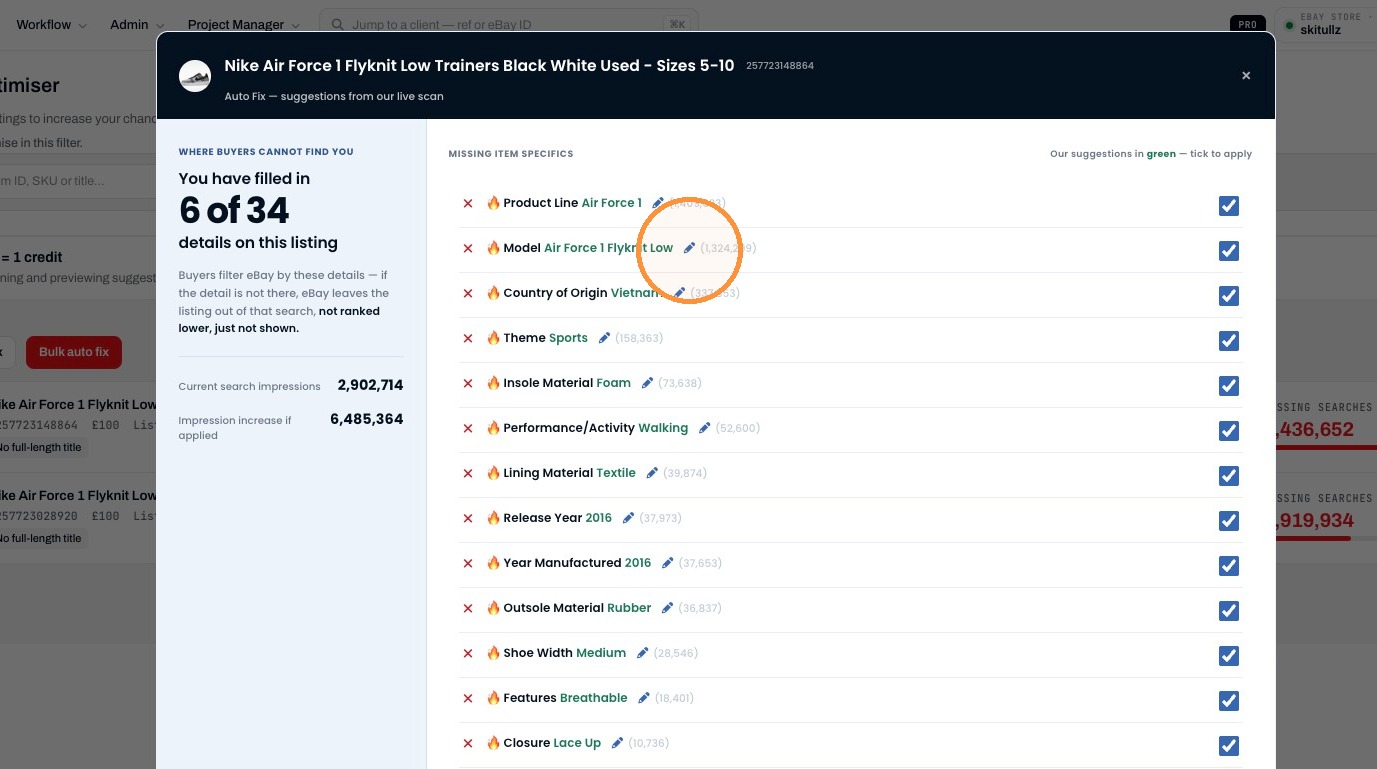
6. Click "🔥 Model 13755 available values - Click to select or type your ownA Bathing Ape 1460A Bathing Ape AAPEA Bathing Ape A Bathing Ape STA LowA Bathi..."
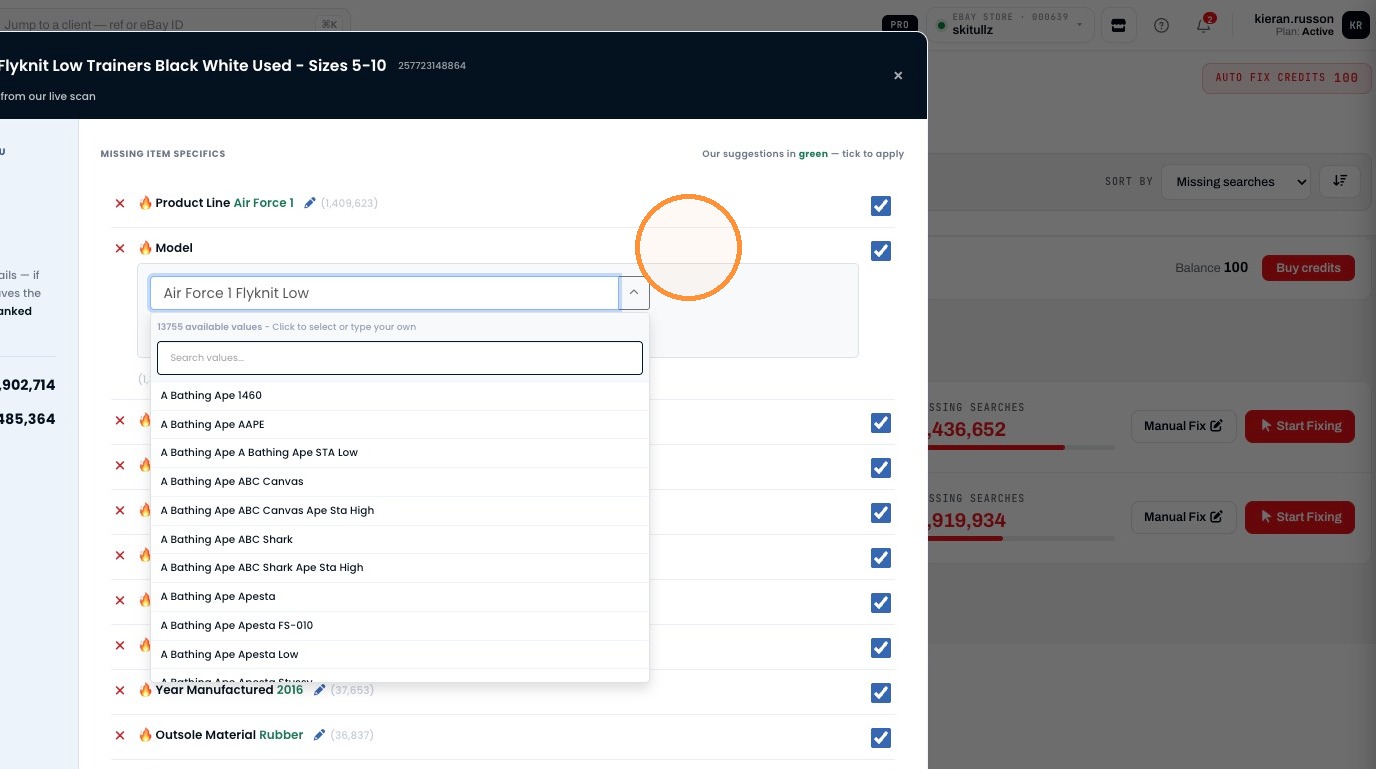
7. Click "Save"
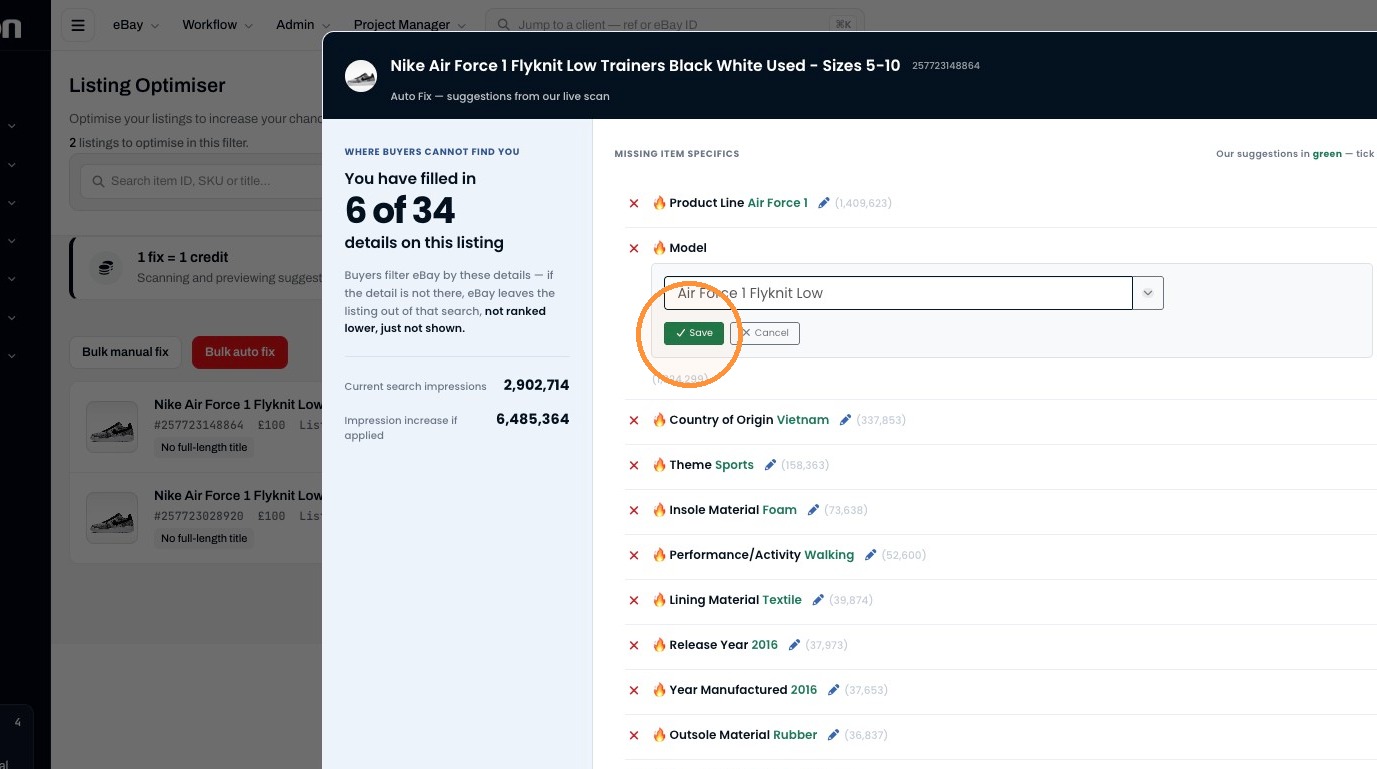
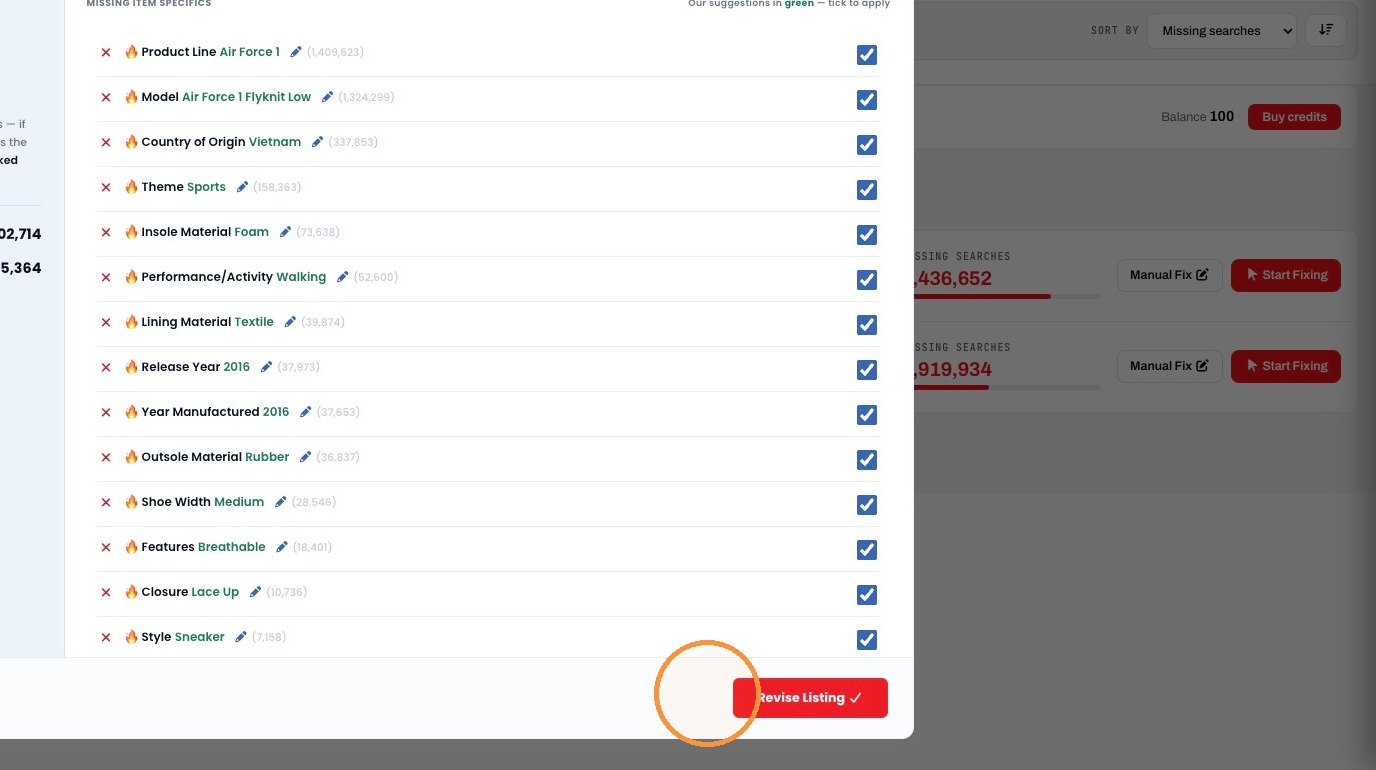
8. Click "Revise Listing"
Was this helpful?