Importing Listings Into Frooition From CSV
Learn how to efficiently move your product listings into Frooition using a CSV file. This process allows you to quickly transform existing data into editable drafts for easy restyling and publishing.
1. Navigate to https://freedom.frooition.com/ebaytools/import_listings/
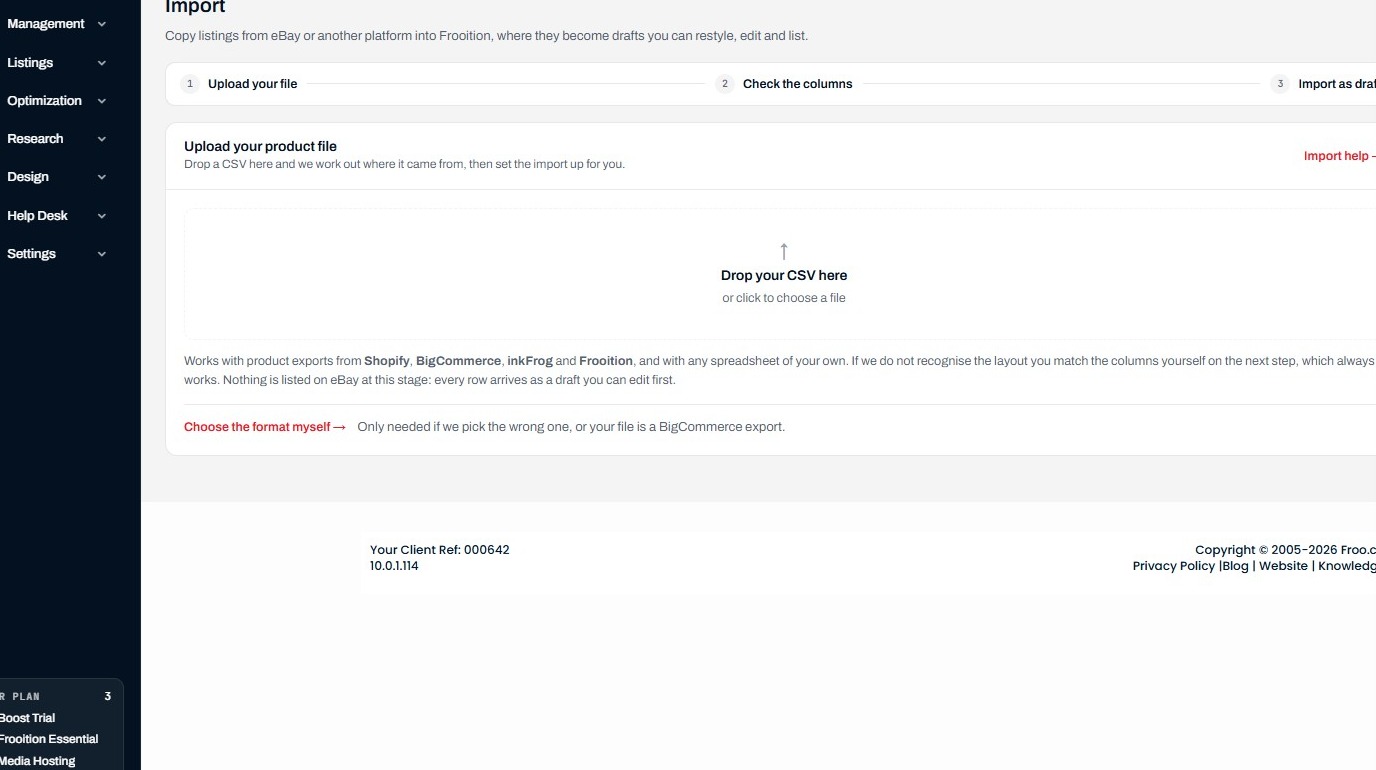
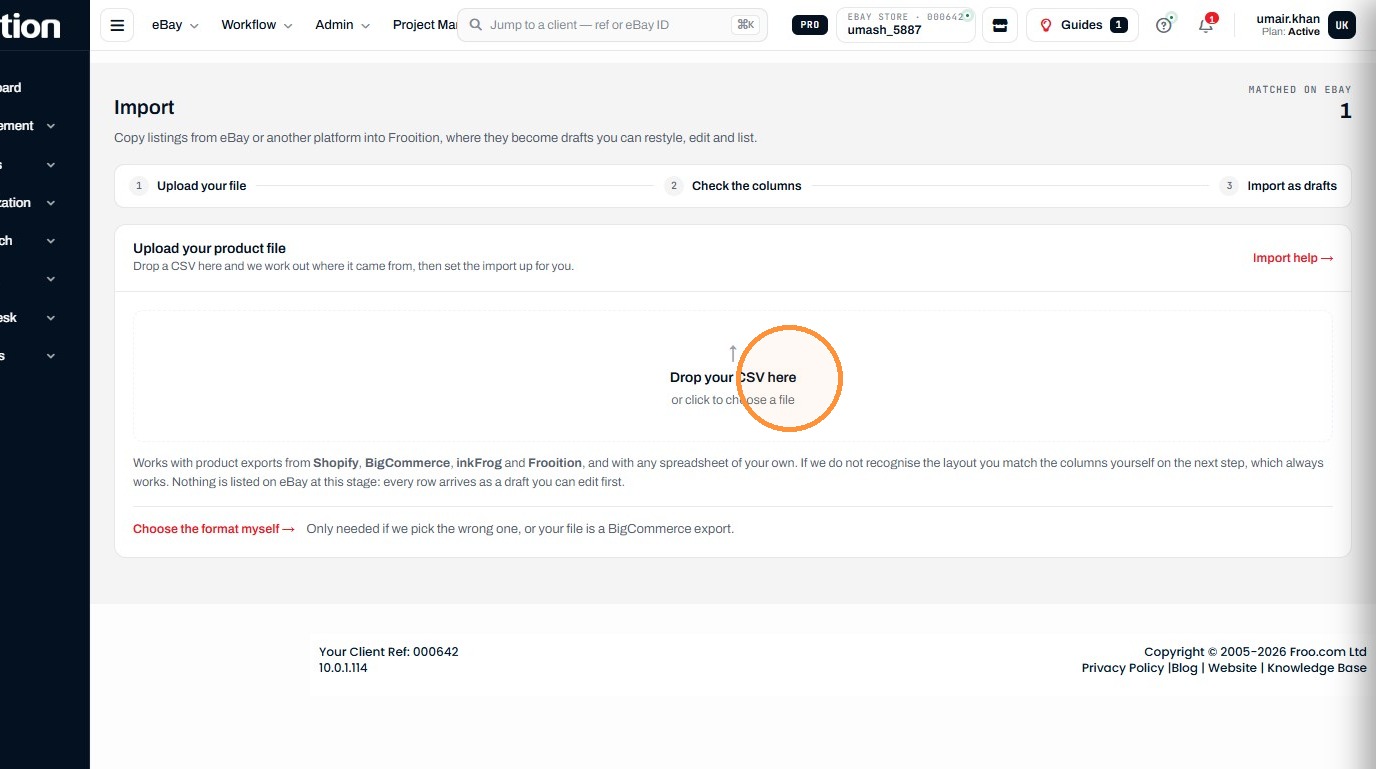
2. Click the CSV upload field to choose a file.
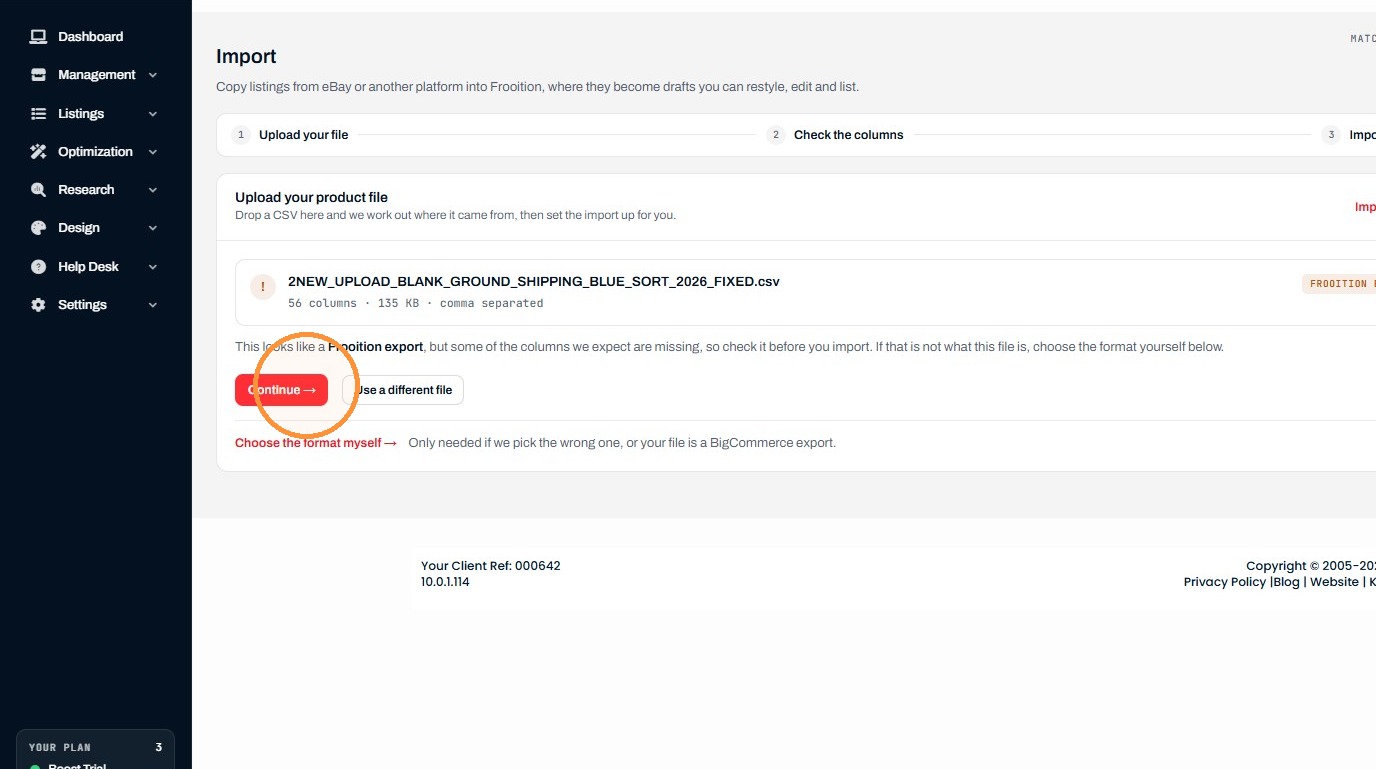
3. Click "Continue →"
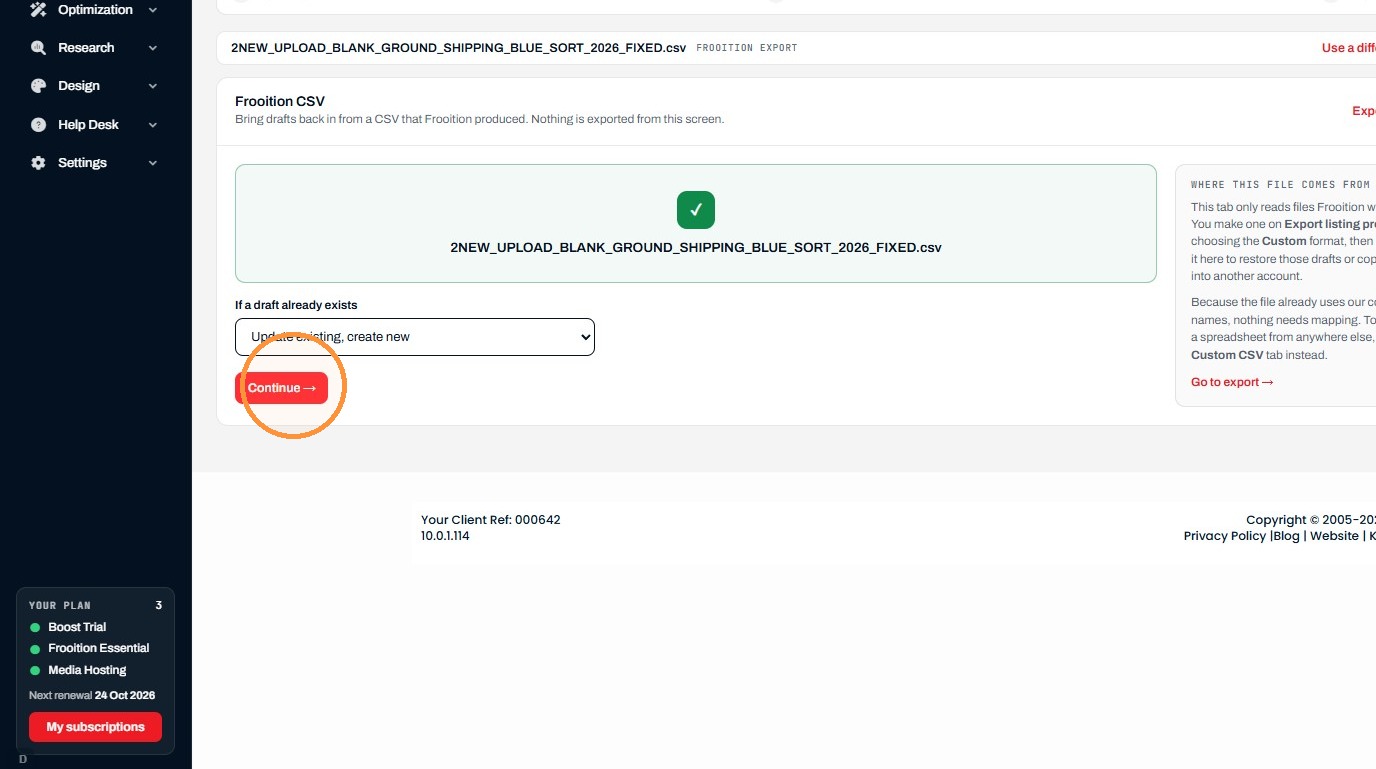
4. Click "Continue →"
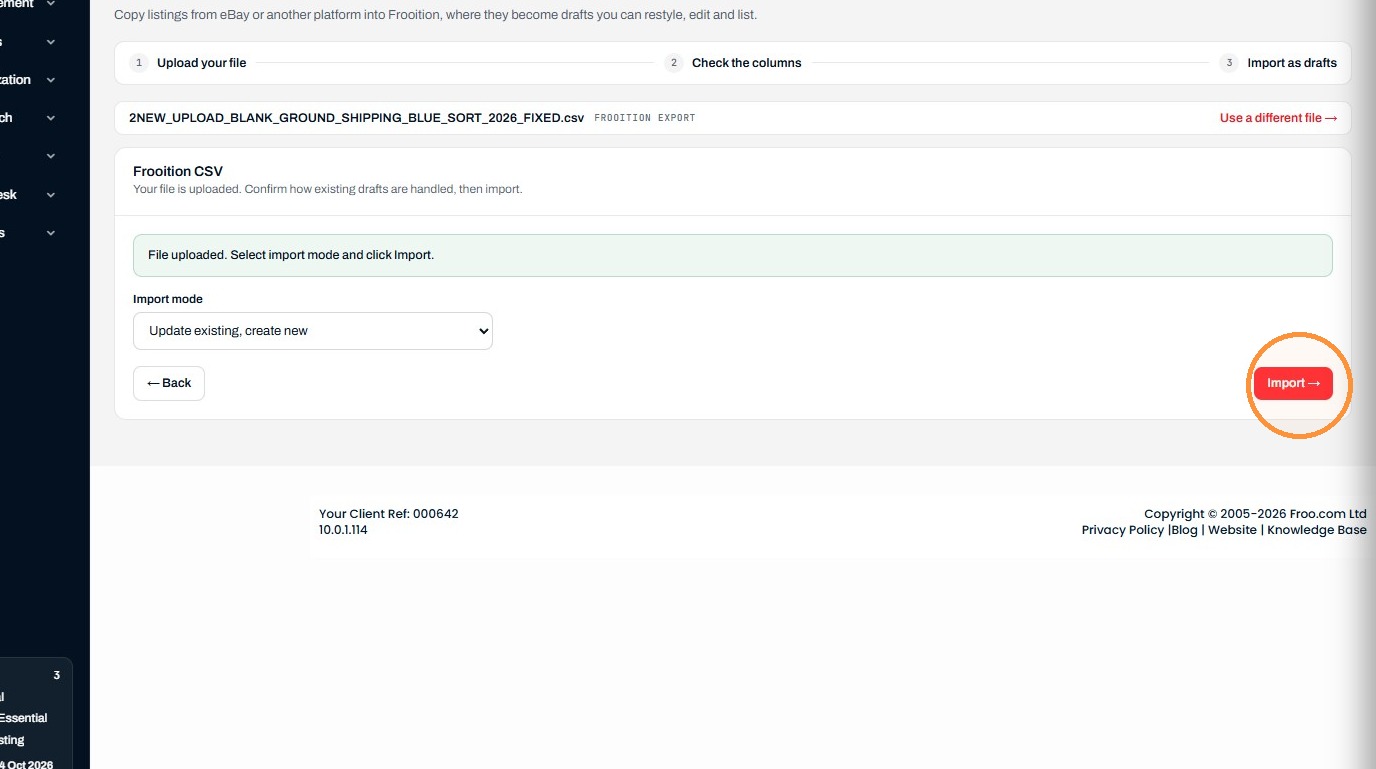
5. Click "Import →"
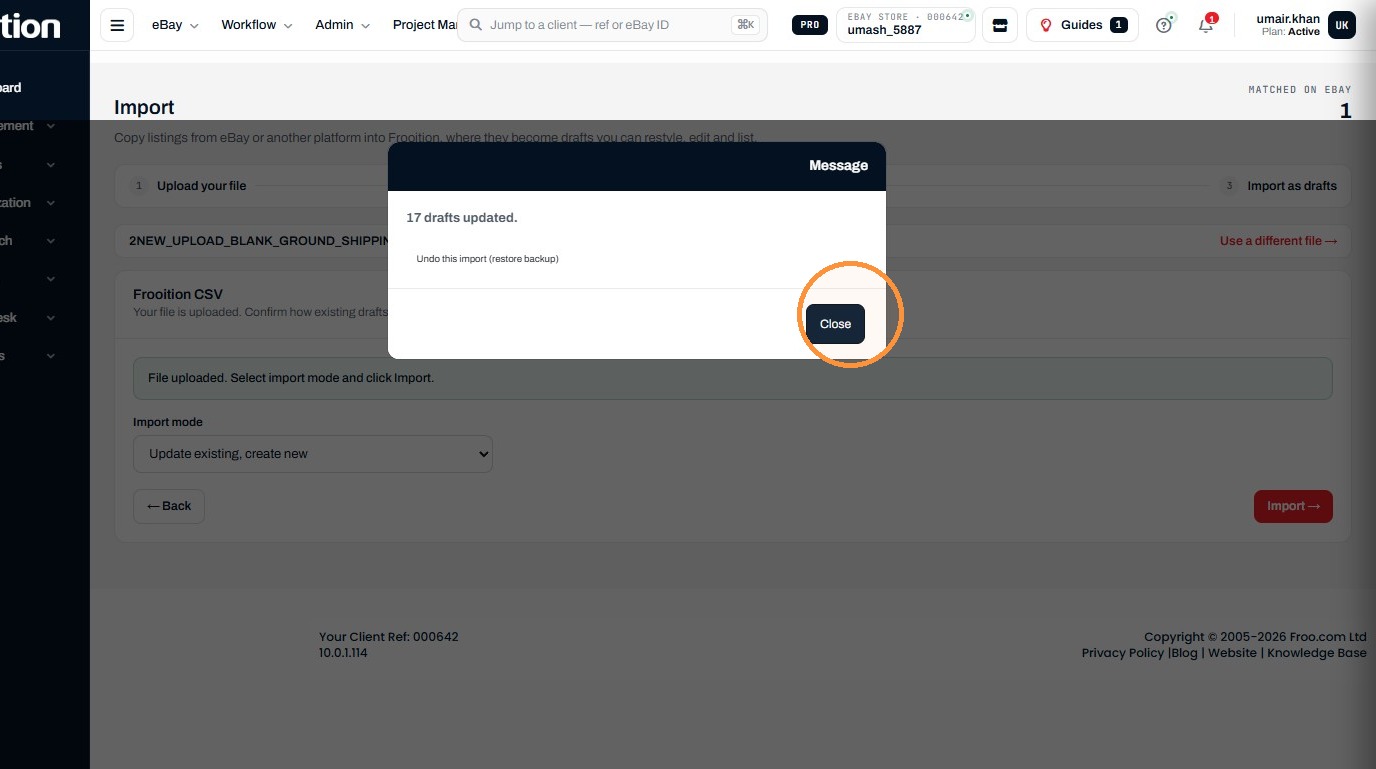
6. Click "Close"
Was this helpful?