How to Upload Media in Frooition
Open this page in Frooition /hostingLearn how to manage your media assets efficiently within the Frooition platform. This guide walks you through the simple process of uploading image files and retrieving their filenames for use in your eBay listings.
1. Navigate to https://freedom.frooition.com/ebay/
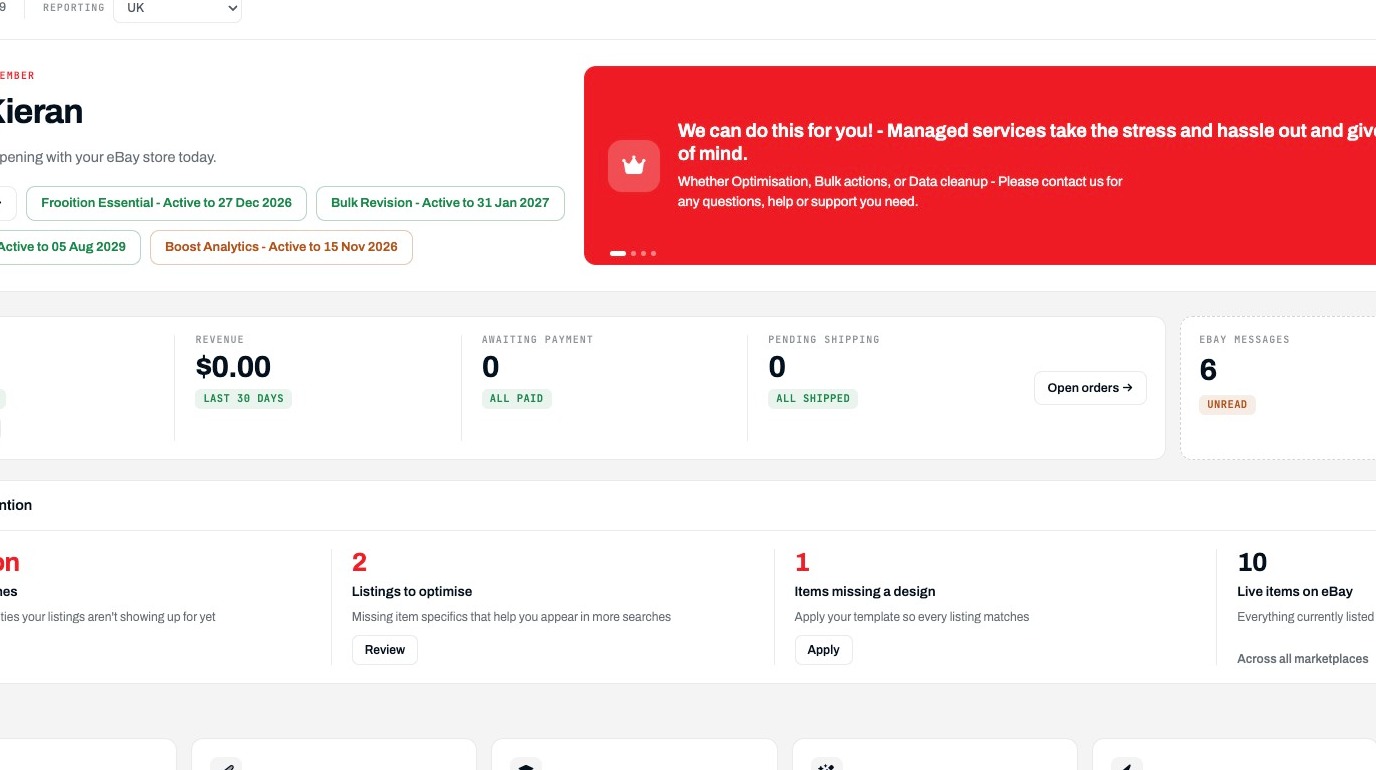
Open Media Hosting
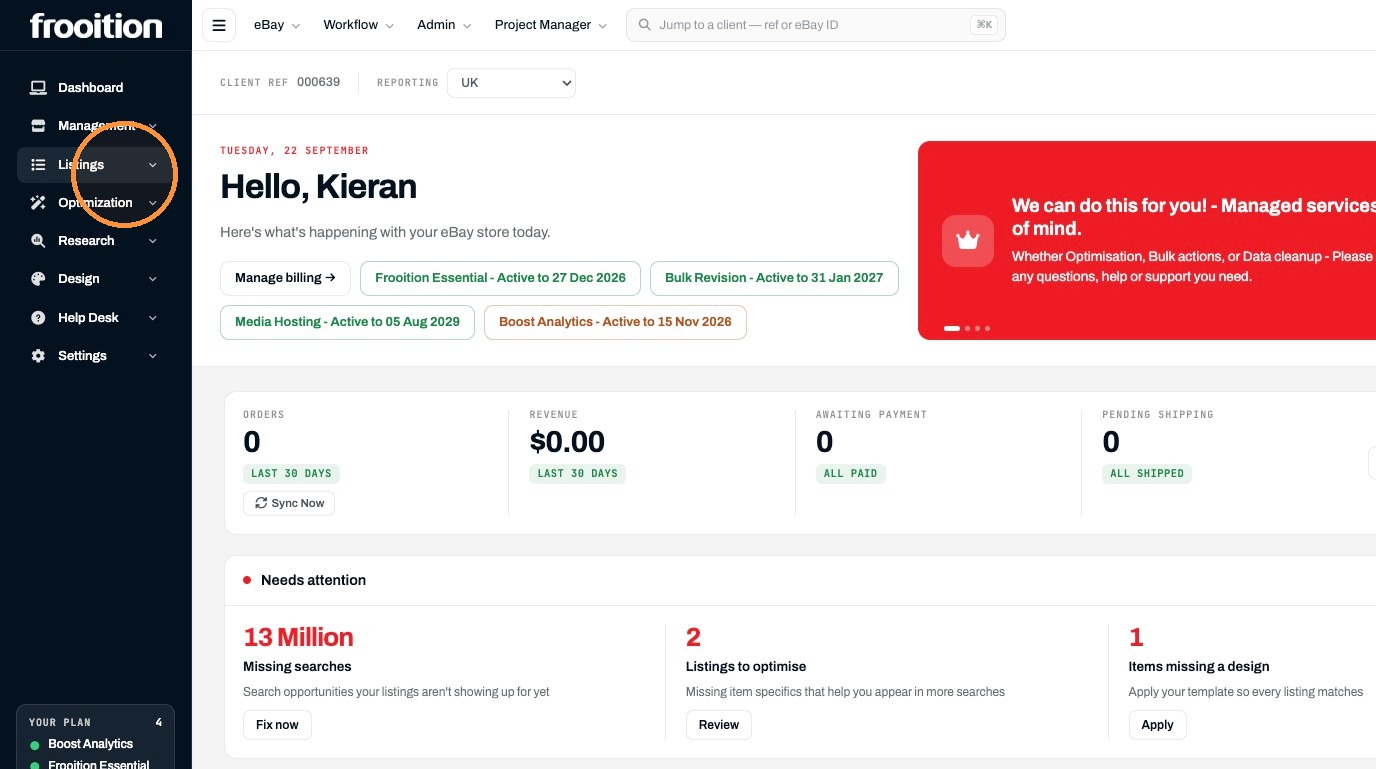
2. Click "Listings"
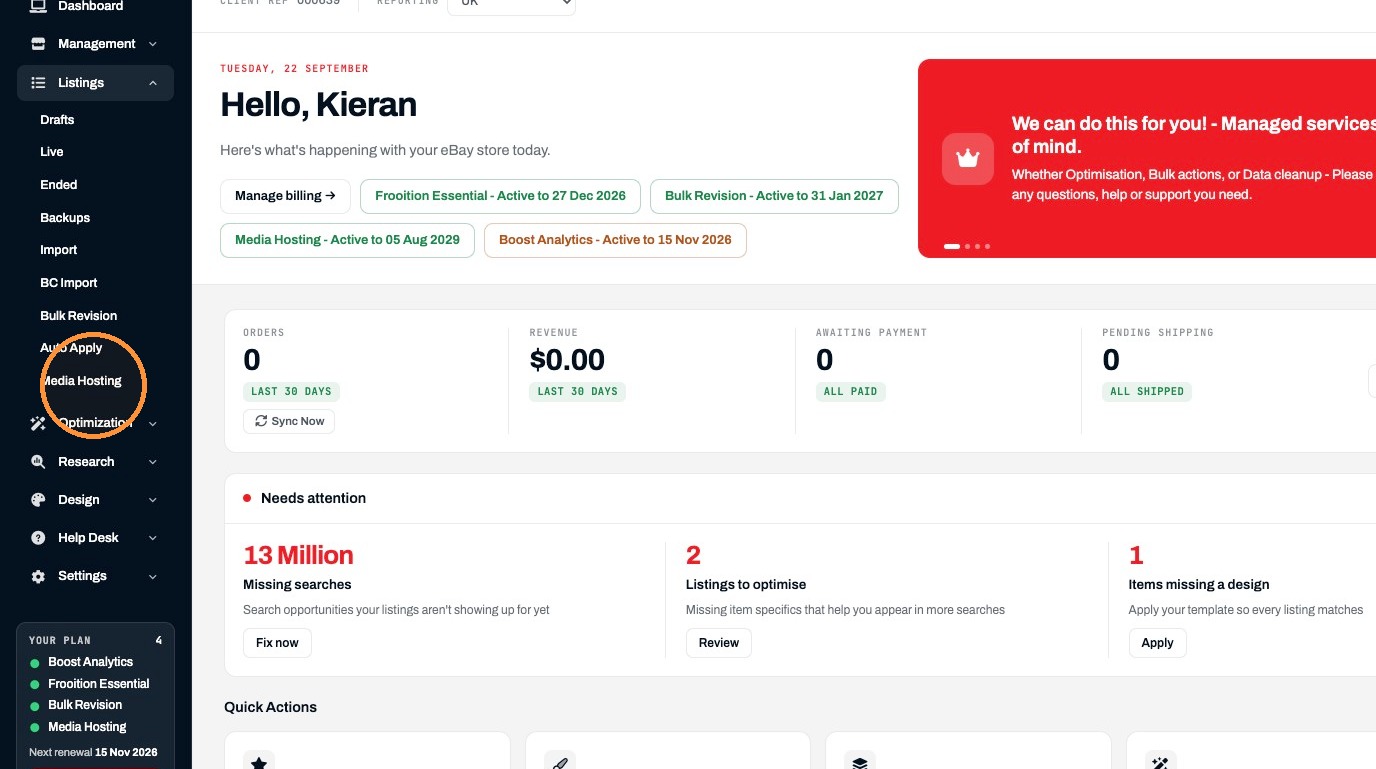
3. Click "Media Hosting"
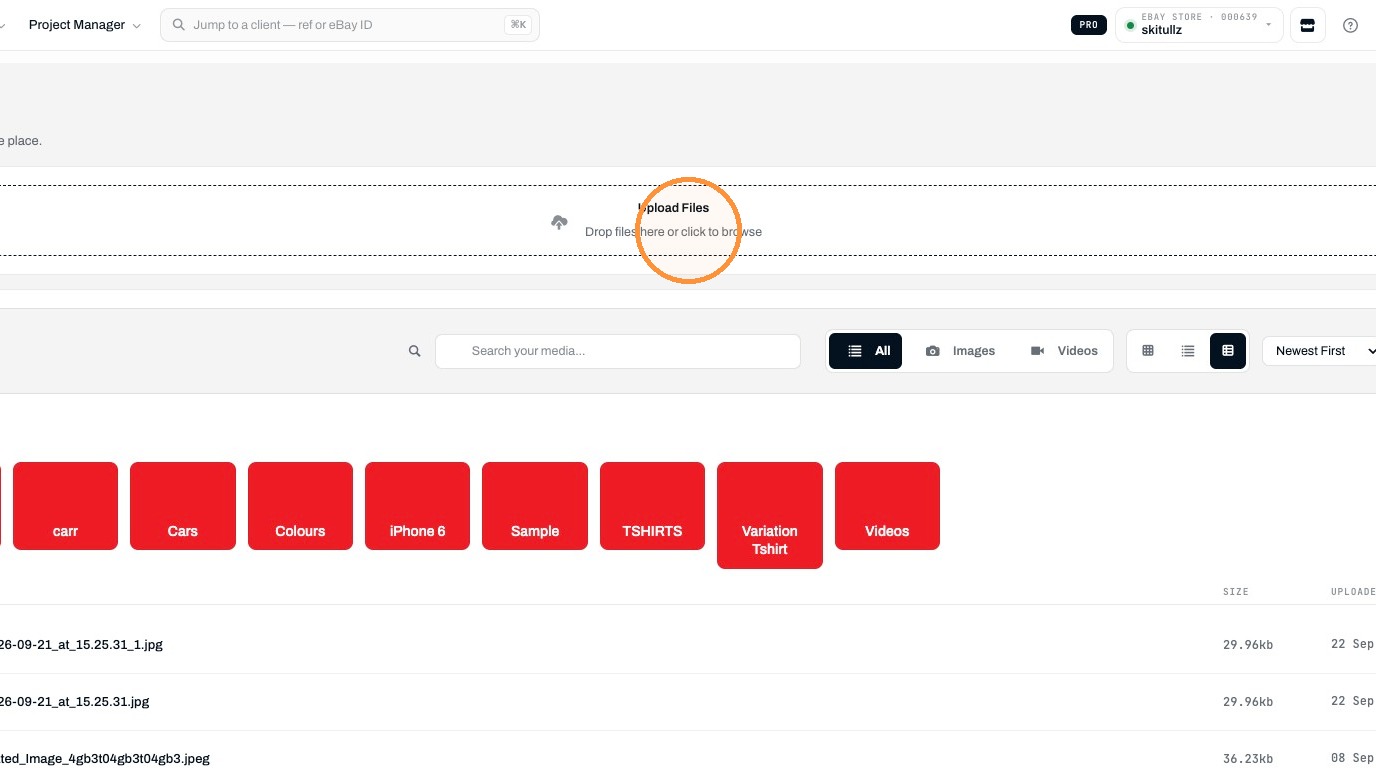
Upload Image
4. Click "Drop files here or click to browse"
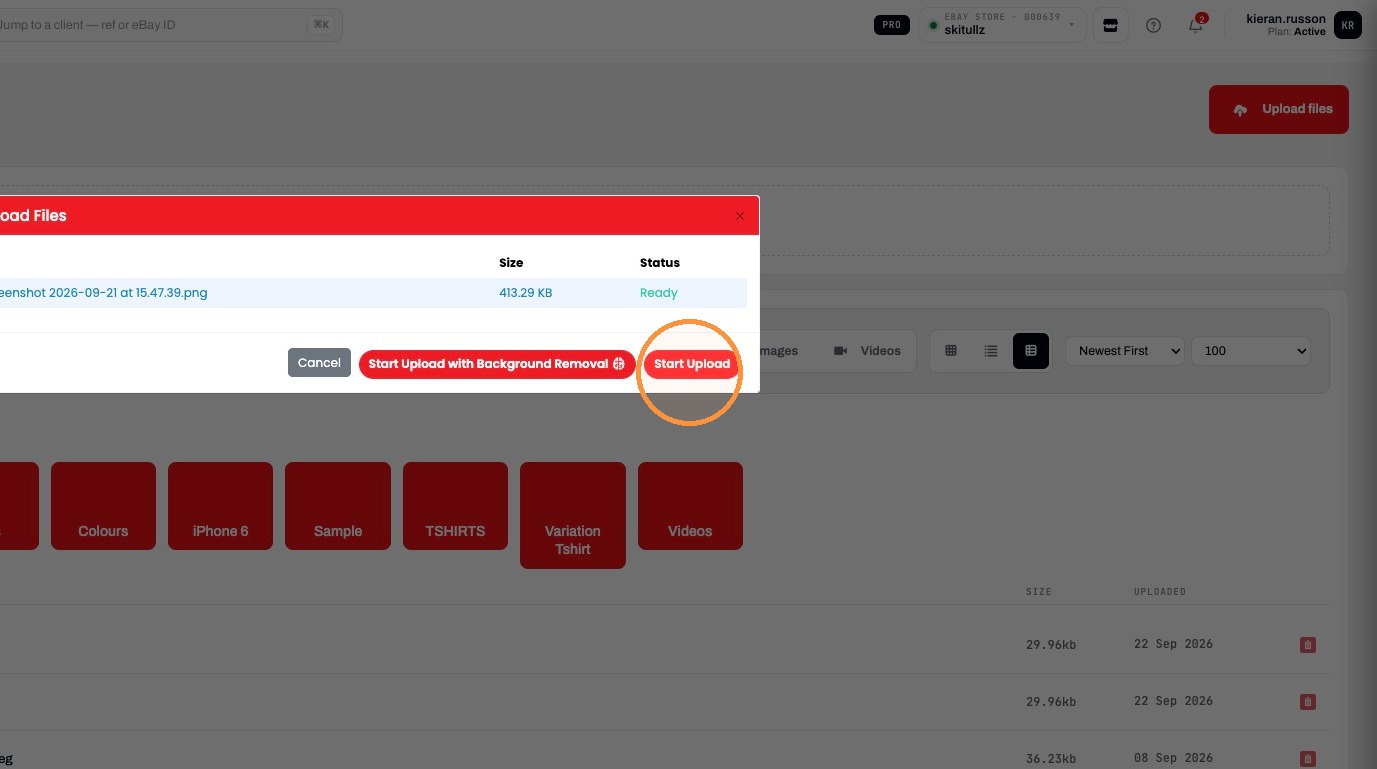
5. Click "Start Upload"
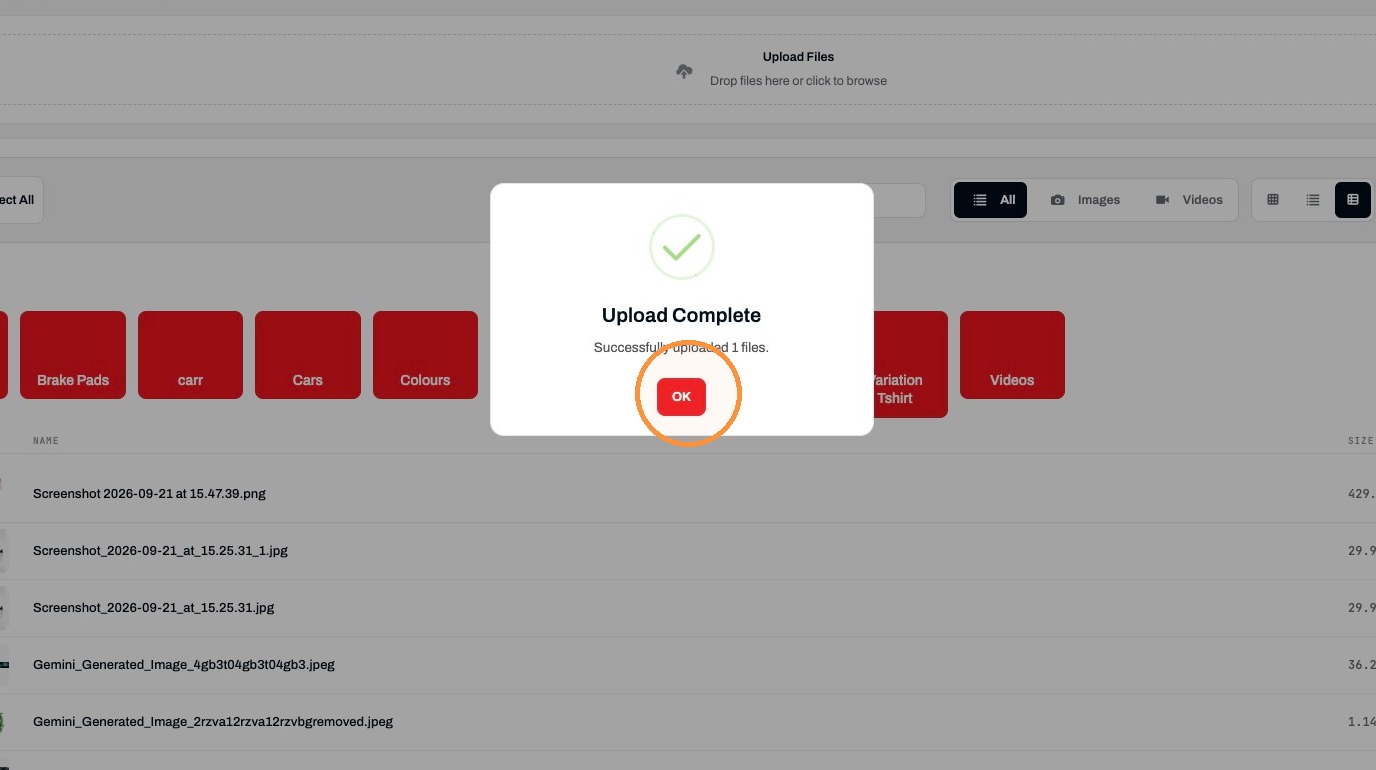
6. Click "OK"
Copy Image URL
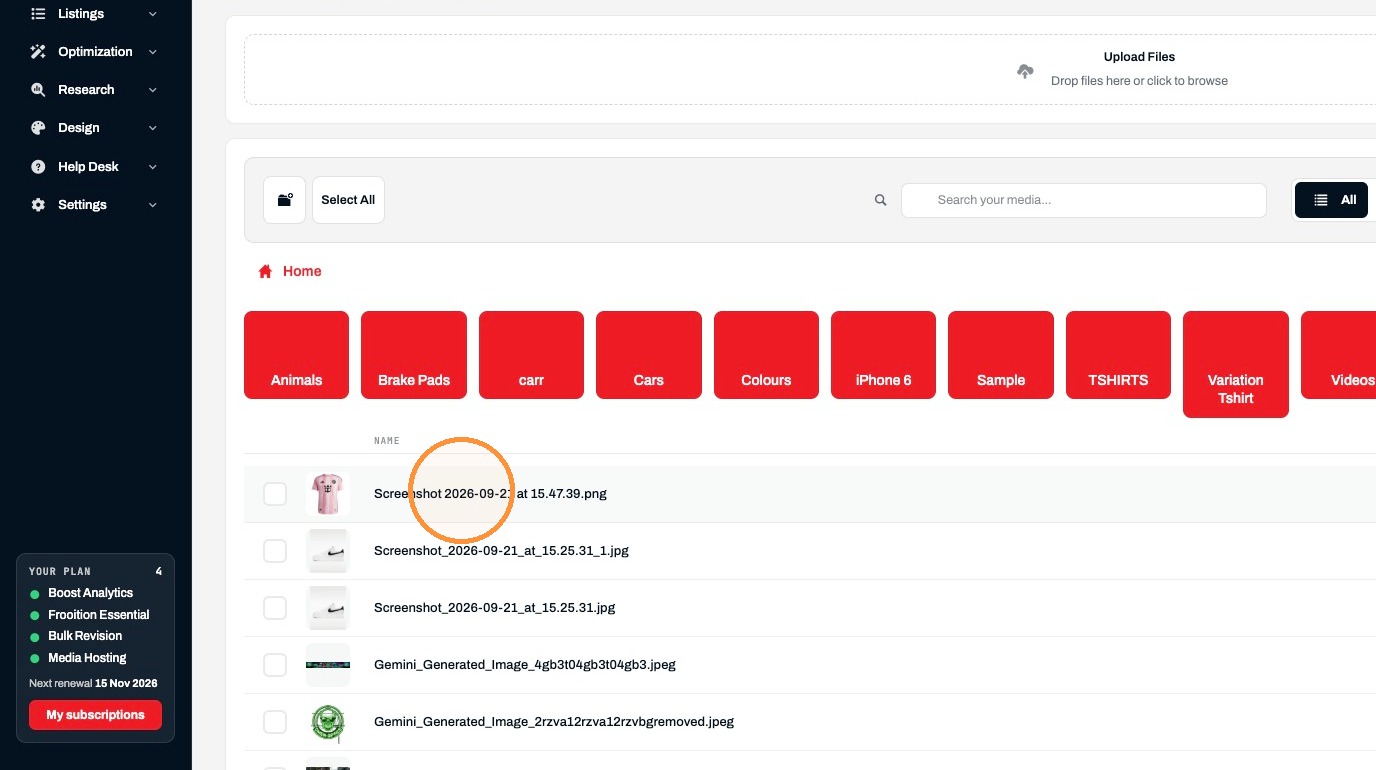
7. Click "Screenshot 2026-09-21 at 15.47.39.png"
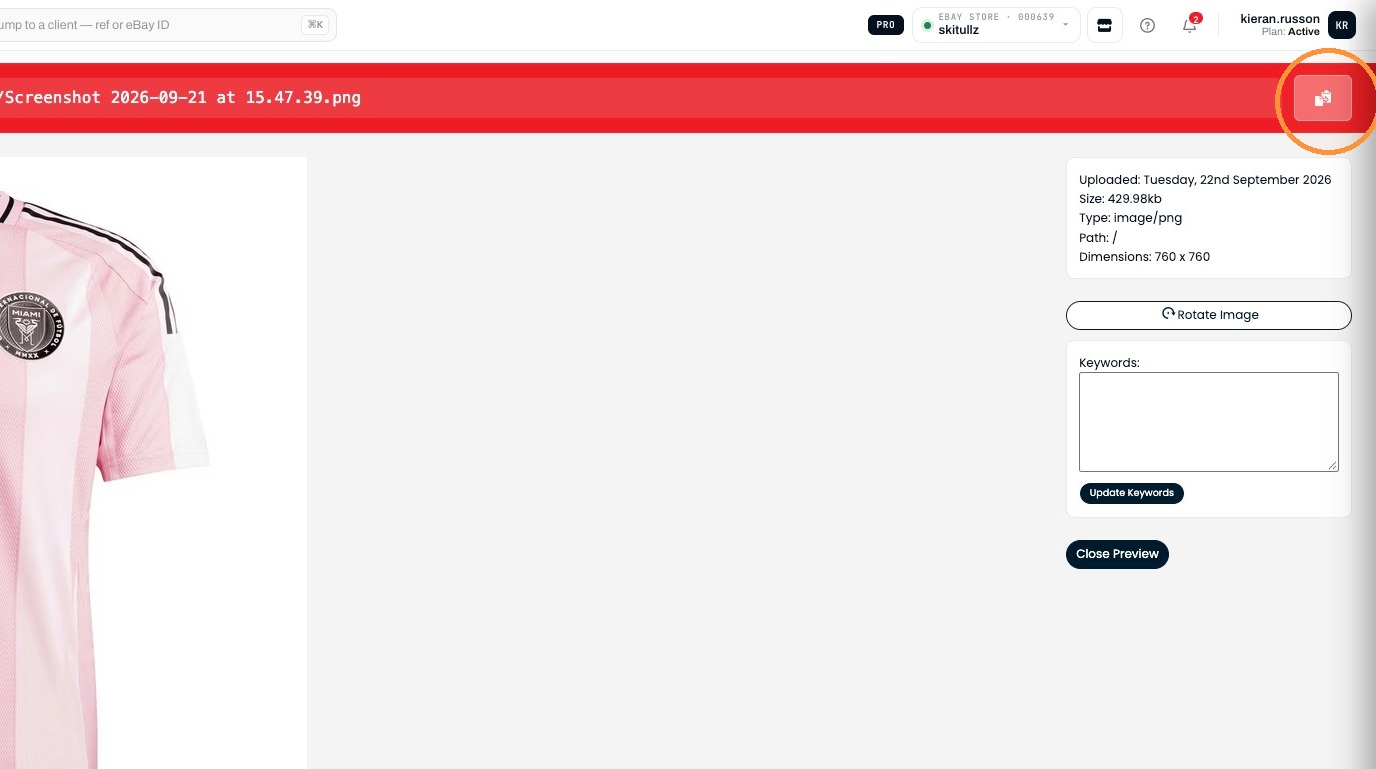
8. Click "Copy filename to clipboard"
Was this helpful?